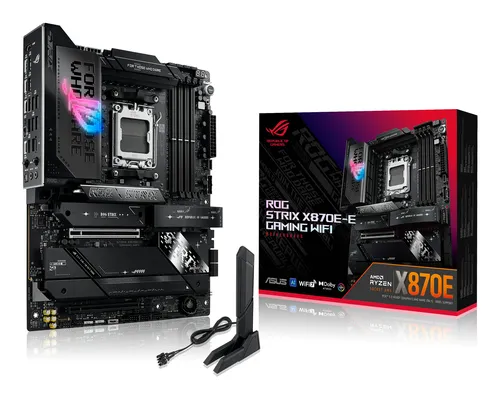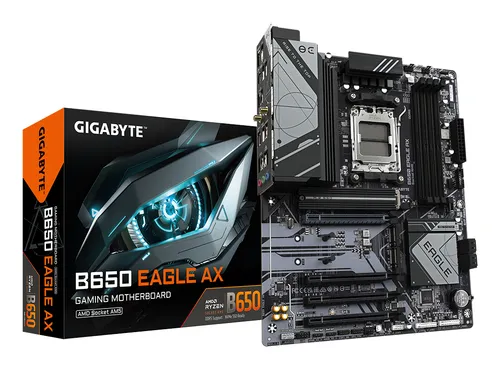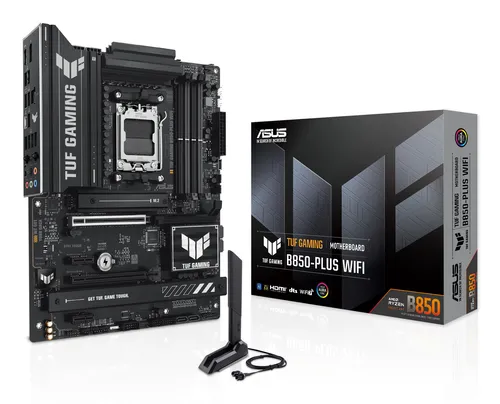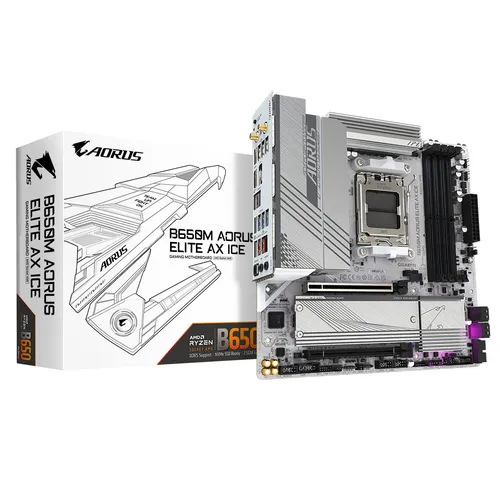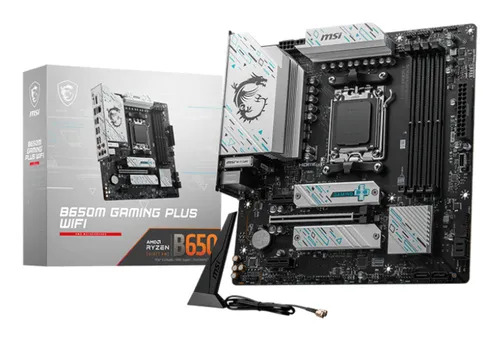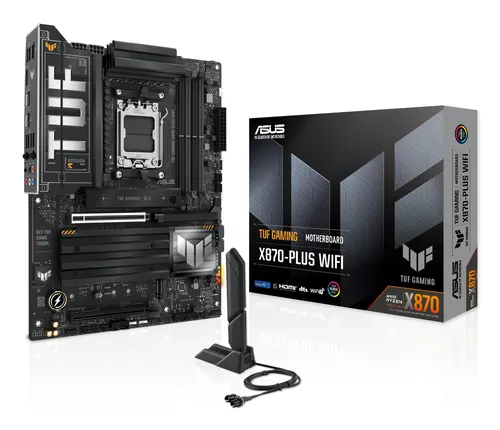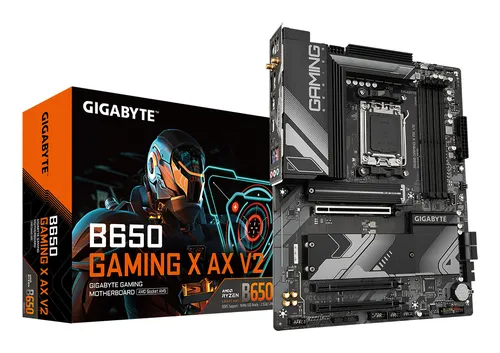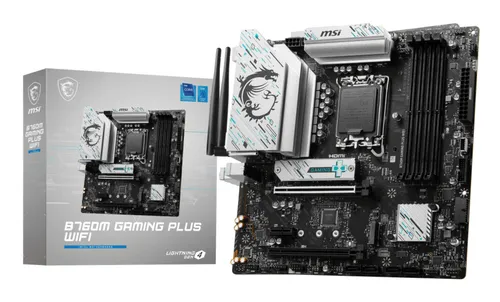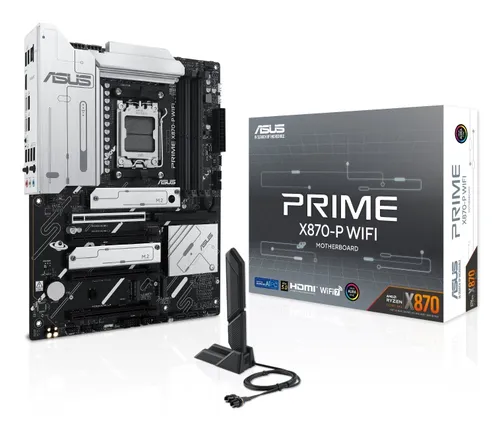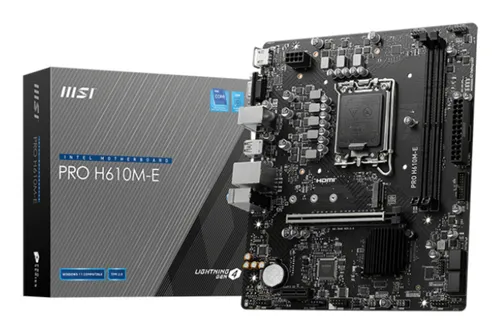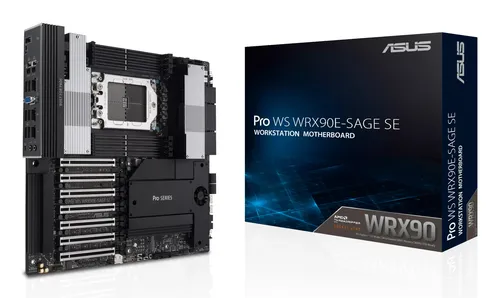
Motherboards ASUS
ASUS PRO WS WRX90E-SAGE SE AMD WRX90 Socket sTR5 EEB
Relevance for this use: 87/100
A workstation dedicated to virtualization runs several complete systems at once, each with its own needs. What limits this kind of use is almost never the number of ports on the back panel, but the amount of memory available to share between active virtual machines. Running short on memory forces a reduction in the number of machines or slows them down, defeating the purpose.
Fast storage also matters, since several systems starting up or writing at the same time benefit from quick access to drives, which is where M.2 slots come in. The number of classic storage connectors and external connectivity matter less, since a virtualization workstation is often managed remotely and stores little bulky data locally.
The same criteria as on the category page, but not the same weight: here is what goes up and what goes down.
This criterion carries a little less weight here: a virtualization workstation is often managed remotely and does not need many fast ports on the back panel. A count near the median reference point found on the market is enough.
This criterion matters a little less, since access speed matters more than the number of classic drives for this type of workstation. A count near the low reference point found on the market remains enough if most fast storage runs through M.2 slots.
This criterion becomes the most decisive: each virtual machine reserves a share of total memory, so the more a board accepts, the more machines run without slowing down. Aiming for the high reference point found on the market avoids having to choose between the number of machines and their smoothness.
This criterion rises, since several M.2 slots allow virtual machines to be spread across separate fast drives rather than all writing to the same place. A count near the high reference point found on the market limits slowdowns at startup.
This criterion carries a little less weight against memory capacity, which directly determines the number of virtual machines usable at once on this type of workstation.
The features pushed in this category that make no difference in this context.
High number of fast ports on the back panel
A remotely managed virtualization workstation does not need a back panel richly equipped with fast USB ports. That budget benefits memory or M.2 slots more.
High number of classic storage connectors
Multiplying classic storage connectors adds little if most virtual machines run on fast M.2 drives.
Orders of magnitude, not displayed prices: a price only appears on Kalyneo once it has been collected from a merchant, with its collection date.
Under €150
Under €150: a board with limited memory capacity, suited to a few light virtual machines at once.
€150 to €270
€150 to €270: a memory capacity near the median reference point found on the market, with one or two M.2 slots, to run several virtual machines without noticeable slowdown.
Over €270
Over €270: the highest memory capacity found on the market, paired with several M.2 slots, to run many virtual machines at the same time.
Ranked by relevance for this specific case, not by their overall score.
Motherboards ASUS
Relevance for this use: 87/100
Motherboards ASUS
Relevance for this use: 77/100
Motherboards ASUS
Relevance for this use: 70/100
Motherboards MSI
Relevance for this use: 68/100
Motherboards ASUS
Relevance for this use: 68/100
Motherboards MSI
Relevance for this use: 67/100
Motherboards MSI
Relevance for this use: 52/100
A product only enters this list if it meets every one of these points. Its relevance is rated for this specific use, independently of its overall score in the category.