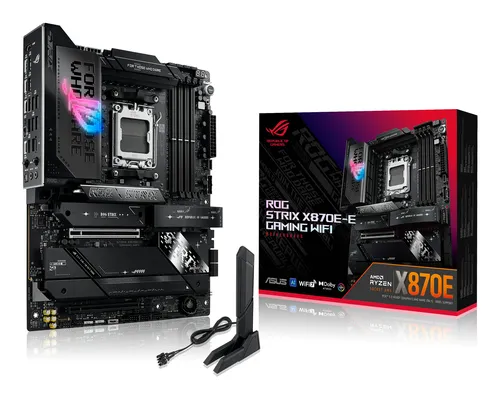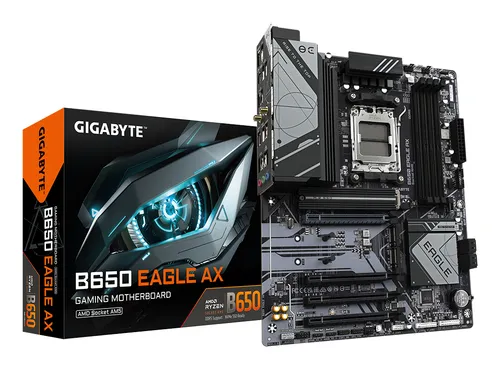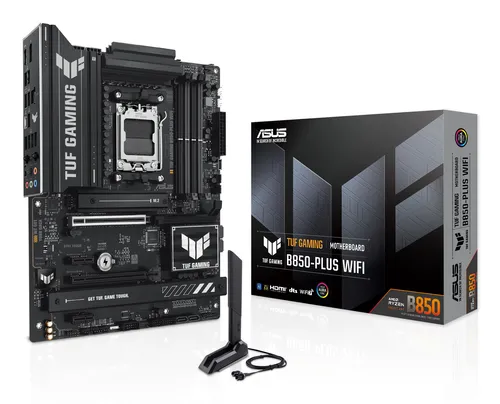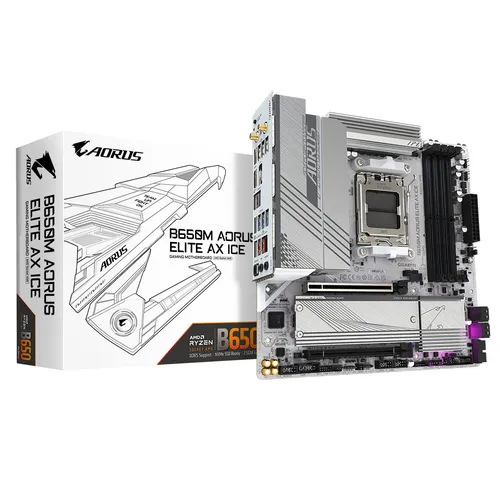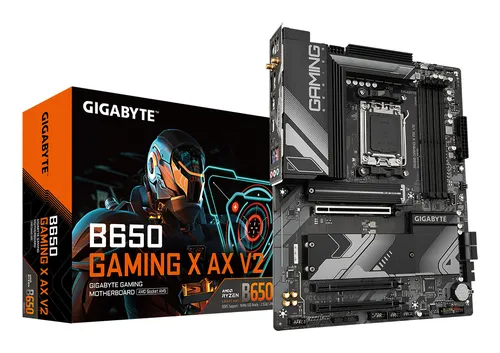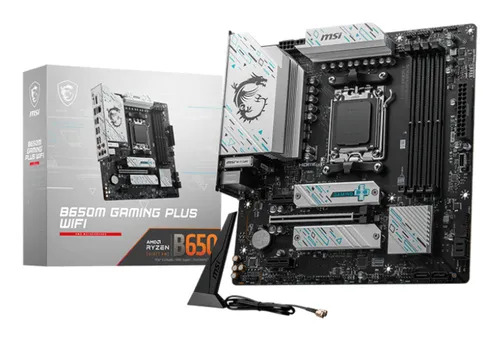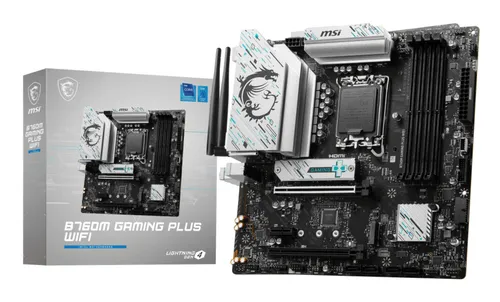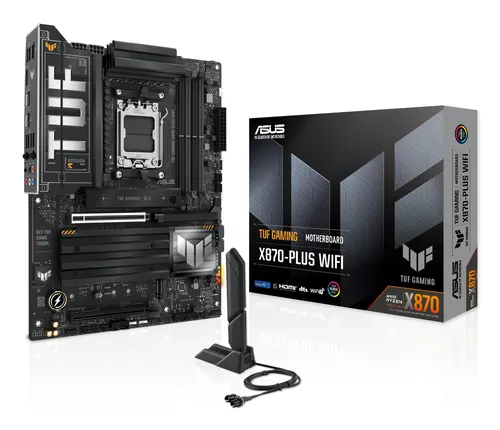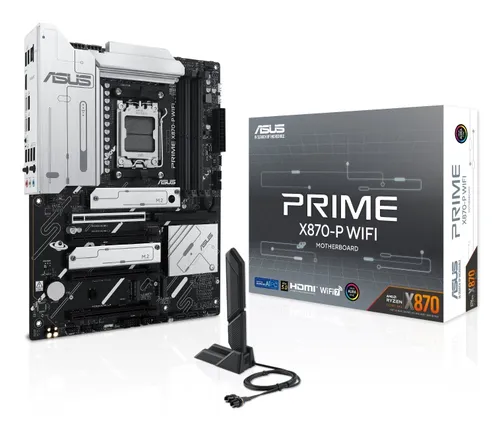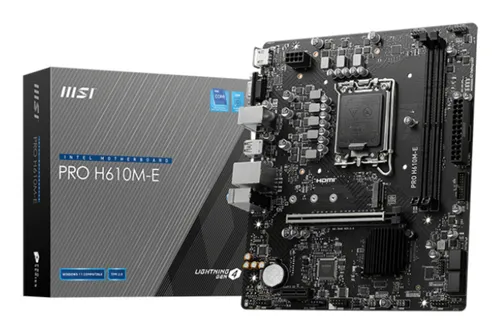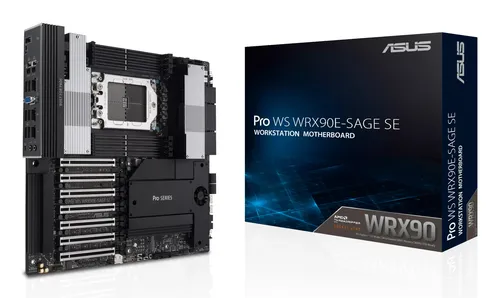
Motherboards ASUS
ASUS PRO WS WRX90E-SAGE SE AMD WRX90 Socket sTR5 EEB
Relevance for this use: 82/100
A home file server often runs without a screen, tucked away in a closet or under furniture. It does not need a crowded back panel of fast USB ports, since no one plugs devices into it day to day. What it does need is room for several drives at once, to hold backups, archives or a growing collection of files.
This situation shifts attention toward the number of connectors available for drives, whether in the classic format or the faster, more compact M.2 format. Memory also matters, since a server running several services at once benefits from having more of it. Price remains a reference point, but it carries a little less weight against expansion capacity, which determines how long the build can last.
The same criteria as on the category page, but not the same weight: here is what goes up and what goes down.
This criterion matters less here: a file server is managed remotely and does not need many fast ports on the back panel. A board near the low reference point found on the market is enough for this use.
This criterion becomes central: each extra connector allows one more drive. Aiming for a board near the high reference point found on the market makes it possible to build storage that grows without changing the motherboard.
This criterion keeps a slightly higher weight, since several services running together consume memory. A board accepting an amount near the high reference point found on the market leaves room to add functions later.
This criterion rises sharply: M.2 slots allow fast drives to be installed for the system or for caching, alongside bulk storage. A count near the high reference point found on the market avoids having to choose between speed and capacity.
This criterion carries a little less weight against expansion capacity. For a server meant to last, it is better to compare prices at equivalent storage connector counts than on price alone.
The features pushed in this category that make no difference in this context.
Fast USB ports on the back panel
A server with no screen or keyboard permanently attached does not need a back panel richly equipped with fast USB ports. That budget is better spent elsewhere.
Advanced wireless connectivity
Most file servers stay connected by cable to guarantee a stable link. Advanced wireless features add nothing to this use.
Orders of magnitude, not displayed prices: a price only appears on Kalyneo once it has been collected from a merchant, with its collection date.
Under €150
Under €150: a board covering basic needs, with enough storage connectors and M.2 slots to start a small server.
€150 to €270
€150 to €270: a comfortable balance of storage connectors, M.2 slots and memory capacity, for a server meant to grow.
Over €270
Over €270: a board designed for maximum expansion, with the highest storage connector and M.2 slot counts found on the market.
Ranked by relevance for this specific case, not by their overall score.
Motherboards ASUS
Relevance for this use: 82/100
Motherboards ASUS
Relevance for this use: 77/100
Motherboards ASUS
Relevance for this use: 71/100
Motherboards MSI
Relevance for this use: 69/100
Motherboards MSI
Relevance for this use: 68/100
Motherboards ASUS
Relevance for this use: 64/100
Motherboards MSI
Relevance for this use: 56/100
A product only enters this list if it meets every one of these points. Its relevance is rated for this specific use, independently of its overall score in the category.