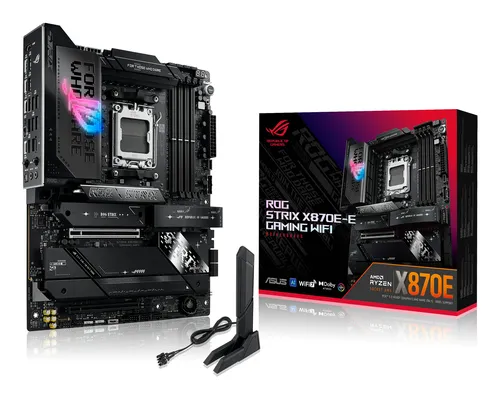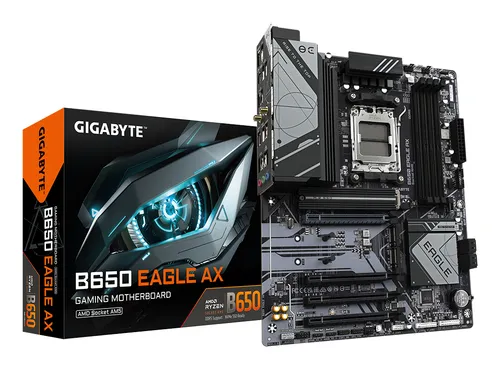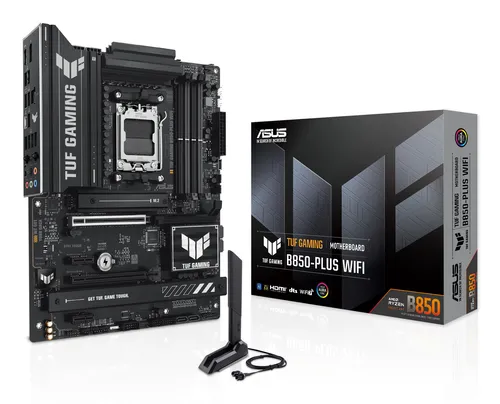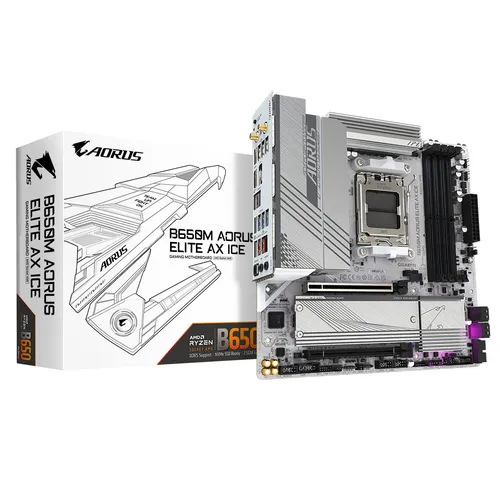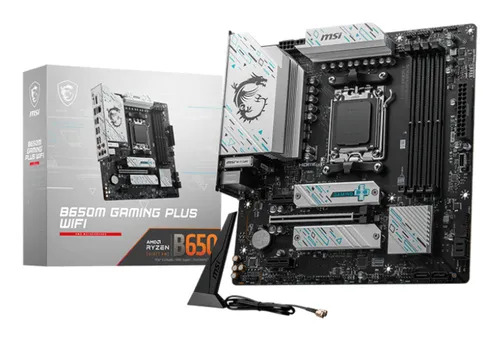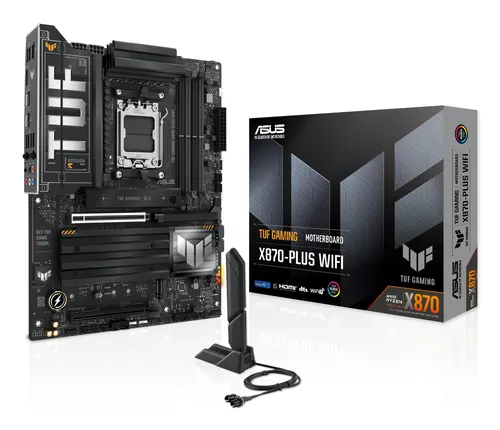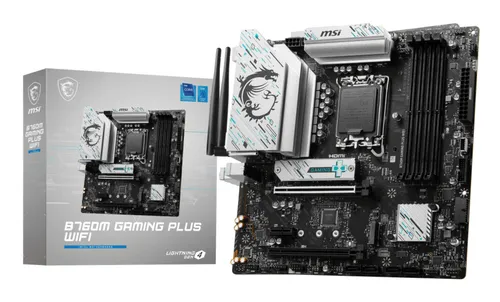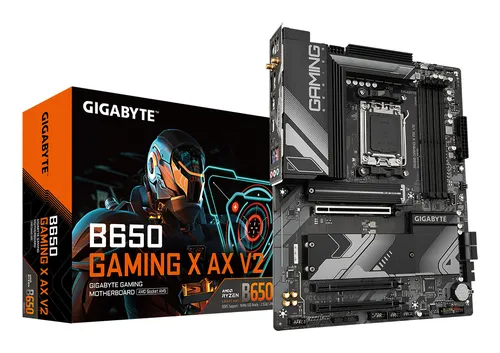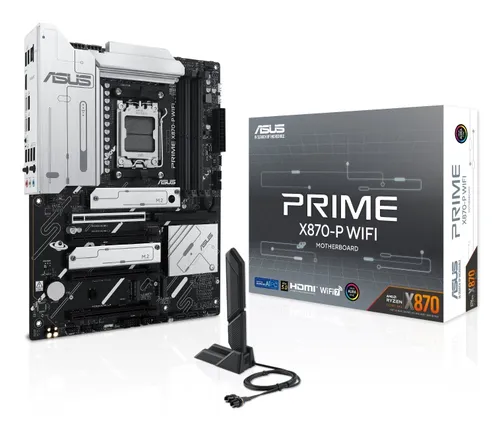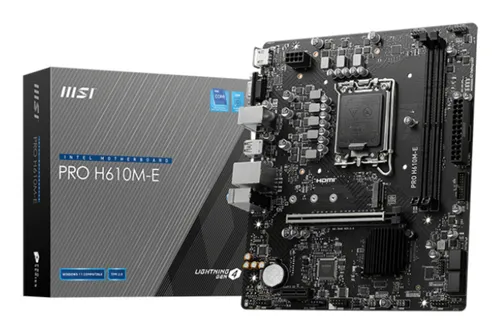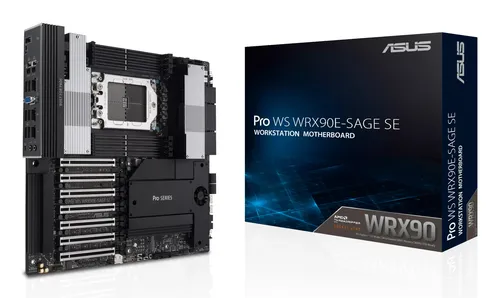
Motherboards ASUS
ASUS PRO WS WRX90E-SAGE SE AMD WRX90 Socket sTR5 EEB
Relevance for this use: 86/100
A workstation dedicated to video editing spends its time exchanging large files with external drives, memory cards or capture accessories. This activity relies less on the number of internal drives than on the speed and number of ports accessible on the back panel, to connect several devices at once without juggling a single available port.
Internal storage remains useful, but an editing workstation often keeps current projects on a single fast drive and moves the rest to removable media. Memory matters, without being the factor that truly distinguishes boards for this use. Connectivity is what changes the daily experience the most, by avoiding constant unplugging.
The same criteria as on the category page, but not the same weight: here is what goes up and what goes down.
This criterion becomes the most important: each extra port allows an external drive, a memory card and a capture accessory to stay connected at once. A board near the high reference point found on the market avoids repeated unplugging.
This criterion matters less here, since video editing often relies on a single fast drive rather than several internal drives. A connector count near the low reference point found on the market is enough for most edits.
This criterion keeps a reduced weight: maximum memory capacity matters less than quick access to external files for this use. A level near the median reference point found on the market suits most projects.
This criterion keeps the weight it has on the category page: one M.2 slot for the working drive is often enough, without needing several for this type of workstation.
This criterion keeps its usual weight: it is best compared against the number of fast ports offered, since that is what changes the daily use of an editing workstation the most.
The features pushed in this category that make no difference in this context.
High number of internal storage connectors
A workstation working with a single fast drive and external media does not need a large number of internal connectors. That budget serves external connectivity better.
Maximum memory capacity
Reaching the highest memory capacity found on the market adds nothing if the workstation does not run several heavy programs at once.
Orders of magnitude, not displayed prices: a price only appears on Kalyneo once it has been collected from a merchant, with its collection date.
Under €150
Under €150: a board with a limited number of fast ports, which forces regular unplugging of external devices.
€150 to €270
€150 to €270: a comfortable number of fast ports, near the median reference point found on the market, to connect several accessories without hassle.
Over €270
Over €270: the highest number of fast ports found on the market, to keep every device connected at all times.
Ranked by relevance for this specific case, not by their overall score.
Motherboards ASUS
Relevance for this use: 86/100
Motherboards ASUS
Relevance for this use: 83/100
Motherboards ASUS
Relevance for this use: 72/100
Motherboards MSI
Relevance for this use: 70/100
Motherboards ASUS
Relevance for this use: 70/100
Motherboards MSI
Relevance for this use: 68/100
Motherboards MSI
Relevance for this use: 53/100
A product only enters this list if it meets every one of these points. Its relevance is rated for this specific use, independently of its overall score in the category.