Graphics cards Lenovo
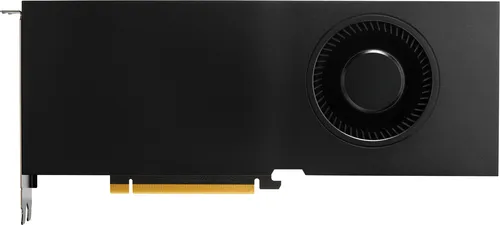
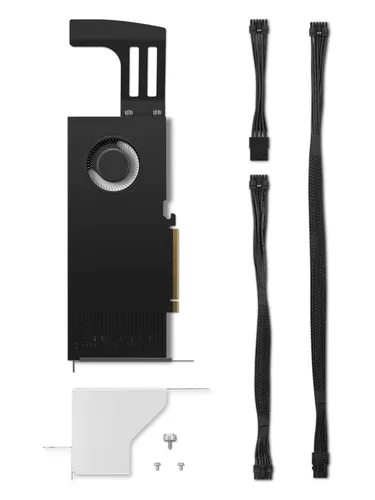
Lenovo NVIDIA RTX 4000 Ada 20 GB GDDR6
20 GB GDDR6, 4 DisplayPorts and a single fan for quiet operation
A graphics card is chosen first on its video memory and processing power, which define comfort in gaming or creative work. Connectivity and quietness then refine the choice according to the intended setup.
Benchmarks based on 30 recent market listings, collected on 1 October 2026.
Under €250
At this level, video memory and processing power sit mostly toward the lower to median benchmarks, enough for everyday or light use.
€250 to €600
This tier reaches scores closer to the median on power and memory, sometimes with fuller connectivity.
Over €600
Beyond that, cards aim for the best levels of power and video memory recorded, often with richer connectivity for demanding setups.
Best rated first, among those our merchants offer.
Graphics cards Lenovo
20 GB GDDR6, 4 DisplayPorts and a single fan for quiet operation
Graphics cards HP
20GB GDDR6 and 4 DisplayPort outputs for rendering up to 7680 x 4320
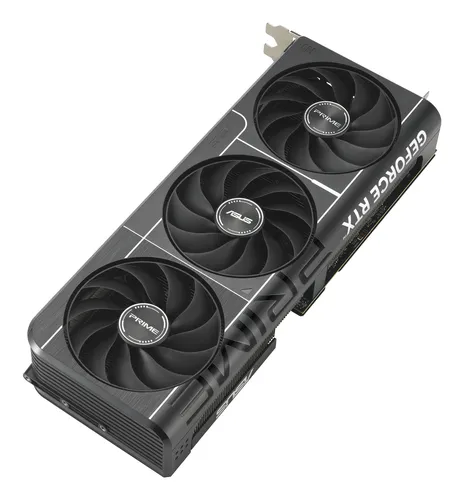
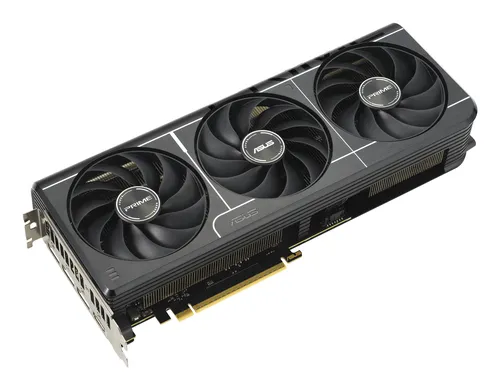
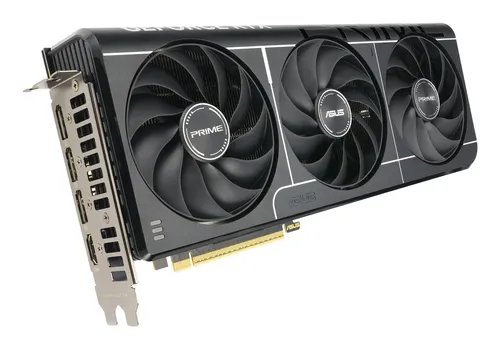
Graphics cards ASUS
32GB memory, 512-bit bus and 21760 CUDA cores
Graphics cards ASUS
32GB of memory over a 512bit bus with 21760 compute units
Graphics cards ASUS
32GB of memory on a 512-bit bus, 4 fans, 1000W power supply required
Graphics cards ASUS
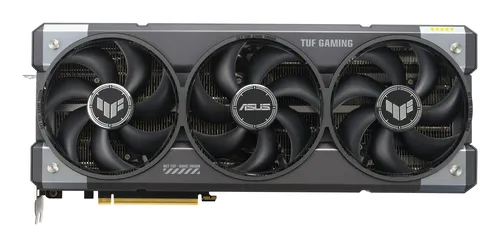
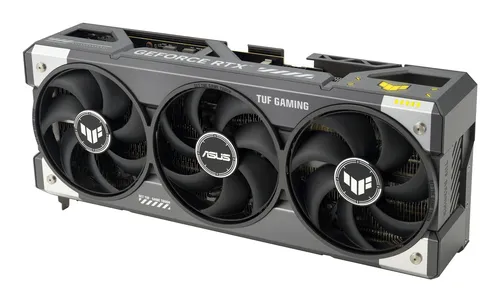
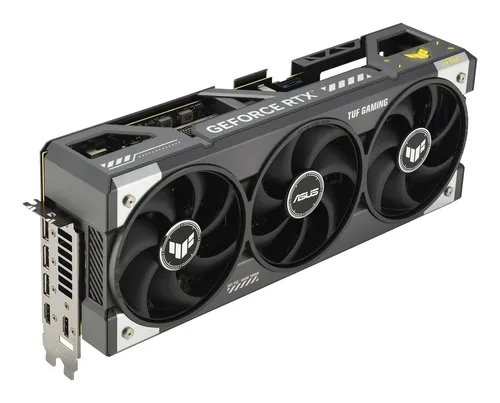
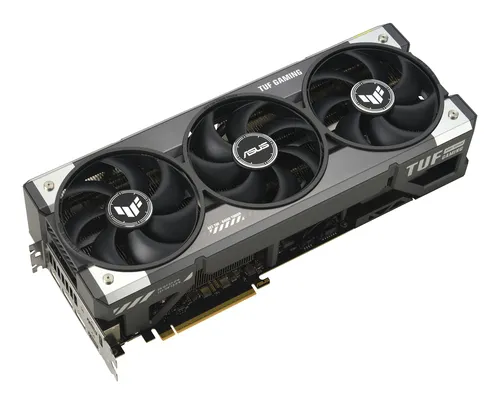
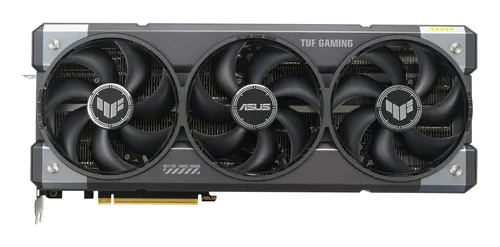
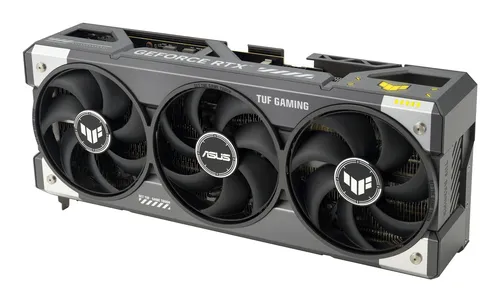
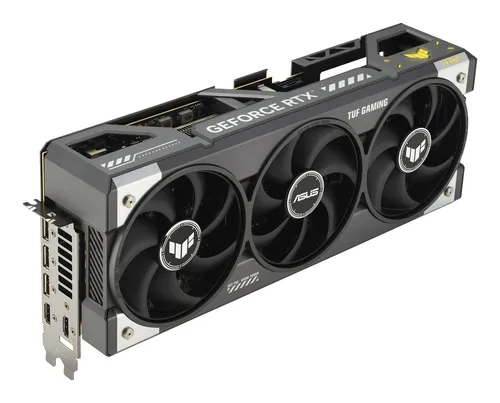
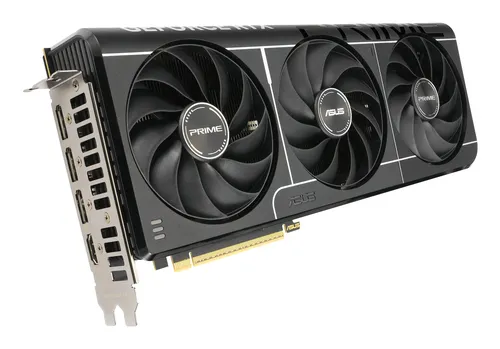
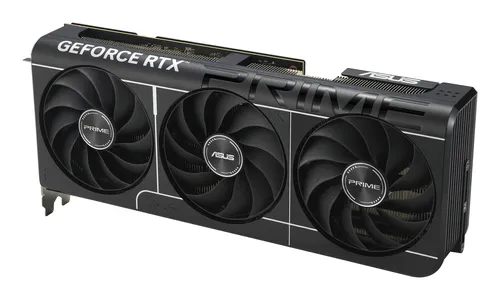
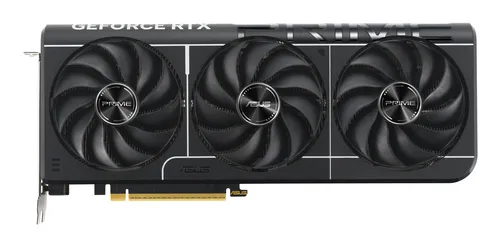
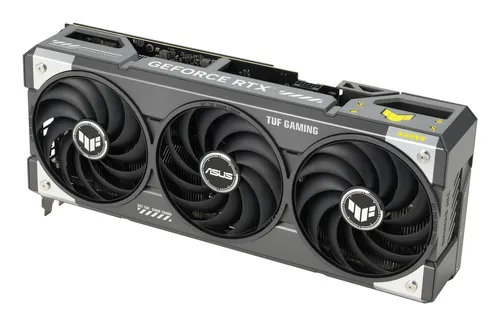
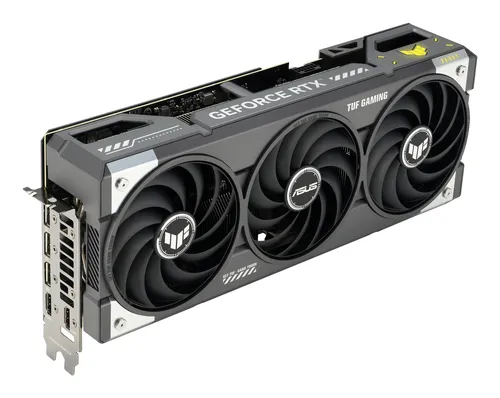
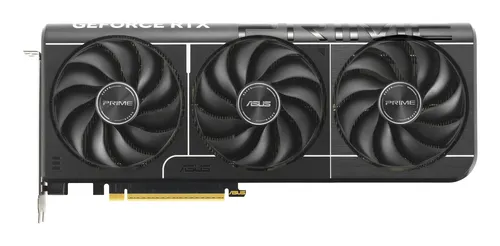
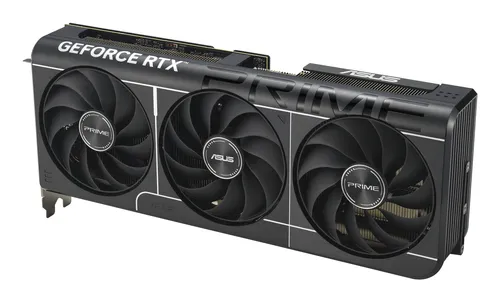
16GB GDDR7 on a 256bit bus, 10752 cores, triple fan cooling
Graphics cards ASUS
16GB GDDR7 and 8960 CUDA cores, cooled by 3 fans
Graphics cards ASUS
16GB GDDR7 and 8960 CUDA cores, triple-fan cooling
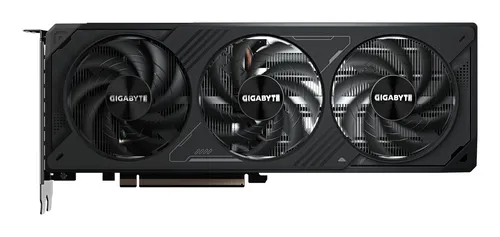
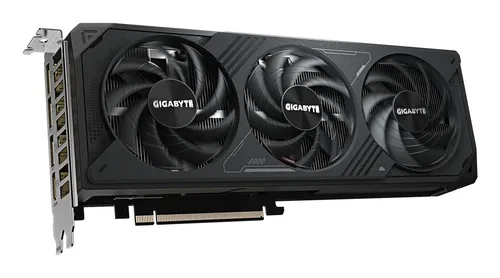
Graphics cards GIGABYTE
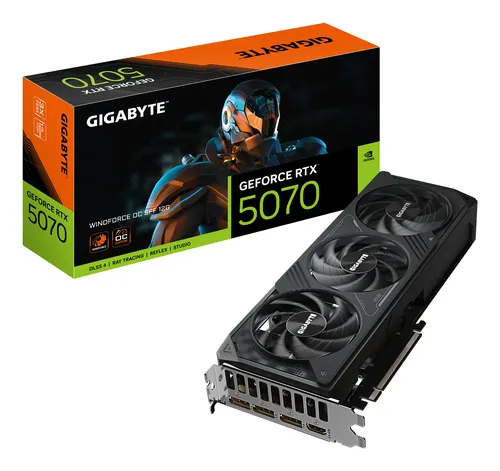
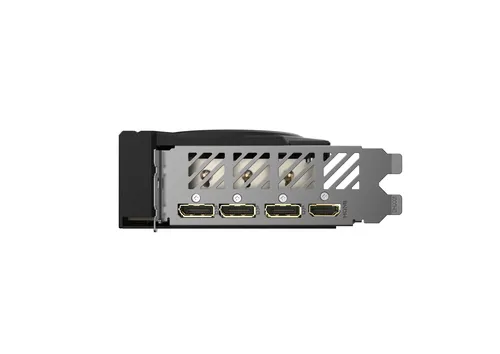
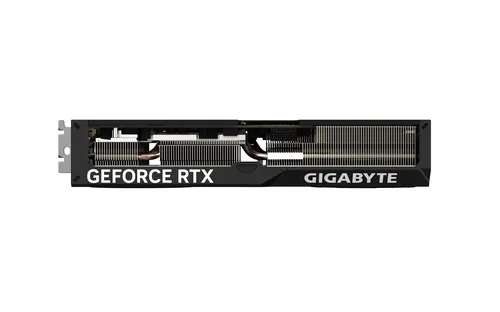
RTX 5070 12GB, 6144 CUDA cores, triple-fan WINDFORCE cooling
Graphics cards ASUS
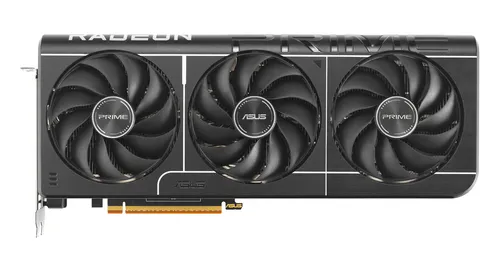
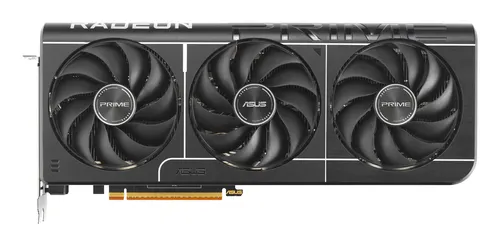
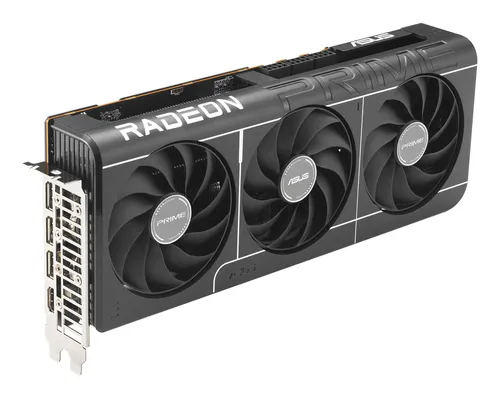
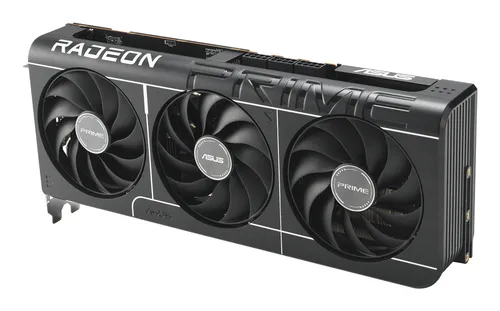
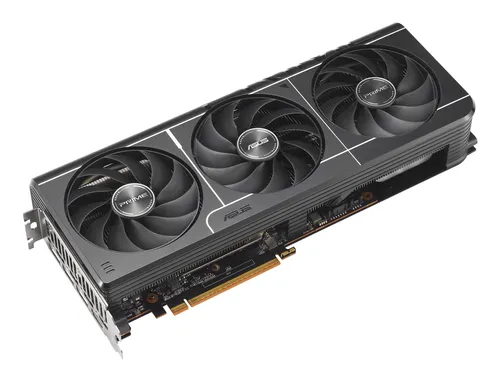
16GB memory and a 256 bit bus on ASUS’s PRIME RX9070 XT
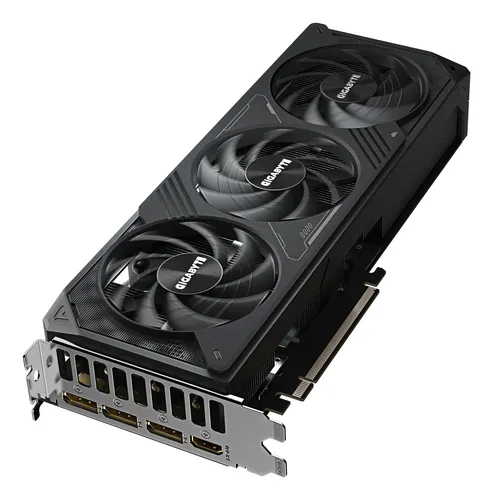
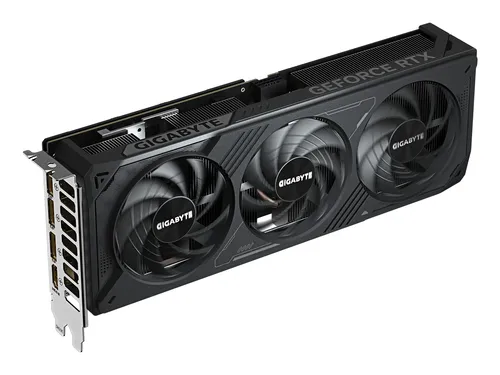
Graphics cards GIGABYTE
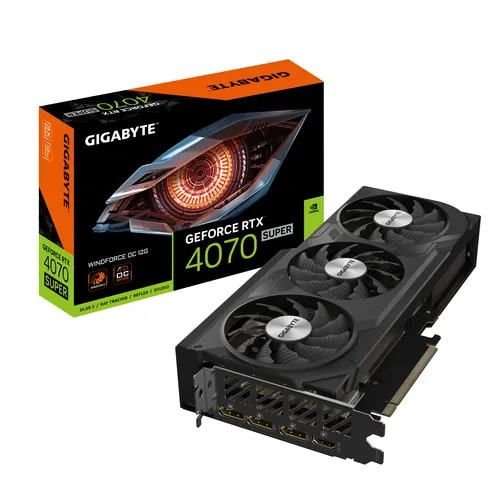
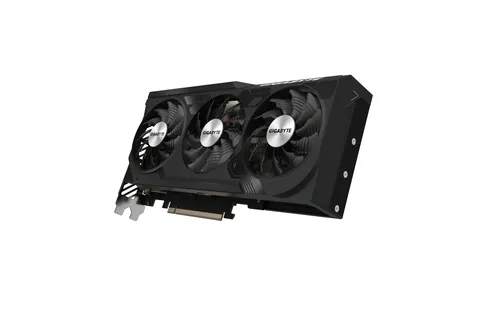
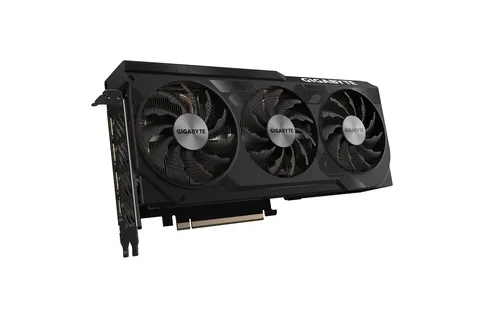
GPU clocked at 2505 MHz, 12GB memory, 3 fans
Graphics cards ASUS
12GB GDDR7, 192 bit bus, triple fan, 750W recommended PSU