Graphics card for multi-monitor setups
A multi-monitor workstation has different needs from a gaming setup. What matters most is the number of available video outputs, so that two, three screens or more can be connected comfortably without resorting to adapters or splitters that complicate the installation.
Processing power and video memory remain useful for desktop display, heavy spreadsheets or light photo editing, but they do not need to reach the levels expected for gaming or intensive graphic work. Quietness still matters in a shared office, without becoming the deciding factor.
What matters in this specific case
The same criteria as on the category page, but not the same weight: here is what goes up and what goes down.
-
Connectivity
Matters more coefficient 1.8This is the central criterion here: each DisplayPort output allows one more monitor to be connected without an adapter. With two outputs, a three-monitor setup or more stays limited; with three or four, most multi-monitor desks are covered without constraint.
-
Processing power
Matters less coefficient 0.7For desktop display and office applications, a number of processing cores close to the lower reference is already enough. A median or high level brings no noticeable benefit as long as no game or three-dimensional software is running.
-
Video memory
Matters less coefficient 0.6Video memory mainly helps manage several image streams at once in high resolution. A low to median level suits text, spreadsheets or browsing across several screens; aiming for the top end only makes sense for heavy photo or video editing.
-
Quietness
Matters less coefficient 0.6In an office, quiet operation is still appreciated. A low number of fans limits perceived noise, but this criterion weighs less than the number of available outputs in this particular context.
-
Price
Matters more coefficient 1.1Budget is best spent on connectivity rather than raw processing power: there is no point paying for gaming performance when the use stays office based.
What is not worth paying for
The features pushed in this category that make no difference in this context.
-
High processing power
A large number of processing cores changes nothing for displaying documents or spreadsheets across several screens. That power only serves intensive graphic or gaming use.
-
Maximum video memory
Beyond the median level, extra video memory brings no benefit to multi-monitor office use, even with many windows open at once.
Price ranges for this use
Orders of magnitude, not displayed prices: a price only appears on Kalyneo once it has been collected from a merchant, with its collection date.
Under €250
Under €250: cards offer two to three DisplayPort outputs and modest processing power, enough for a desk with two or three screens.
€250 to €600
€250 to €600: the number of outputs more regularly reaches the upper end of the range, with comfortable video memory to handle several streams without slowdown.
Over €600
Over €600: this price level mostly brings processing power and memory that office-based multi-monitor use does not fully exploit.
The products selected for this use
Ranked by relevance for this specific case, not by their overall score.
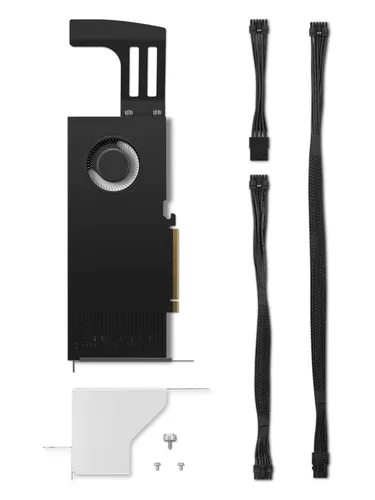
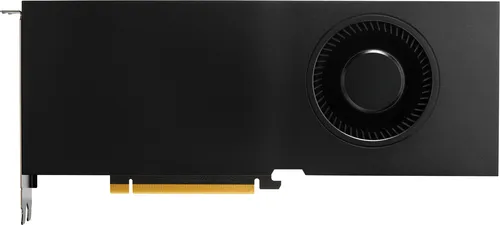
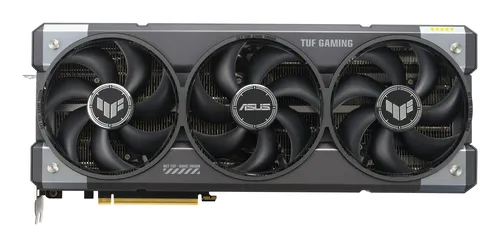
Graphics cards ASUS
ASUS TUF Gaming TUF-RTX5090-32G-GAMING NVIDIA GeForce RTX 5090 32 GB GDDR7
Relevance for this use: 74/100
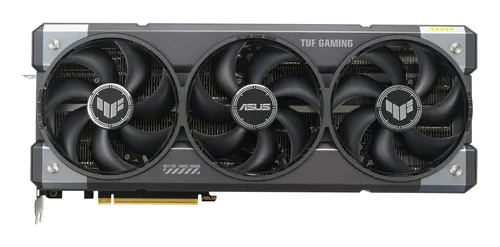
Graphics cards ASUS
ASUS TUF Gaming TUF-RTX5090-O32G-GAMING NVIDIA GeForce RTX 5090 32 GB GDDR7
Relevance for this use: 74/100
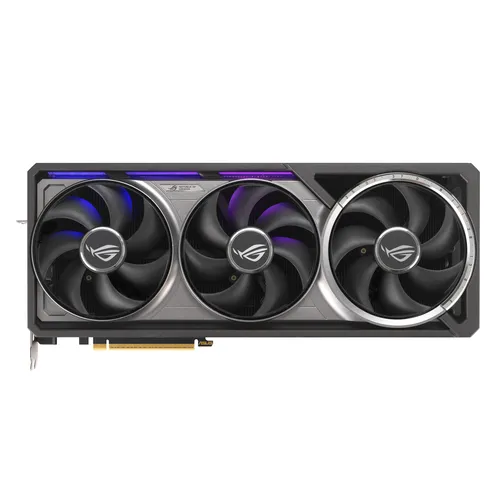
Graphics cards ASUS
ASUS ROG Astral - -RTX5090-O32G-GAMING NVIDIA GeForce RTX 5090 32 GB GDDR7
Relevance for this use: 70/100
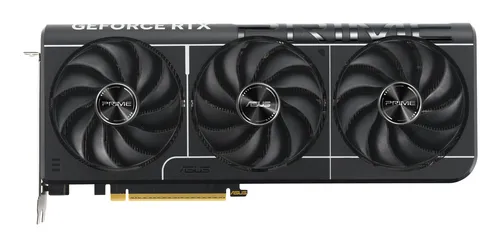
Graphics cards ASUS
ASUS Prime -RTX5080-O16G NVIDIA GeForce RTX 5080 16 GB GDDR7
Relevance for this use: 67/100
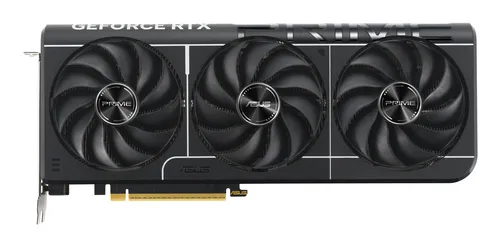
Graphics cards ASUS
ASUS Prime -RTX5070TI-O16G NVIDIA GeForce RTX 5070 Ti 16 GB GDDR7
Relevance for this use: 67/100
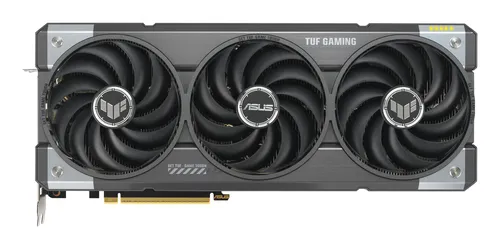
Graphics cards ASUS
ASUS TUF Gaming TUF-RTX5070TI-O16G-GAMING NVIDIA GeForce RTX 5070 Ti 16 GB GDDR7
Relevance for this use: 67/100
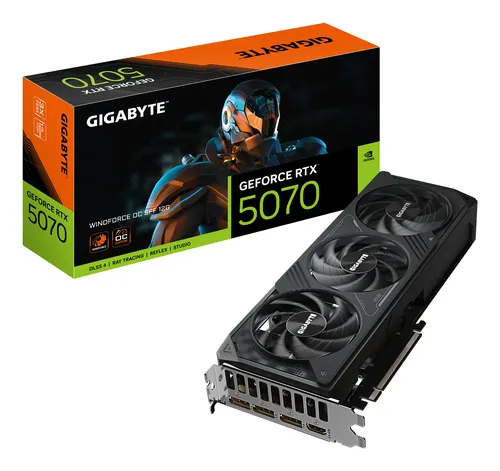
Graphics cards GIGABYTE
GIGABYTE GeForce RTX 5070 WINDFORCE OC SFF 12G Graphics Card
Relevance for this use: 65/100
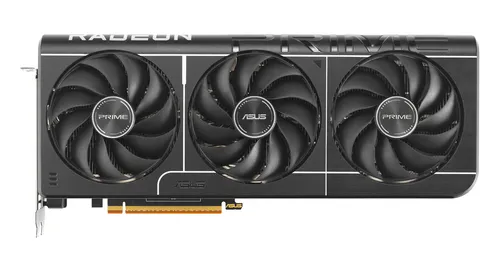
Graphics cards ASUS
ASUS Prime -RX9070XT-O16G AMD Radeon RX 9070 XT 16 GB GDDR6
Relevance for this use: 65/100
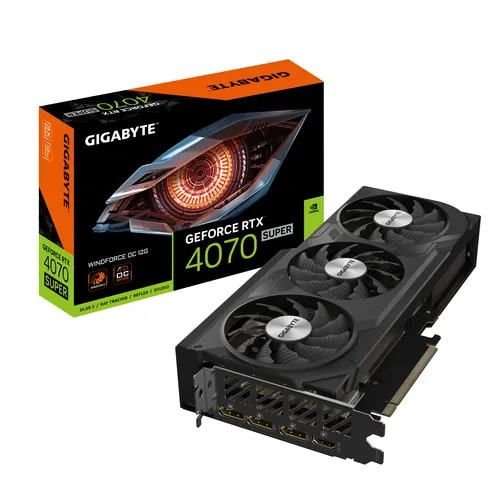
Graphics cards GIGABYTE
GIGABYTE GeForce RTX 4070 SUPER WINDFORCE OC 12G NVIDIA 12 GB GDDR6X
Relevance for this use: 65/100
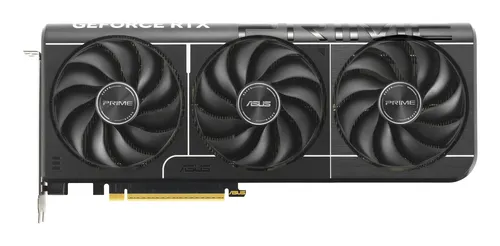
Graphics cards ASUS
ASUS Prime -RTX5070-O12G NVIDIA GeForce RTX 5070 12 GB GDDR7
Relevance for this use: 65/100
Our selection criteria for this use
A product only enters this list if it meets every one of these points. Its relevance is rated for this specific use, independently of its overall score in the category.
- Products with a number of DisplayPort outputs at or above the median are highlighted.
- Cards with a low number of fans are favoured to limit noise in an office environment.
- Processing power and video memory count less in the ranking than connectivity.
- Price is compared at equivalent specifications, without favouring the most expensive models.
Other situations in this category
Quiet graphics card for living rooms
Set up near the sofa or in a shared living space, the graphics card mainly needs to stay quiet, ahead of raw power or connectivity.
Read
Graphics card for video editing
For video editing and photo retouching, video memory matters more than connectivity or quietness when choosing a graphics card.
Read