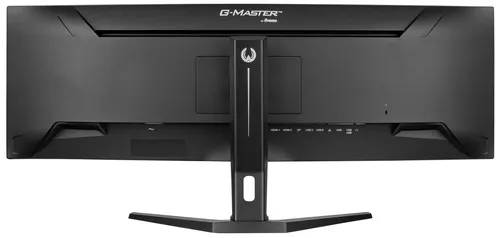
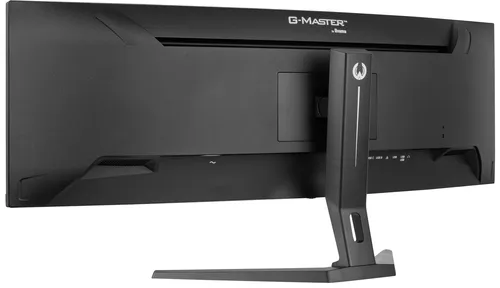
802 prices collected today 5 countries · 2 merchants tracked No merchant pays for its ranking
How we rank Our method
Skip to content

Buying guide: how to choose a PC monitor

Two monitors can share the same diagonal yet feel very different to use: smoothness, brightness and responsiveness often matter more than screen size alone. Comparing scores rather than marketing sheets helps avoid disappointment once the monitor is on the desk.

What to check

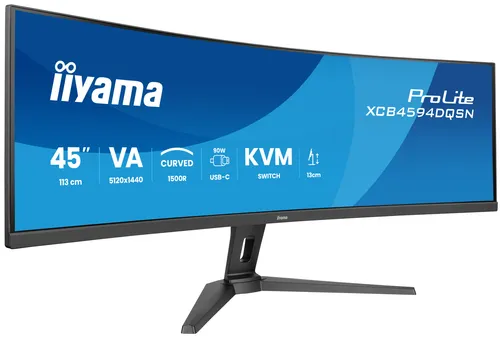
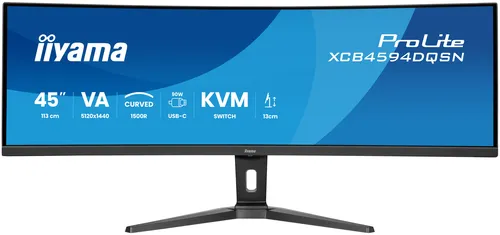
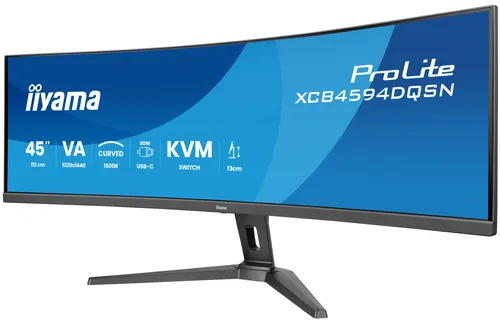
Screen size This criterion places the display diagonal against the market: the larger it is, the more generous the working or viewing surface. Recent listings range from around 21.5 inches for compact formats to 34 inches for the widest models, with a median near 27 inches. The site score maps each monitor on this scale: a high score signals a diagonal above the market average, useful for multitasking or immersive use, though it also calls for more desk depth and viewing distance. Market median: 27 "
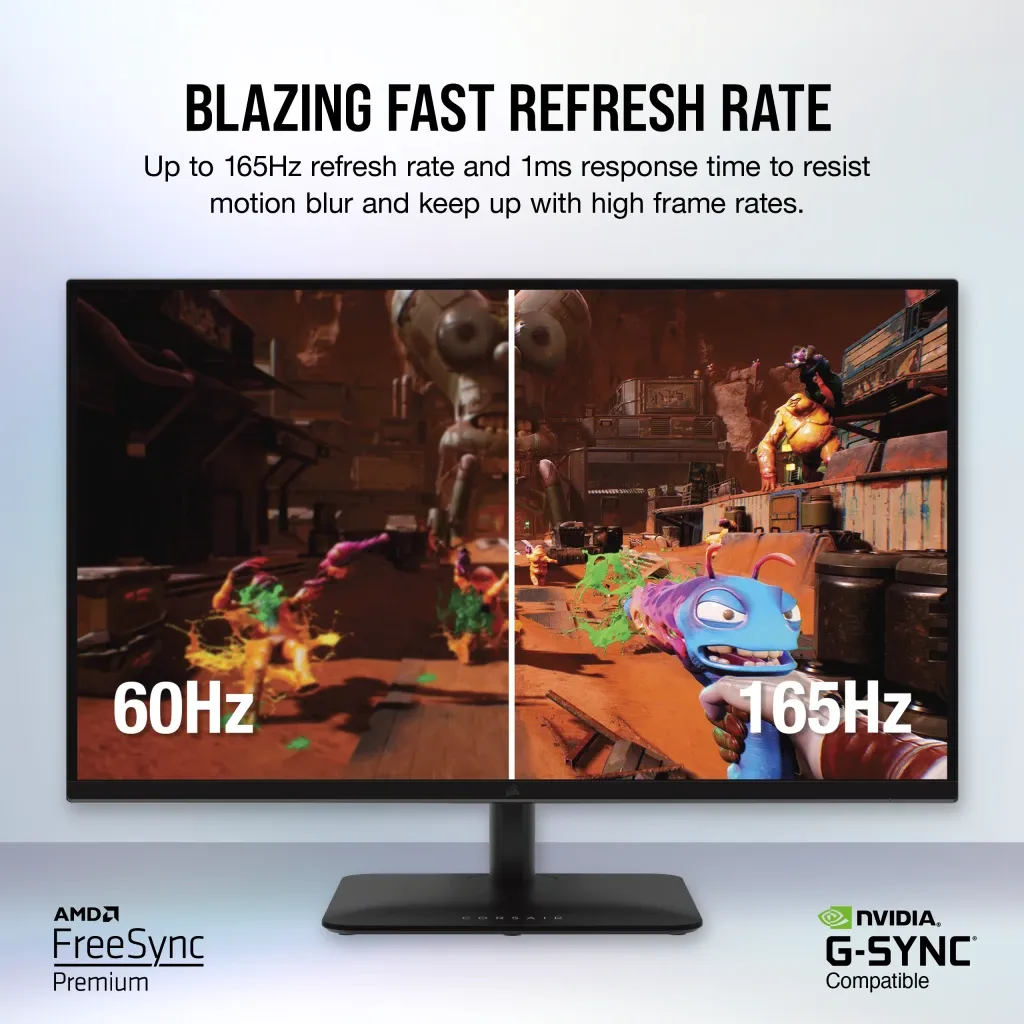
Refresh rate Smoothness measures the monitor’s maximum refresh rate: the higher it is, the more continuous on screen motion appears. The market spans from around 75 Hz for entry level screens to 240 Hz for the fastest models, with a median close to 100 Hz. A high score particularly suits uses where the image moves a lot; for everyday office work, a median score is already comfortable. Market median: 120 Hz
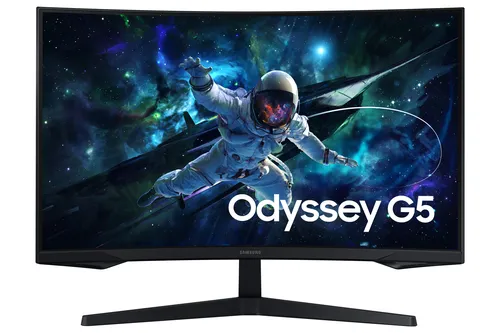
Response time This criterion measures the monitor’s response time, the speed at which a pixel changes state: here, lower is better, since a short time limits visible trailing behind moving objects. Market benchmarks range from 8 ms for the slowest screens to 1 ms for the most responsive, with a median at 4 ms. A high score on this criterion therefore reflects a short response time, worth watching closely for fast moving content. Market median: 5 ms
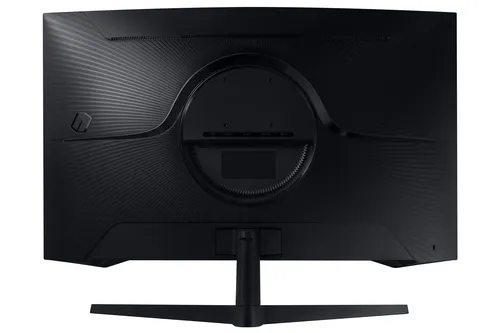
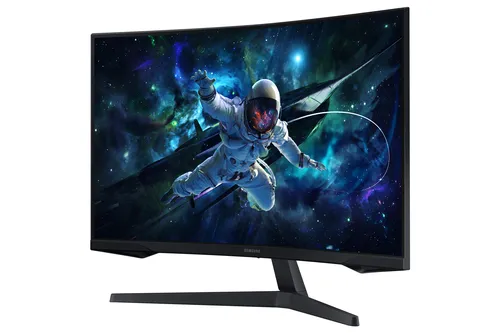
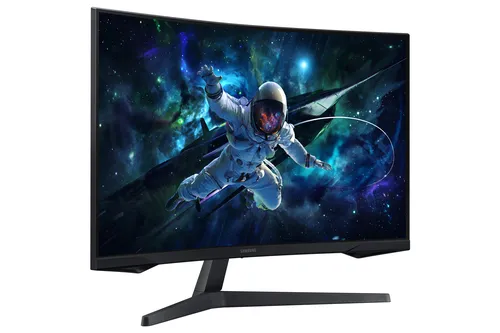
Brightness Typical brightness indicates how much light the monitor can output, measured in cd/m². The higher it is, the more readable the image stays in a bright room or near a window. Market values range from 250 cd/m² for the dimmest screens to 450 cd/m² for the brightest, with a median around 300 cd/m². A high score reassures mainly for bright environments; in a dim room, a median score remains comfortable. Market median: 300 cd/m²
Colour depth This criterion places the number of colours the monitor can display against the market: the higher it is, the richer the tones and the smoother the gradients. Recorded listings cluster almost entirely around 16.7 million colours, with a few top models reaching 16.78 million. The gap between scores stays narrow here, making it more of a fine tie breaker than a deciding factor. Market median: 16.7

Benchmarks based on 30 recent market listings, collected on 1 October 2026.

What you get for each budget

Under €110

At this level, monitors focus on the essentials: diagonal and smoothness close to entry range benchmarks, enough for everyday office use.

€110 to €300

This tier opens the door to more balanced monitors, with scores approaching the median for size, smoothness and brightness.

Over €300

Beyond that, monitors aim for the market’s best benchmarks across several criteria at once, notably smoothness, responsiveness and brightness.

Frequent mistakes

Choosing based on screen size alone without checking smoothness or responsiveness, two criteria that weigh just as heavily on daily comfort.
Confusing a high refresh rate with a sharp image: a long response time can undo that benefit even with high smoothness.
Overlooking brightness for a setup placed near a window or in a brightly lit room.
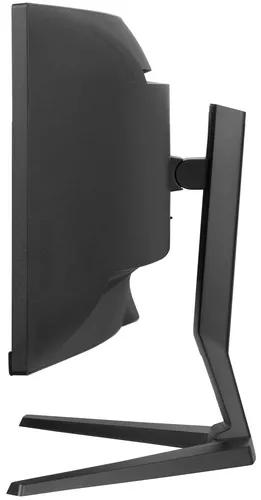
Underestimating the desk space a large diagonal requires, without checking available viewing distance.
Focusing on colour count, a criterion where the gap between monitors stays narrow compared to the others.

Models in this category

Best rated first, among those our merchants offer.