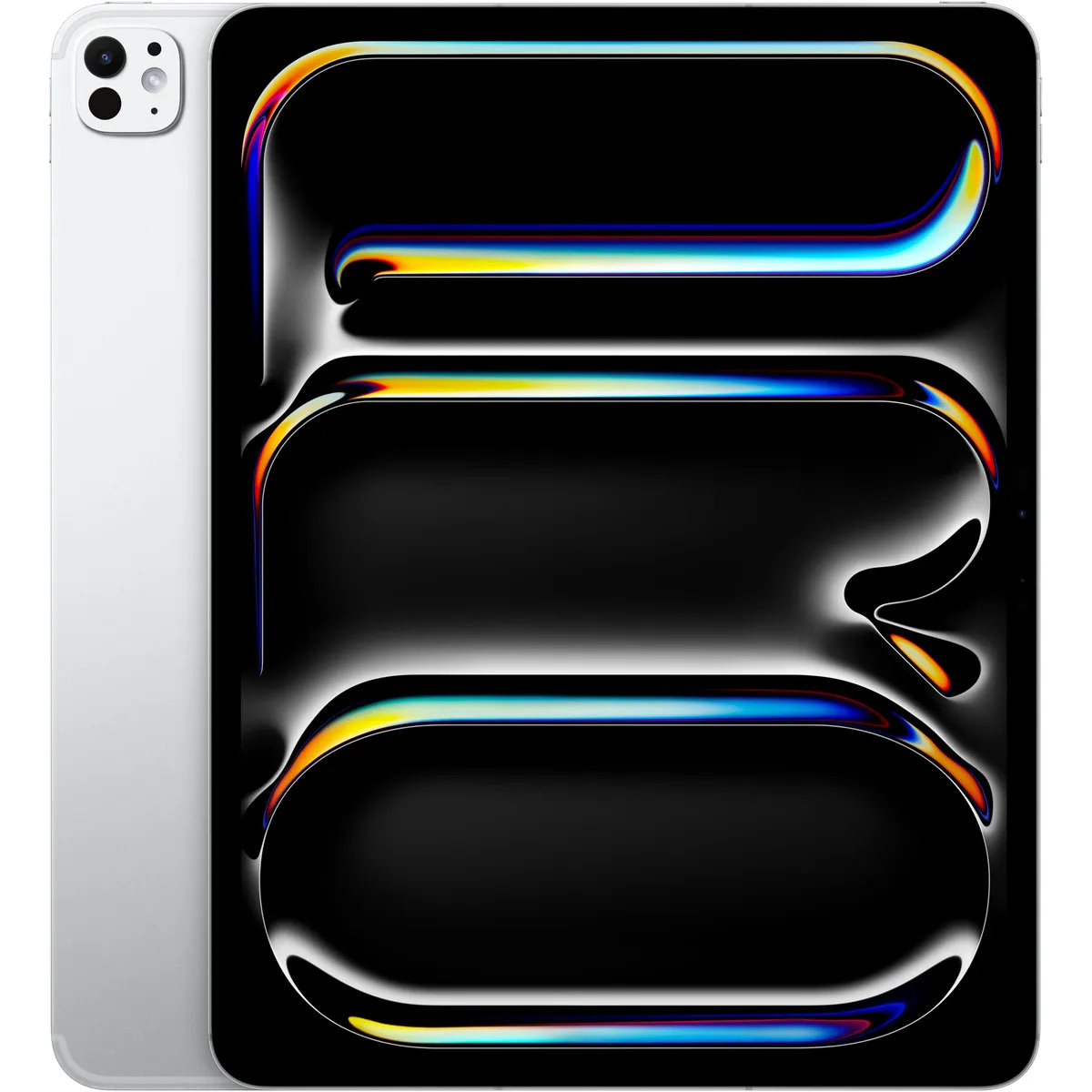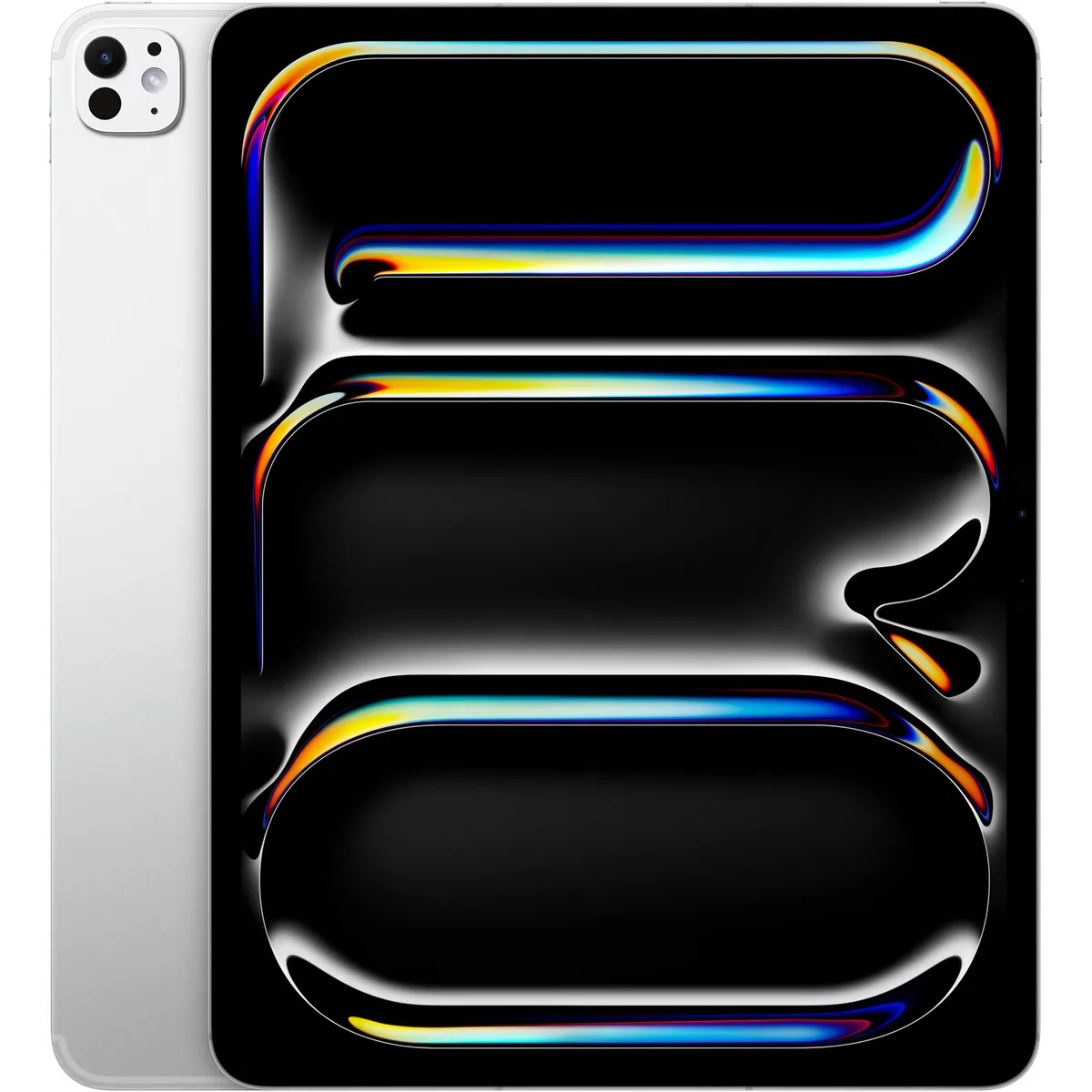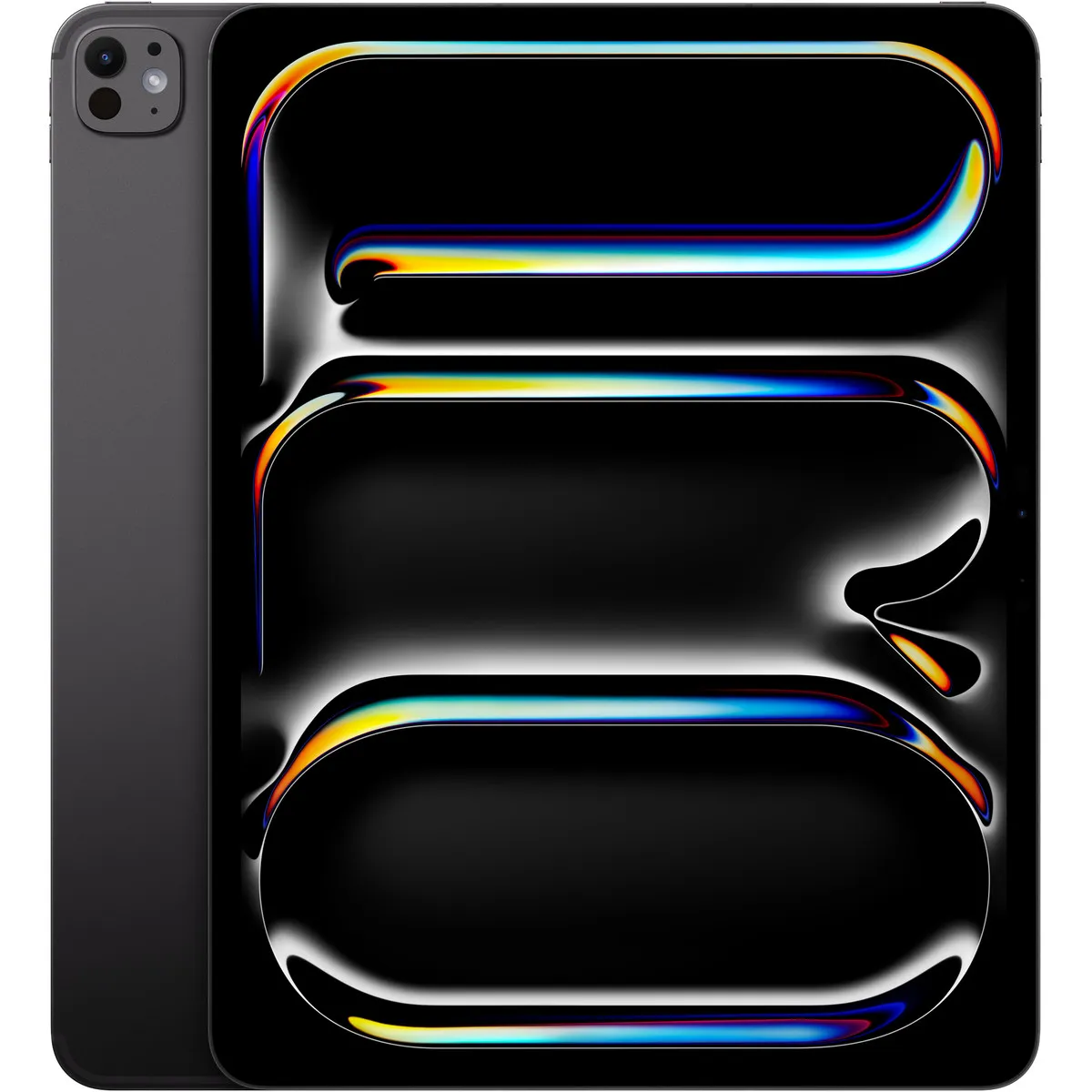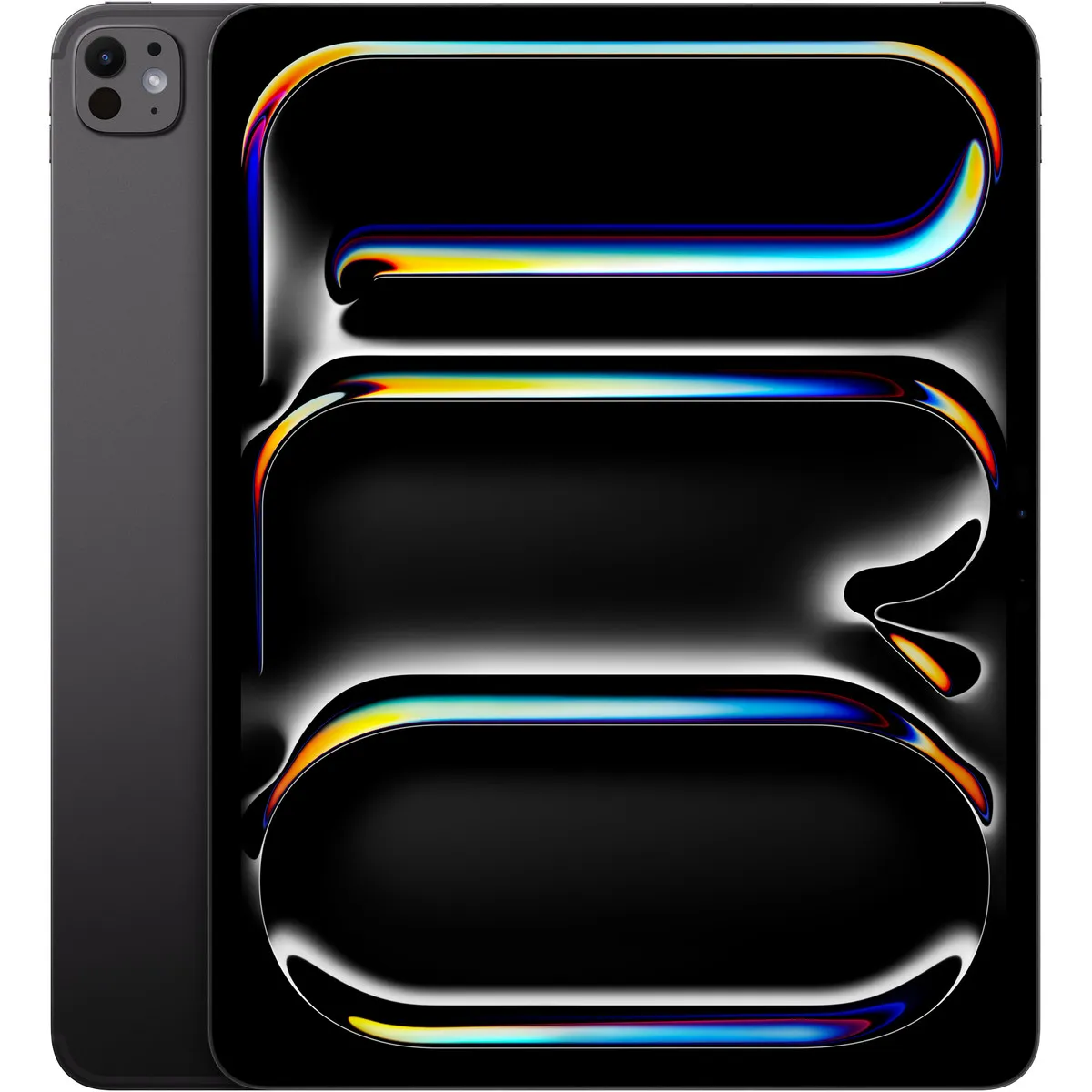
Tablets Apple
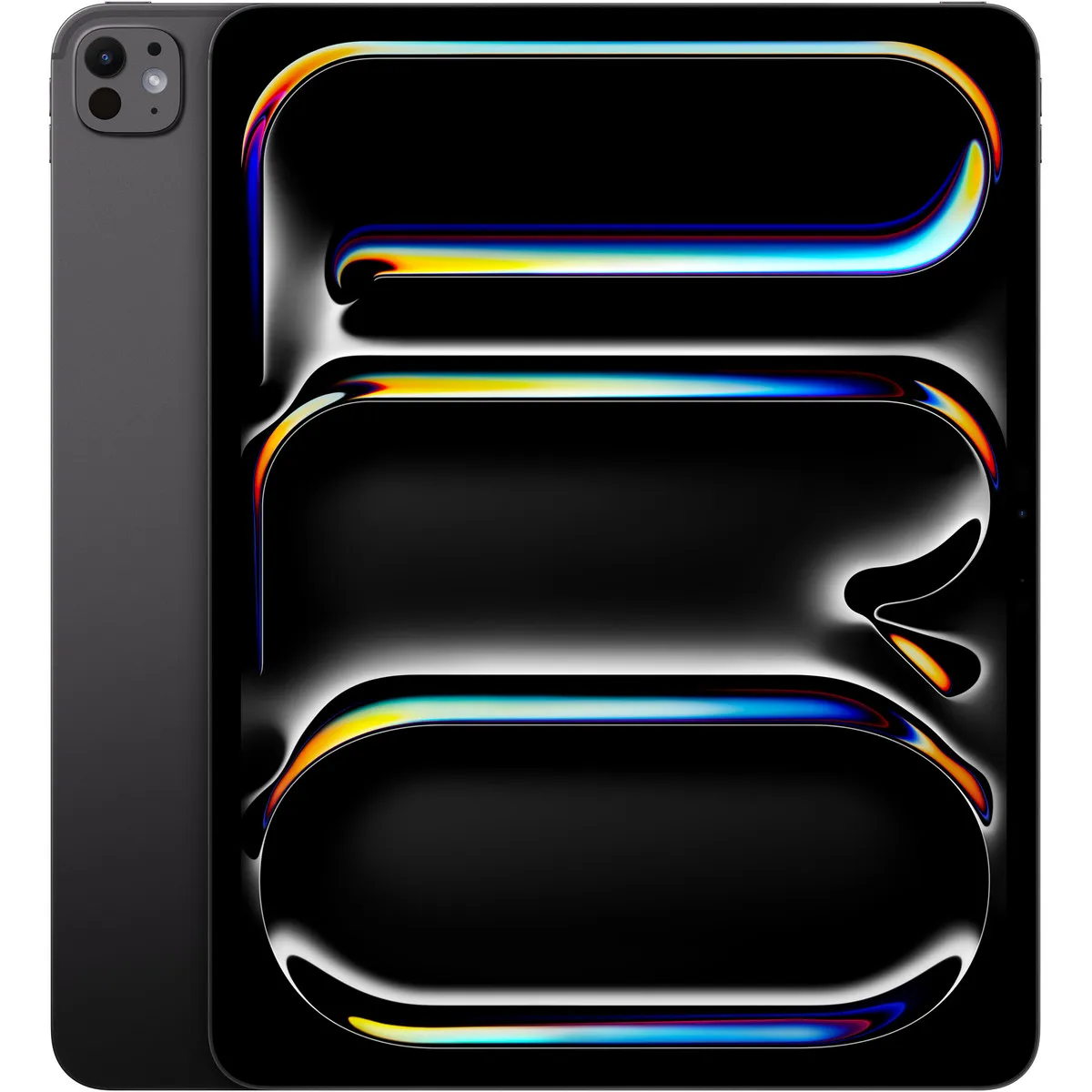
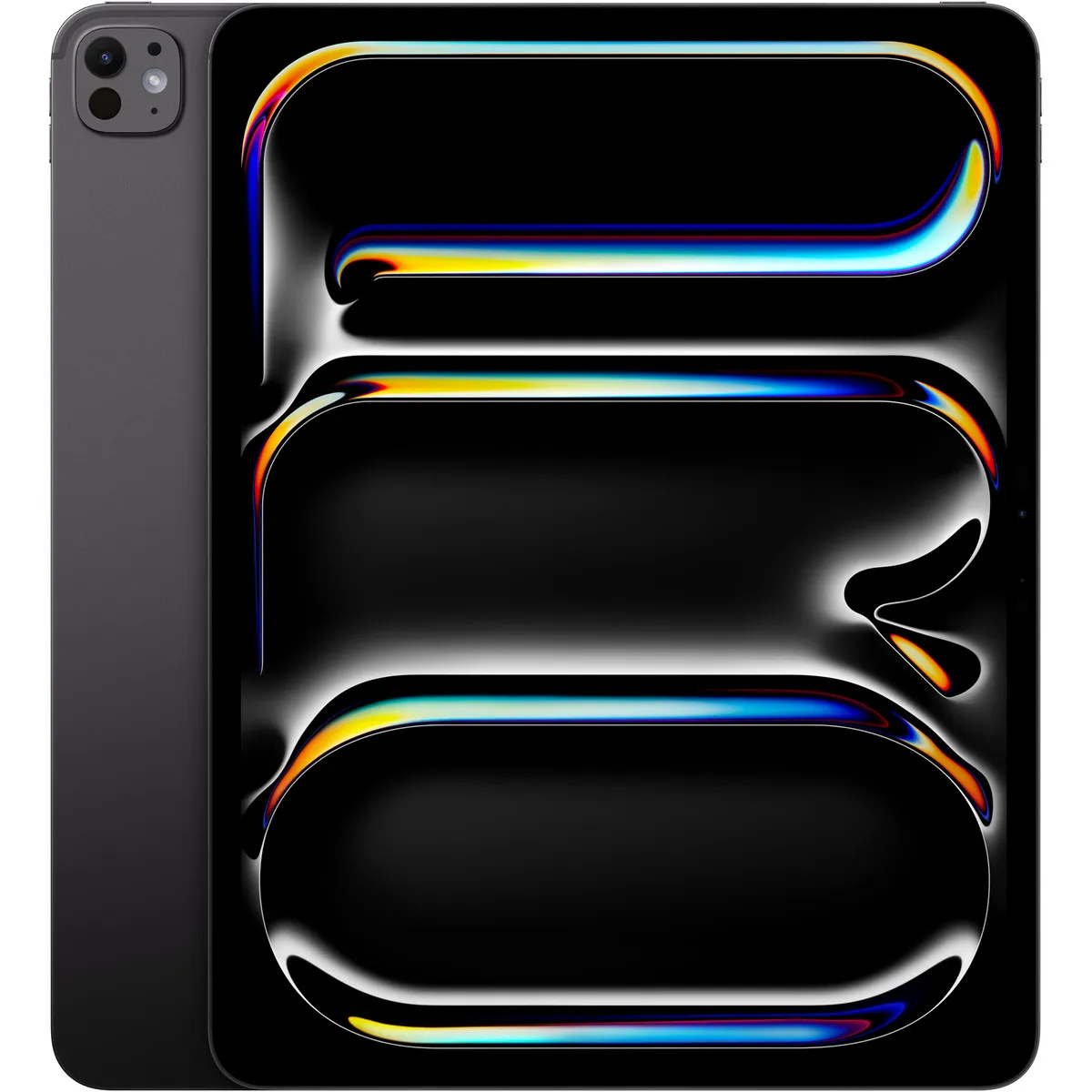
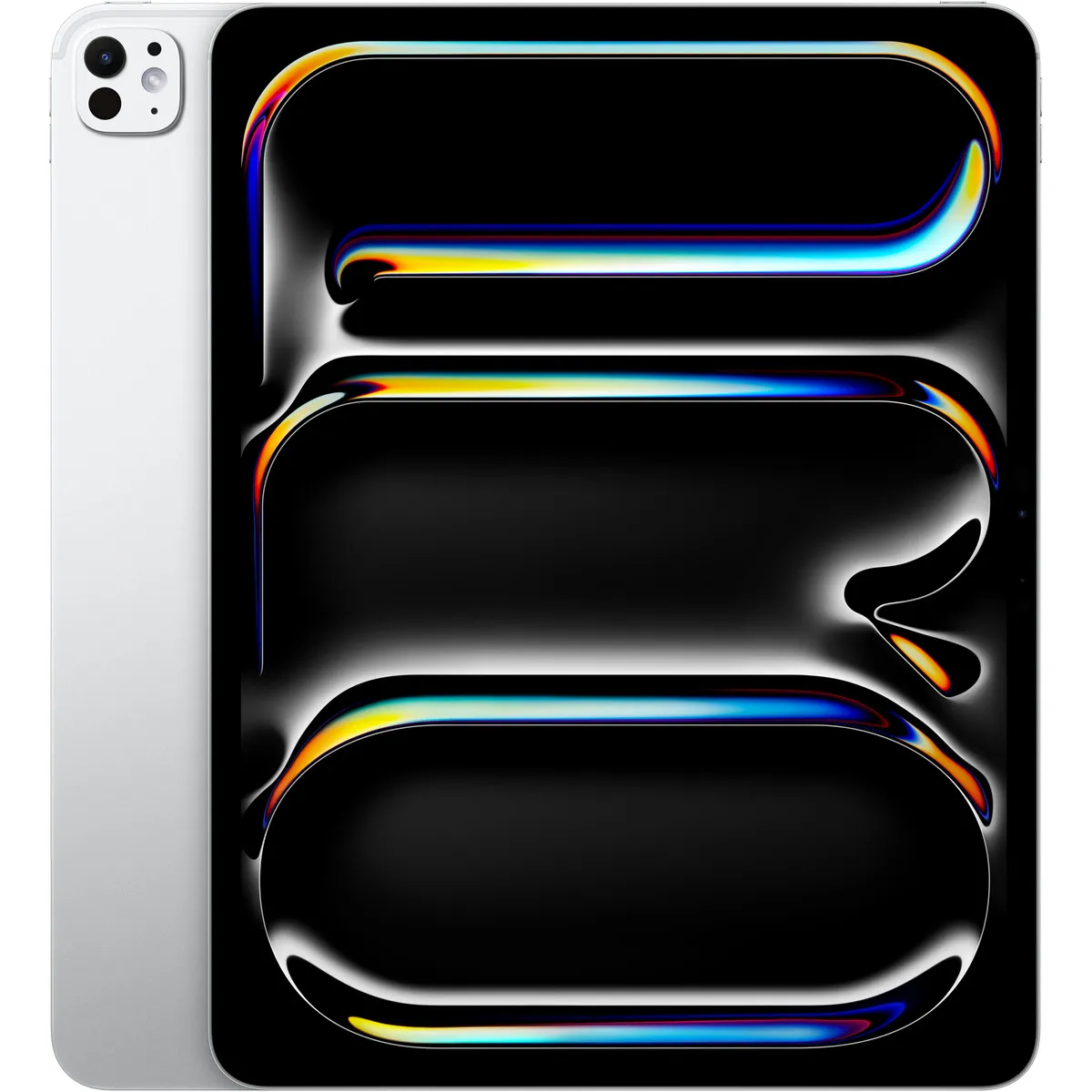
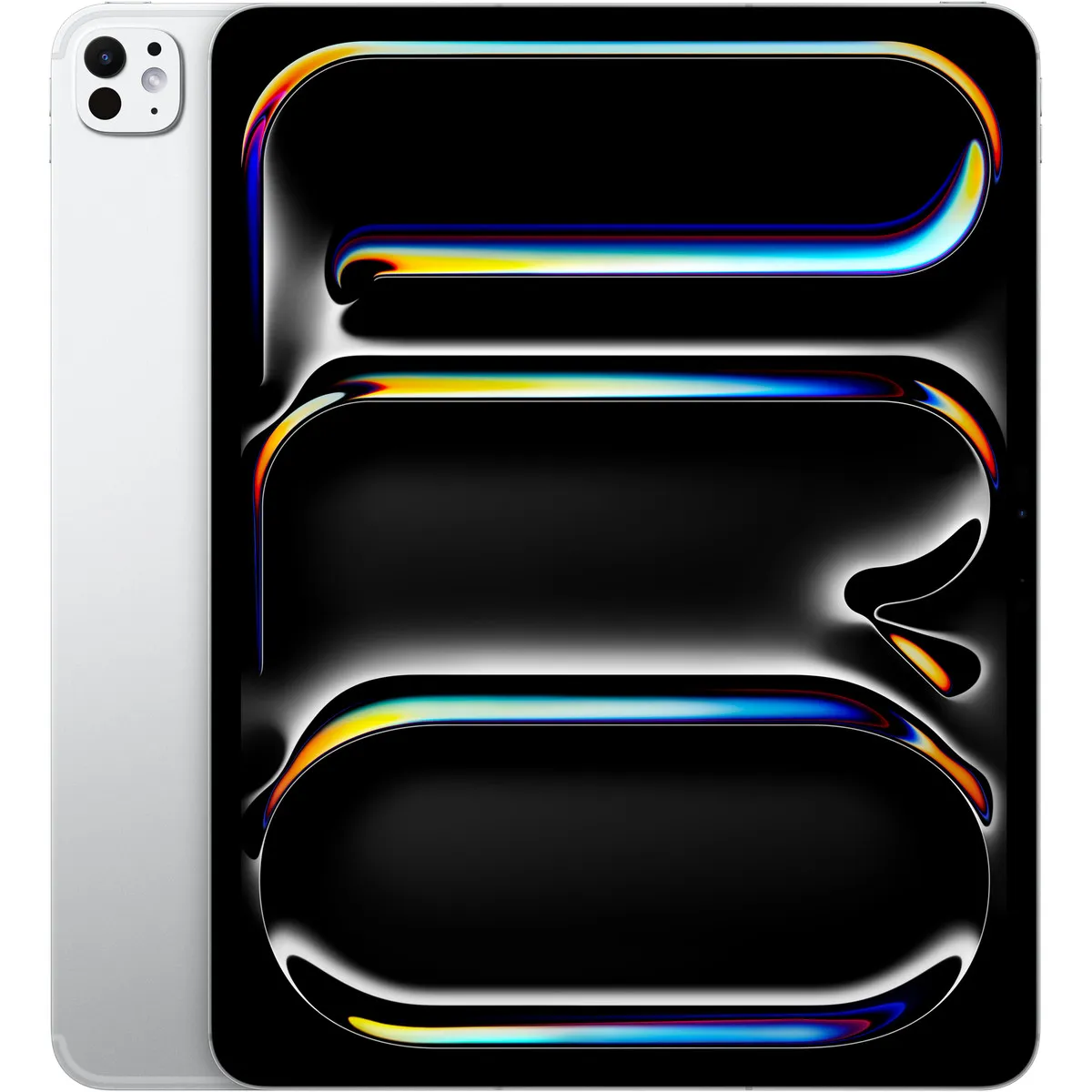
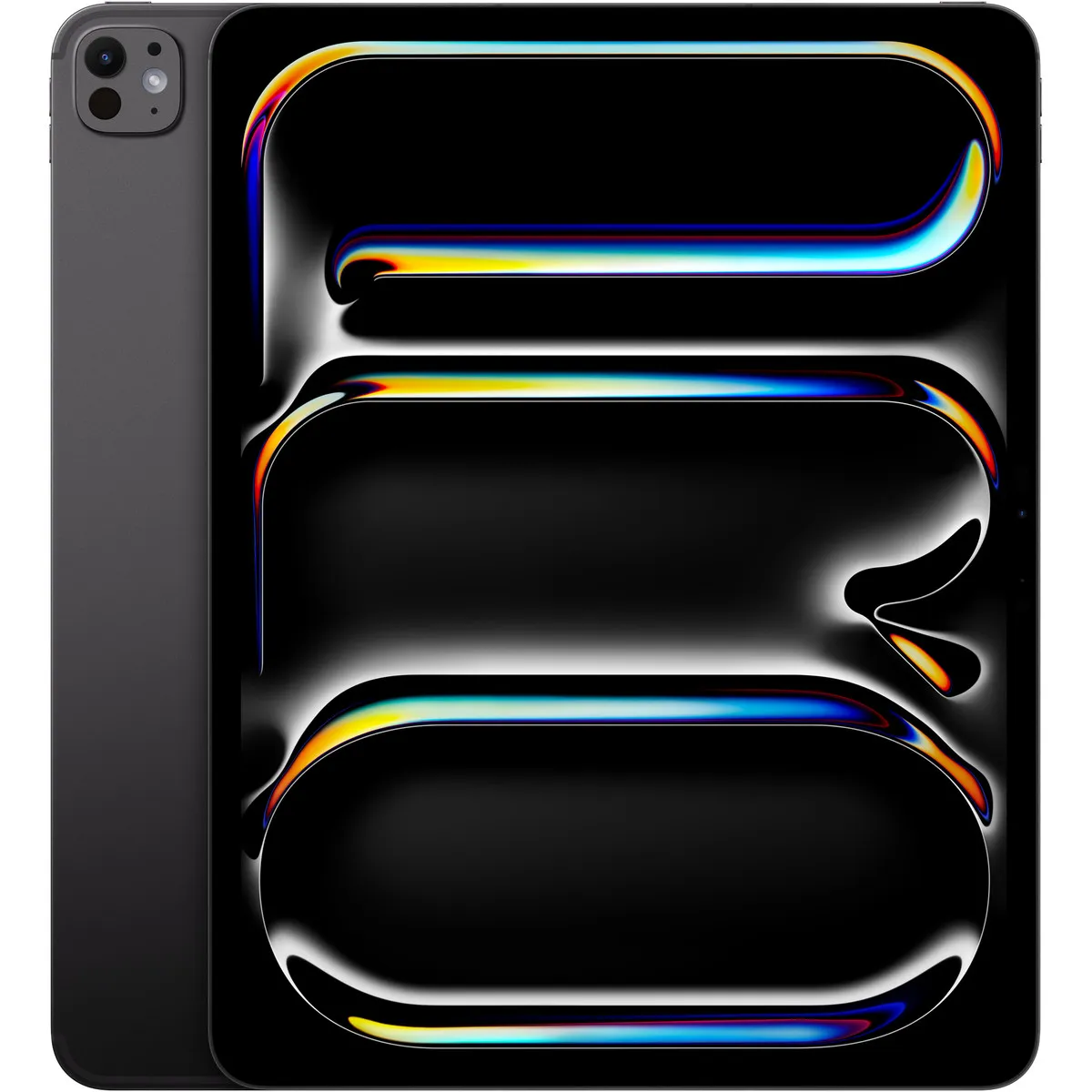
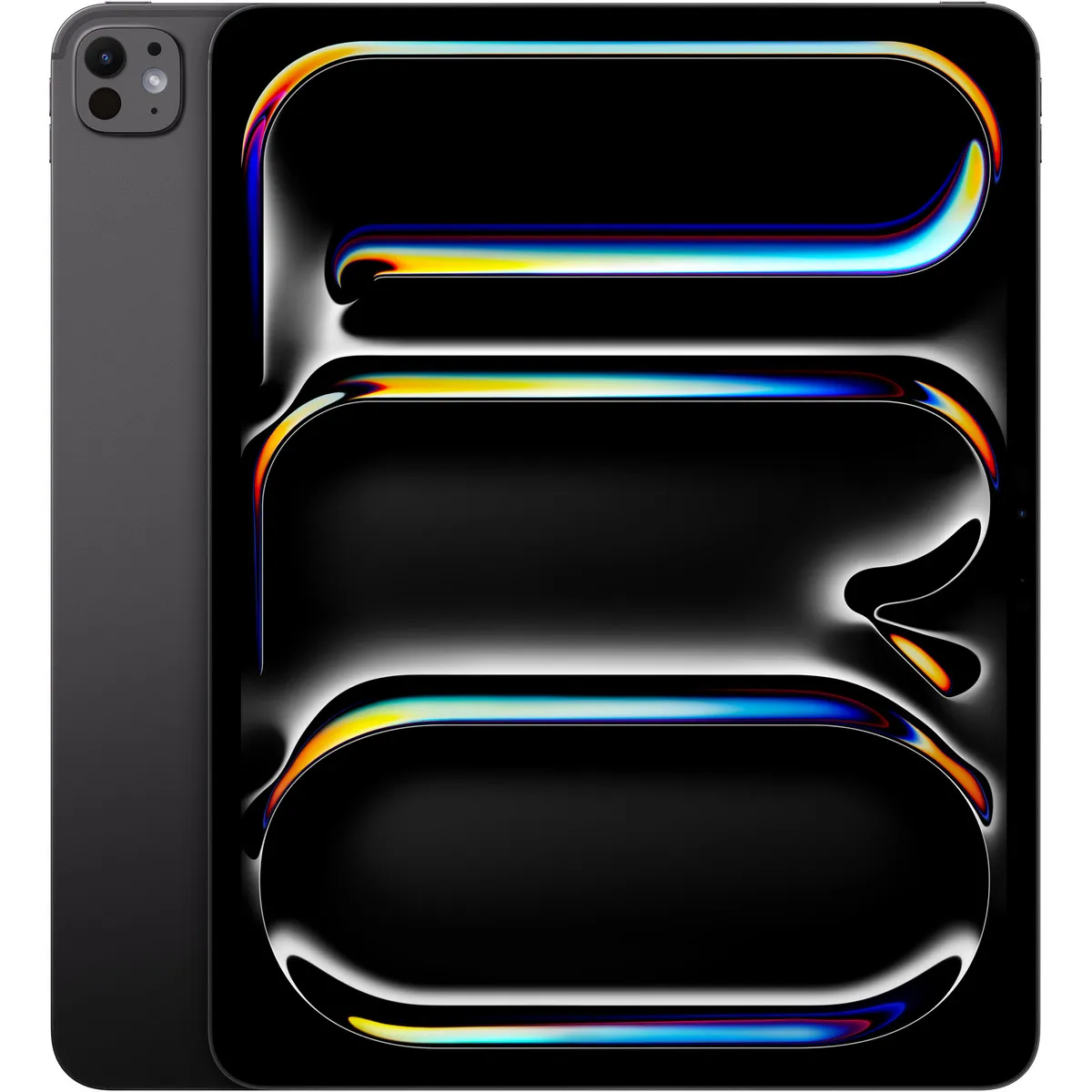
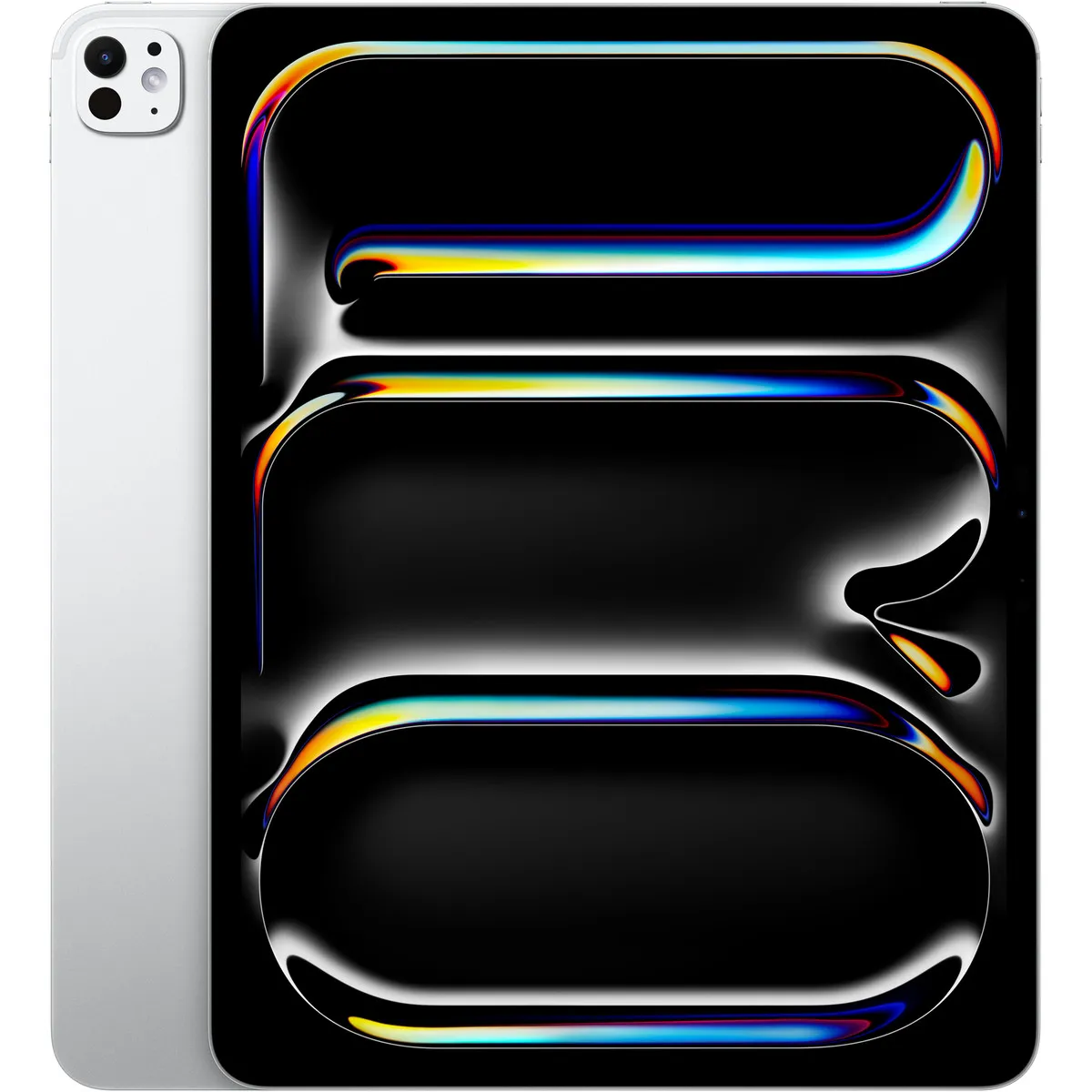
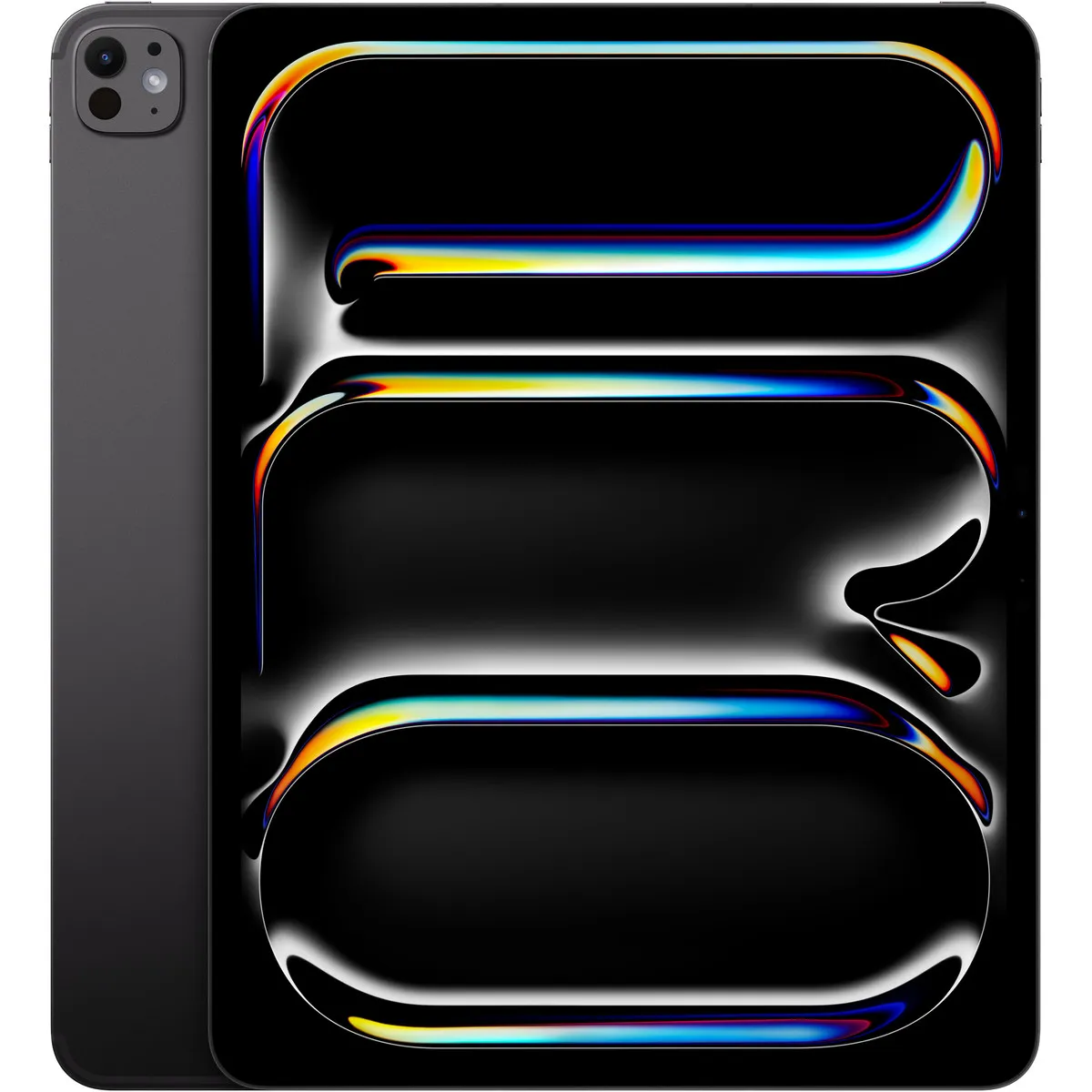
iPad Pro 13 inch (M5) Standard glass Wi-Fi + Cellular 1 TB Space Black
Relevance for this use: 85/100
Drawing, annotating a PDF or taking handwritten notes requires a precise gesture and a comfortable surface. The screen becomes a central criterion here, since a generous diagonal makes drawing easier and reduces the feeling of a cramped surface.
By contrast, raw processing power or camera resolution barely come into play for this kind of creative or study focused use, centred on writing and drawing.
The same criteria as on the category page, but not the same weight: here is what goes up and what goes down.
This is the most important criterion here. The closer the diagonal gets to the high mark around fourteen point six inches, the more comfortable drawing or writing feels. Below the median of eleven inches, the surface starts to limit working comfort.
Speed helps strokes render without visible lag, but a core count close to the median is already enough for everyday drawing or note taking.
Memory mainly helps keep several documents open at once. A value close to the median covers most note taking and annotation needs.
Storage matters little for this use: note and drawing files tend to stay small. Capacity near the low mark is often enough, unless many documents need to be kept.
Good battery life remains useful for a work session without recharging, but it counts a little less than the screen in this choice. A battery capacity close to the median suits most uses.
Photography almost never comes into play for drawing or annotation. A modest rear resolution does not affect this kind of work.
The features pushed in this category that make no difference in this context.
Very large storage
Note and sketch files take up little space. Capacity near the low mark is usually enough, unless substantial archiving is needed.
A very high resolution camera
Drawing and annotation do not call on the rear camera. A modest resolution does not affect working comfort.
Very high memory
Unless juggling many open documents, memory close to the median already suits the use well.
Orders of magnitude, not displayed prices: a price only appears on Kalyneo once it has been collected from a merchant, with its collection date.
Under €150
Under €150: the screen often sits close to the low mark, which can limit drawing comfort during long sessions.
€150 to €400
€150 to €400: this range allows getting close to or near the median for the diagonal, with speed and memory sufficient for everyday annotation.
Over €400
Over €400: beyond this, the screen can approach the high mark, which directly benefits drawing comfort on a larger surface.
Ranked by relevance for this specific case, not by their overall score.
Tablets Apple
Relevance for this use: 85/100
Tablets Apple
Relevance for this use: 85/100
Tablets Apple
Relevance for this use: 85/100
Tablets Apple
Relevance for this use: 85/100
Tablets Apple
Relevance for this use: 85/100
Tablets Apple
Relevance for this use: 85/100
Tablets Apple
Relevance for this use: 85/100
Tablets Apple
Relevance for this use: 85/100
Tablets Apple
Relevance for this use: 85/100
Tablets Apple
Relevance for this use: 85/100
Tablets Apple
Relevance for this use: 84/100
A product only enters this list if it meets every one of these points. Its relevance is rated for this specific use, independently of its overall score in the category.