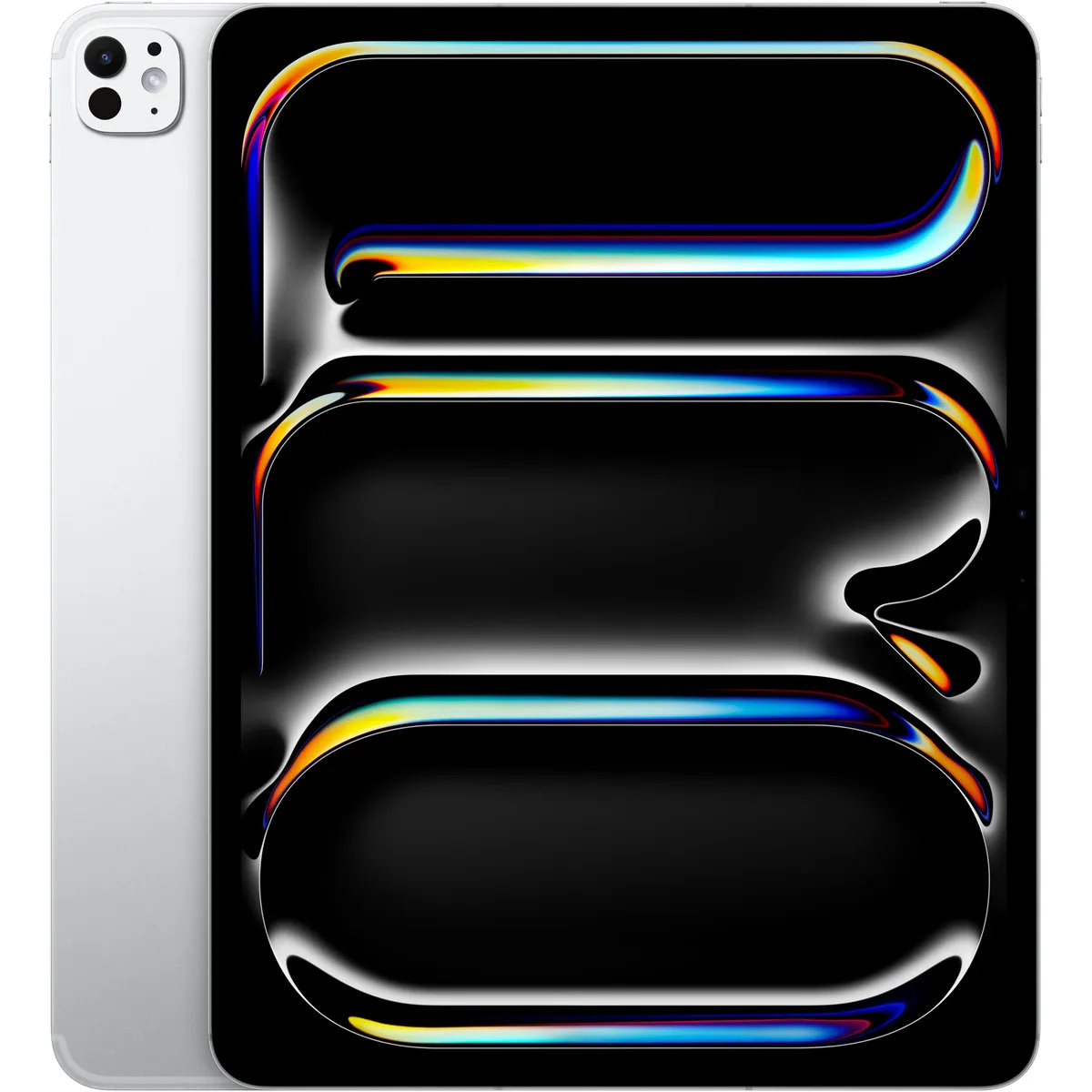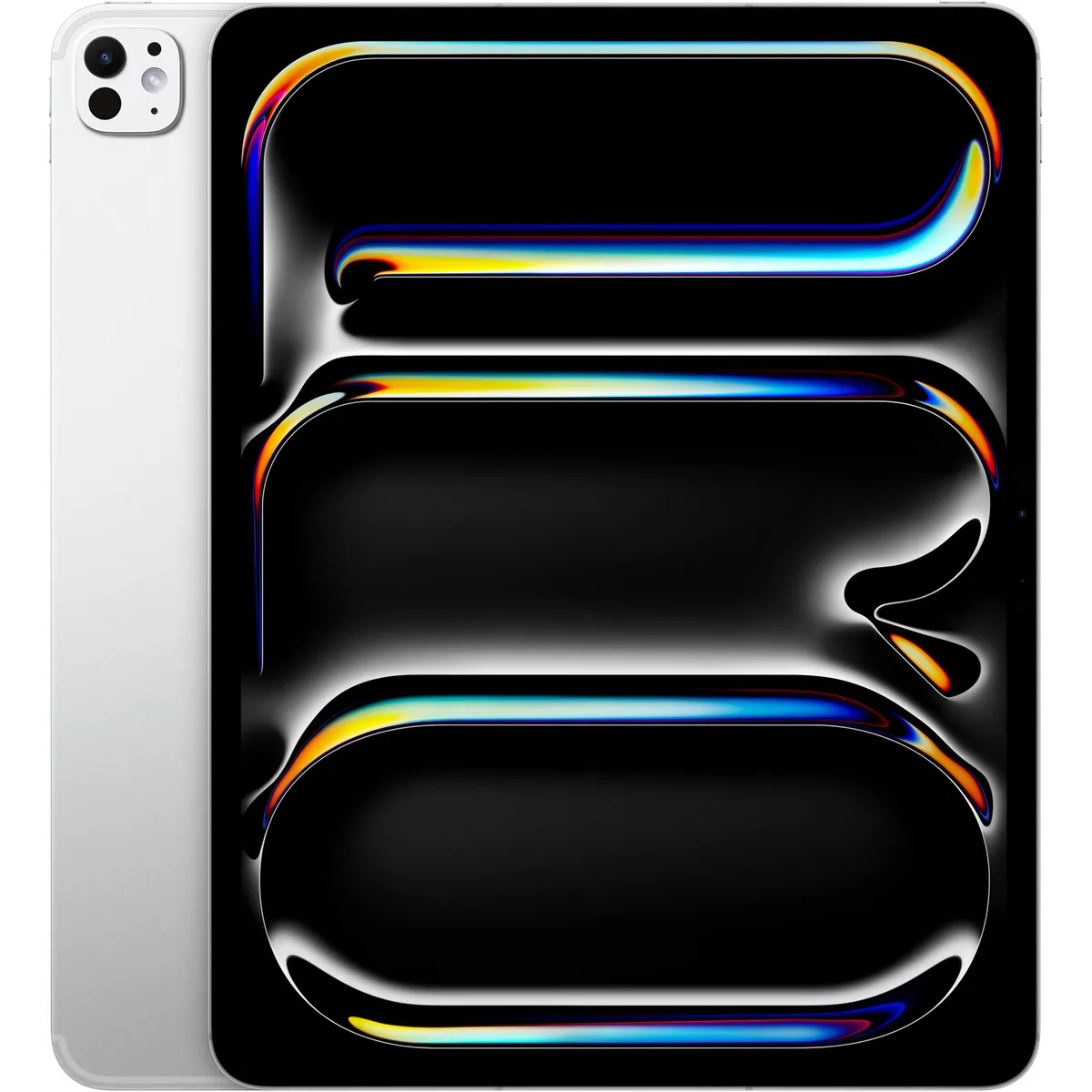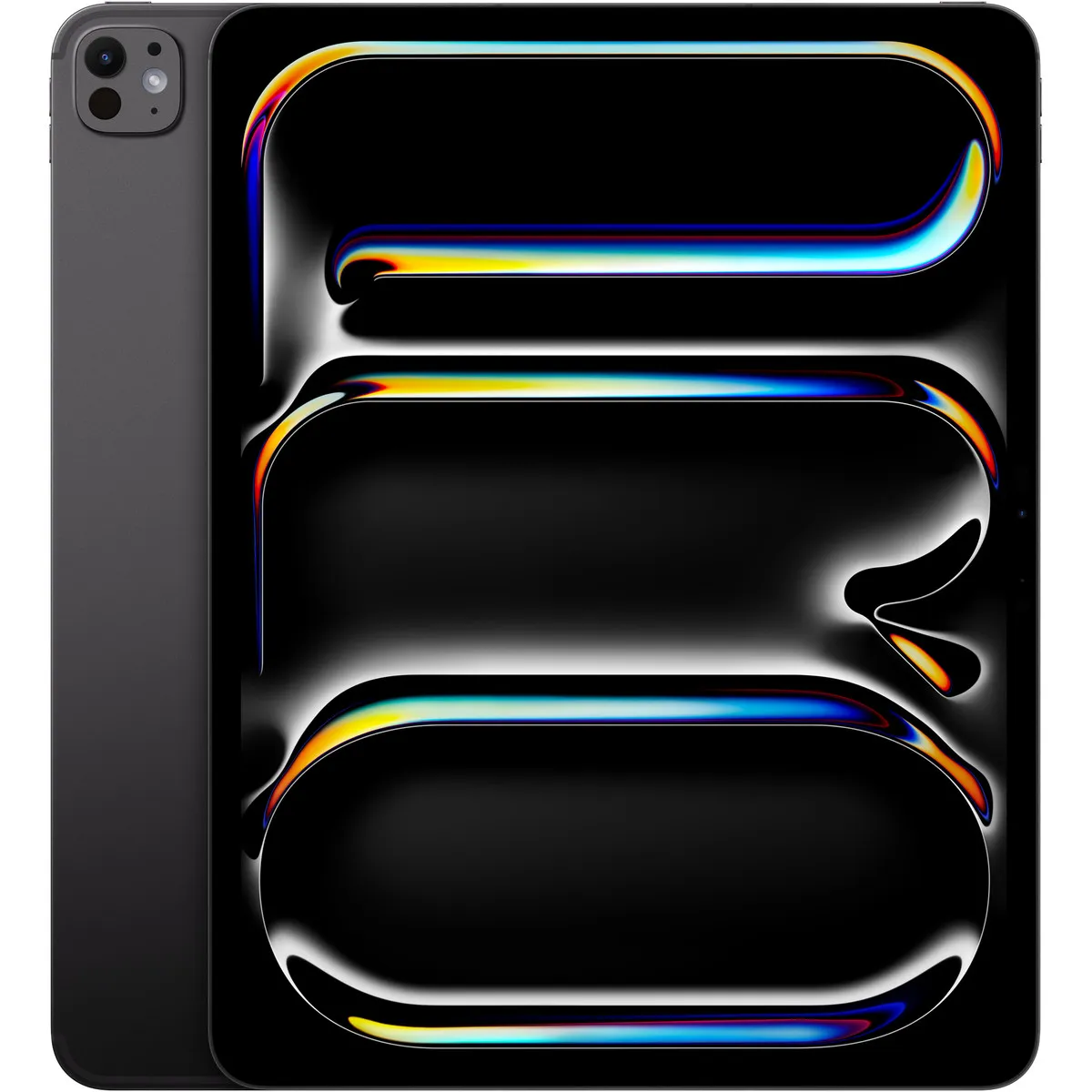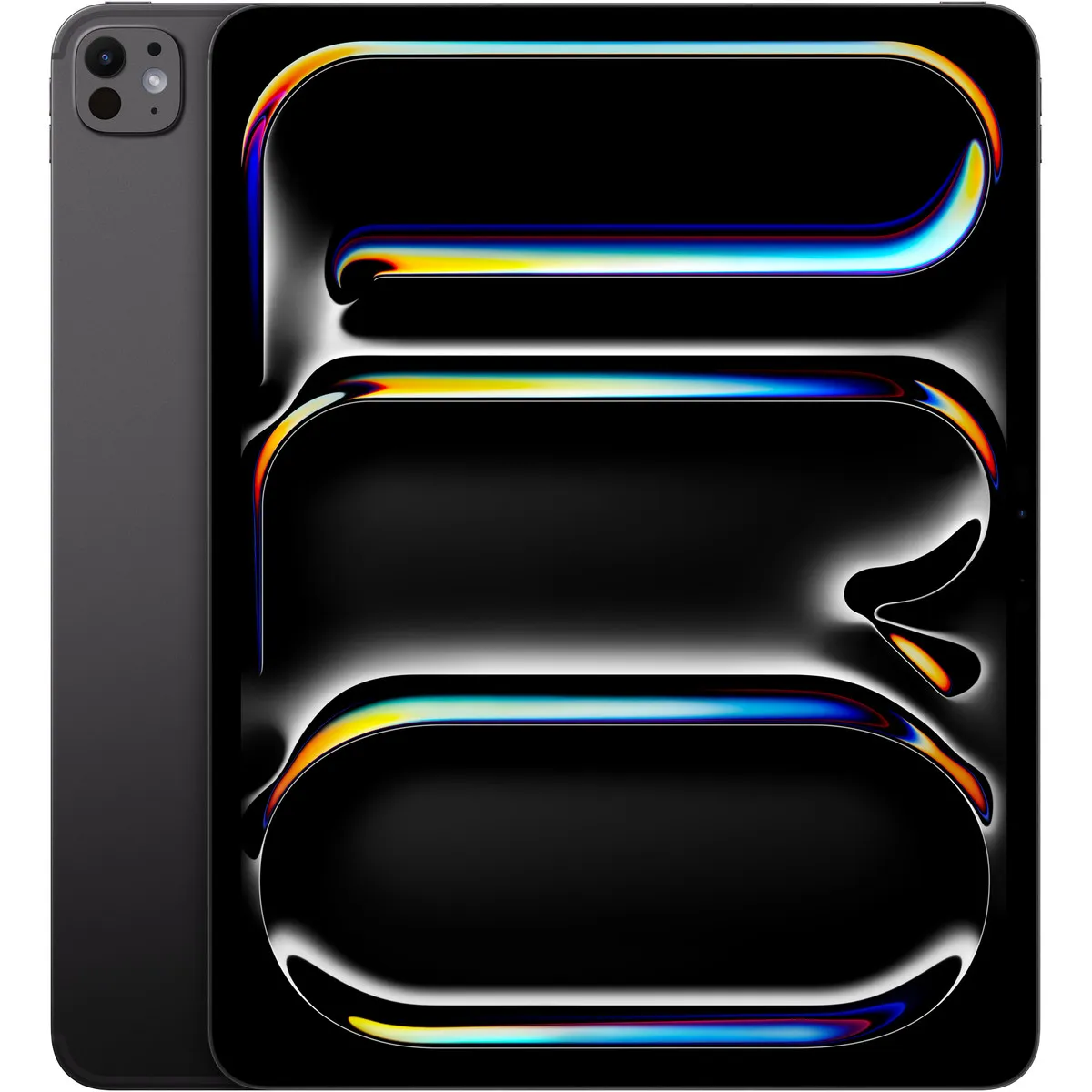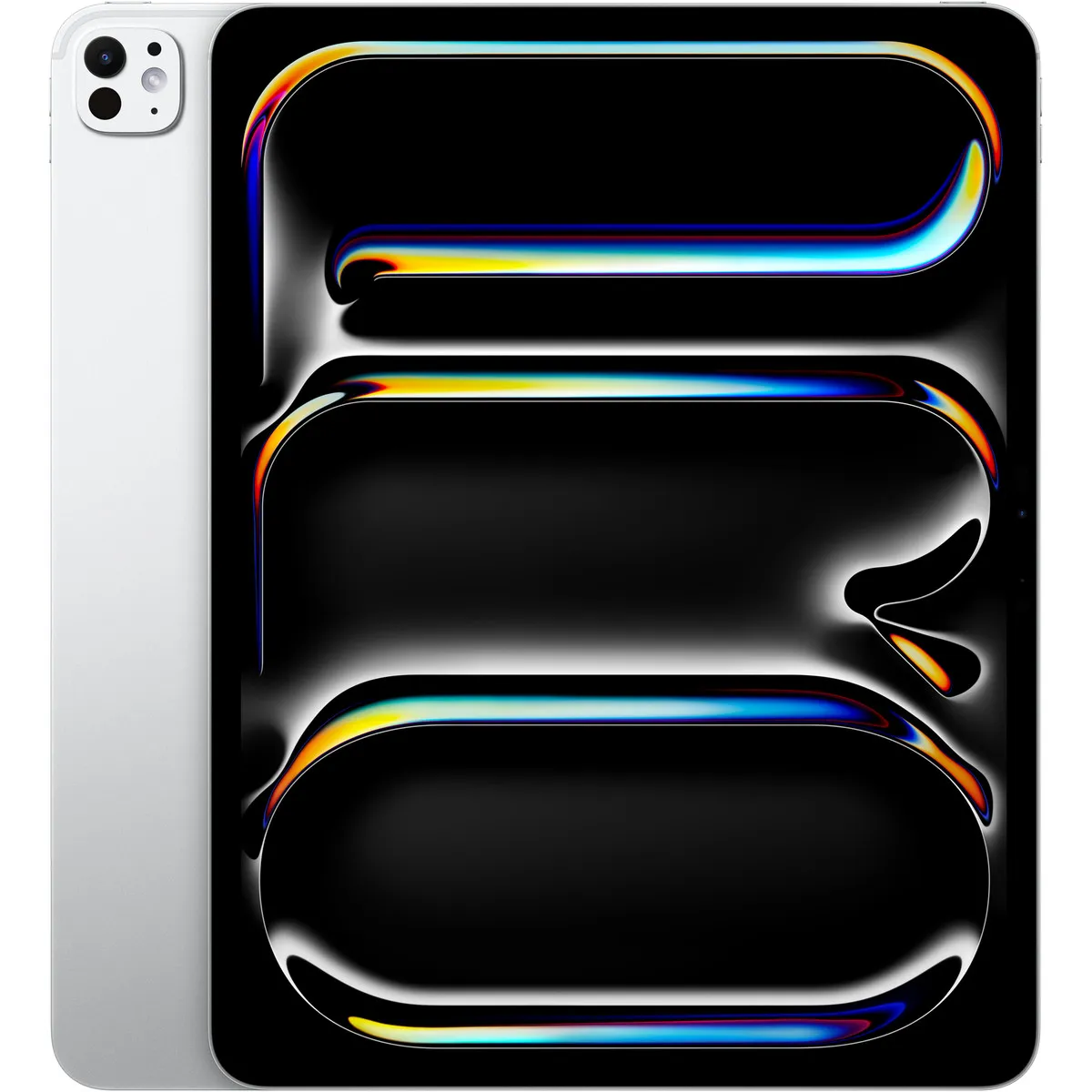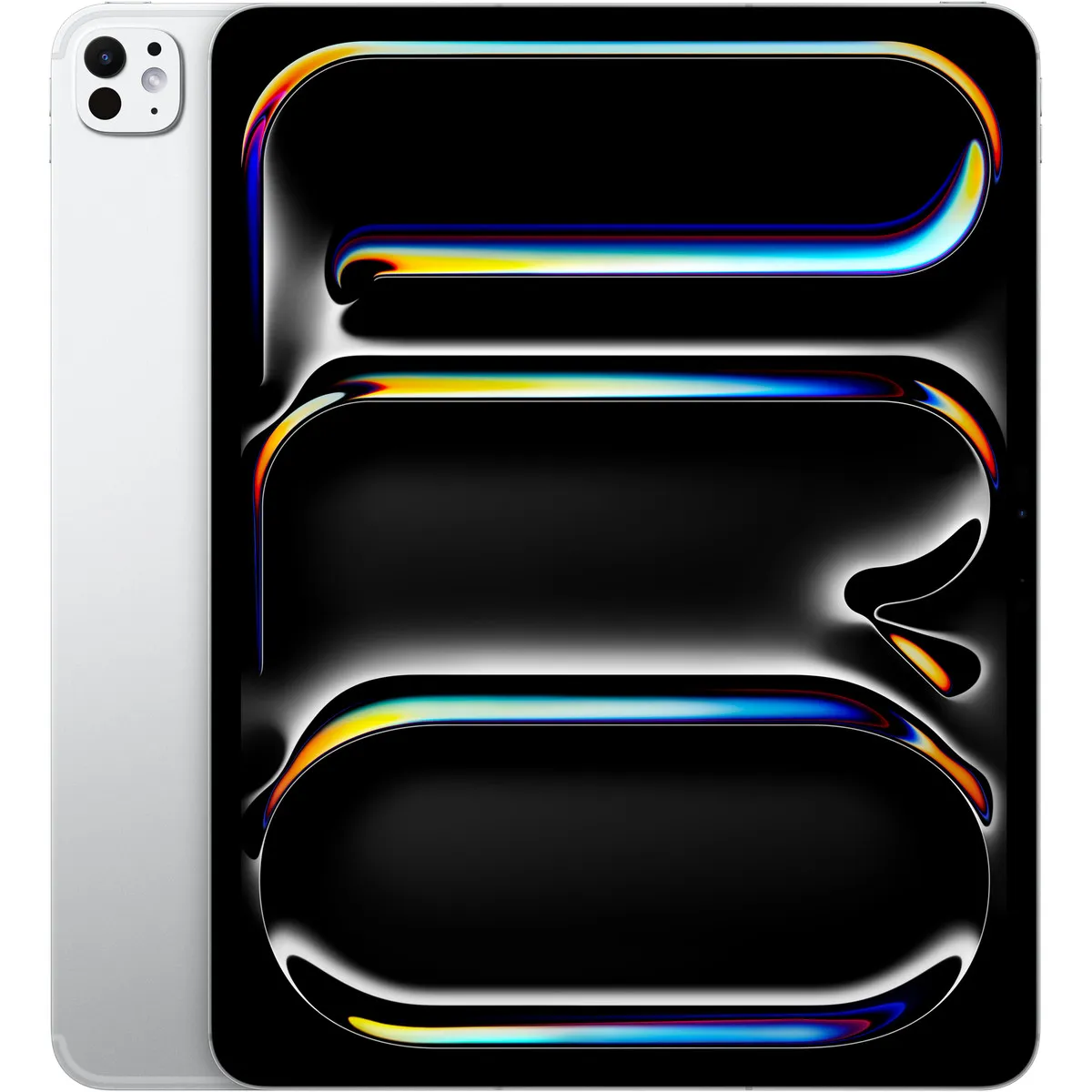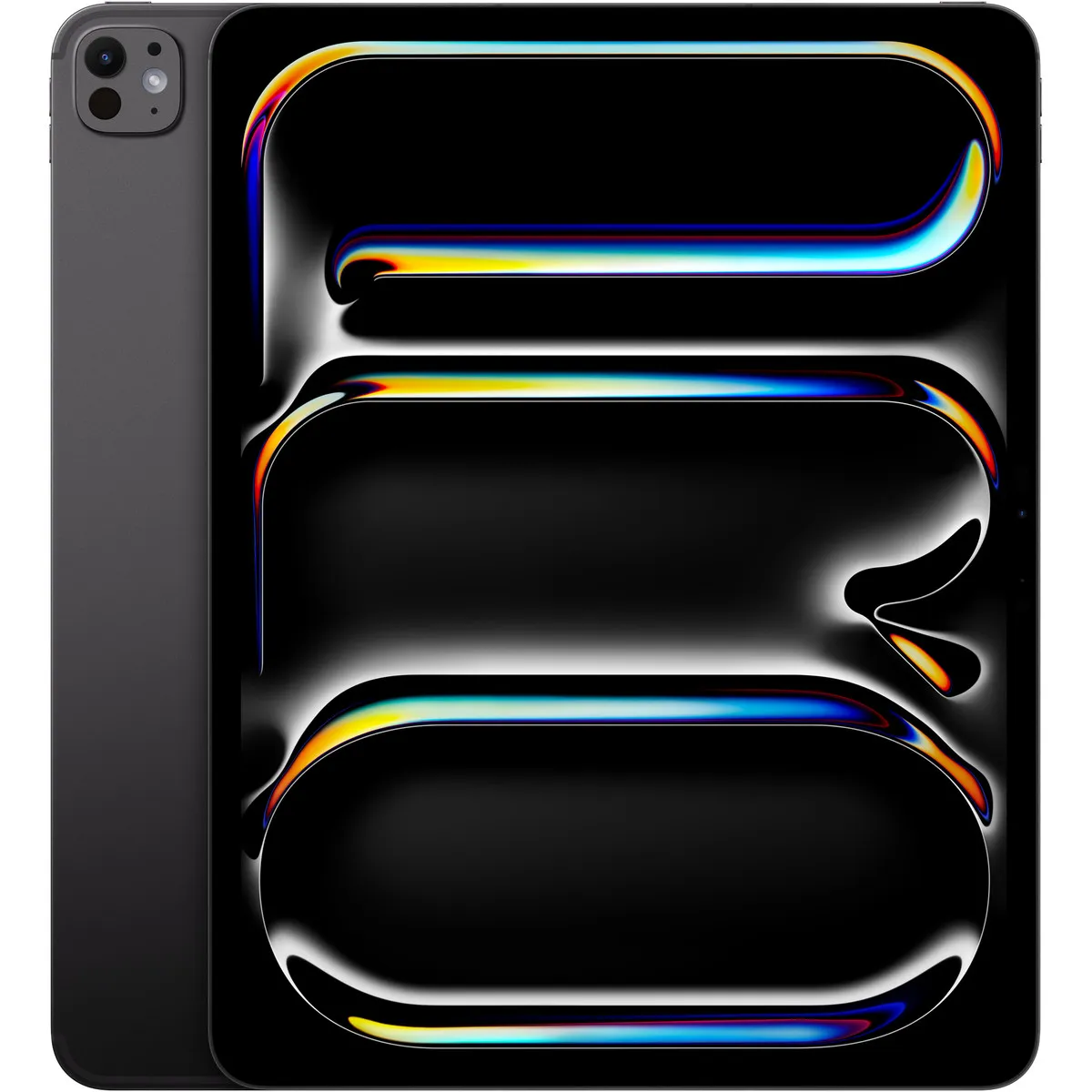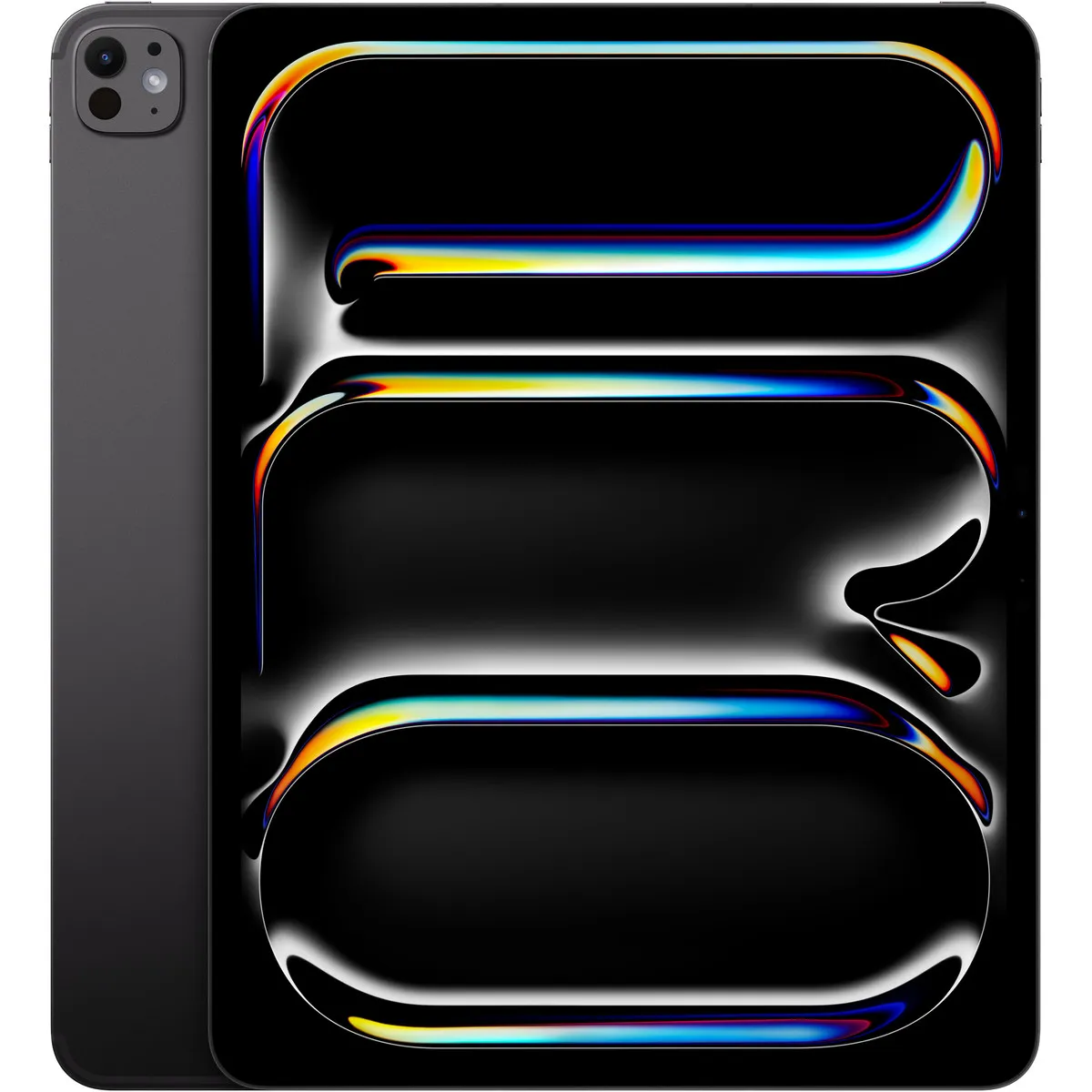
Tablets Apple
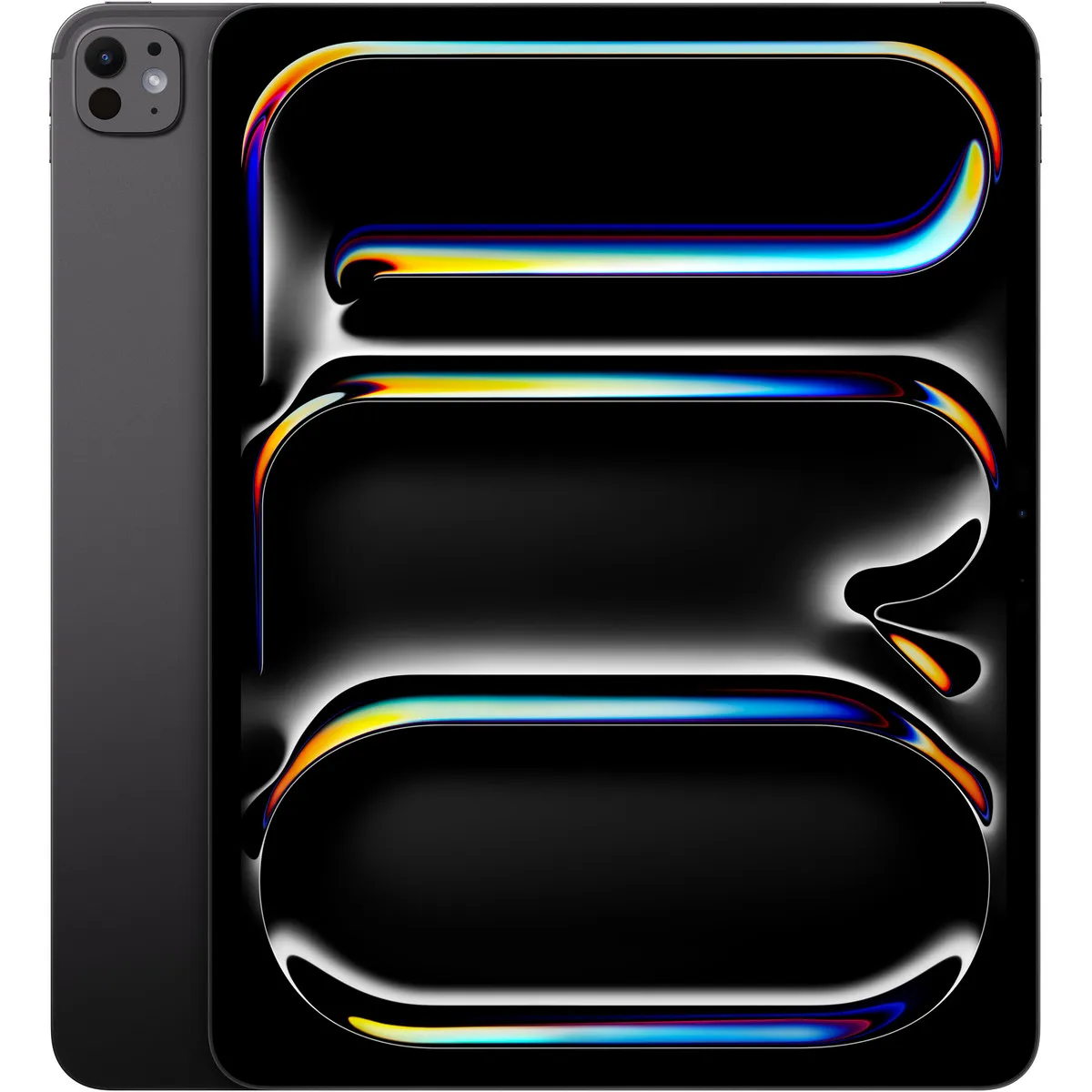
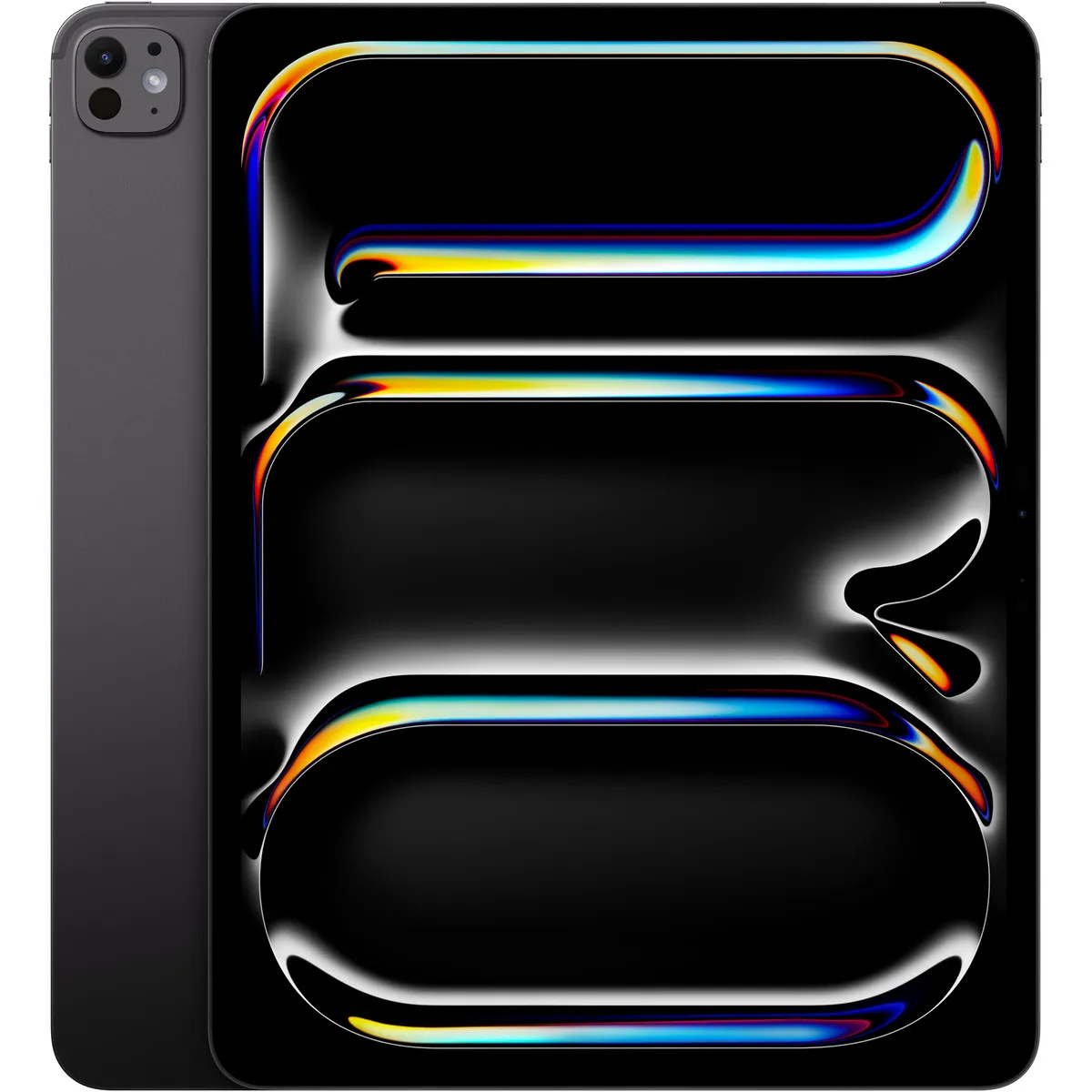
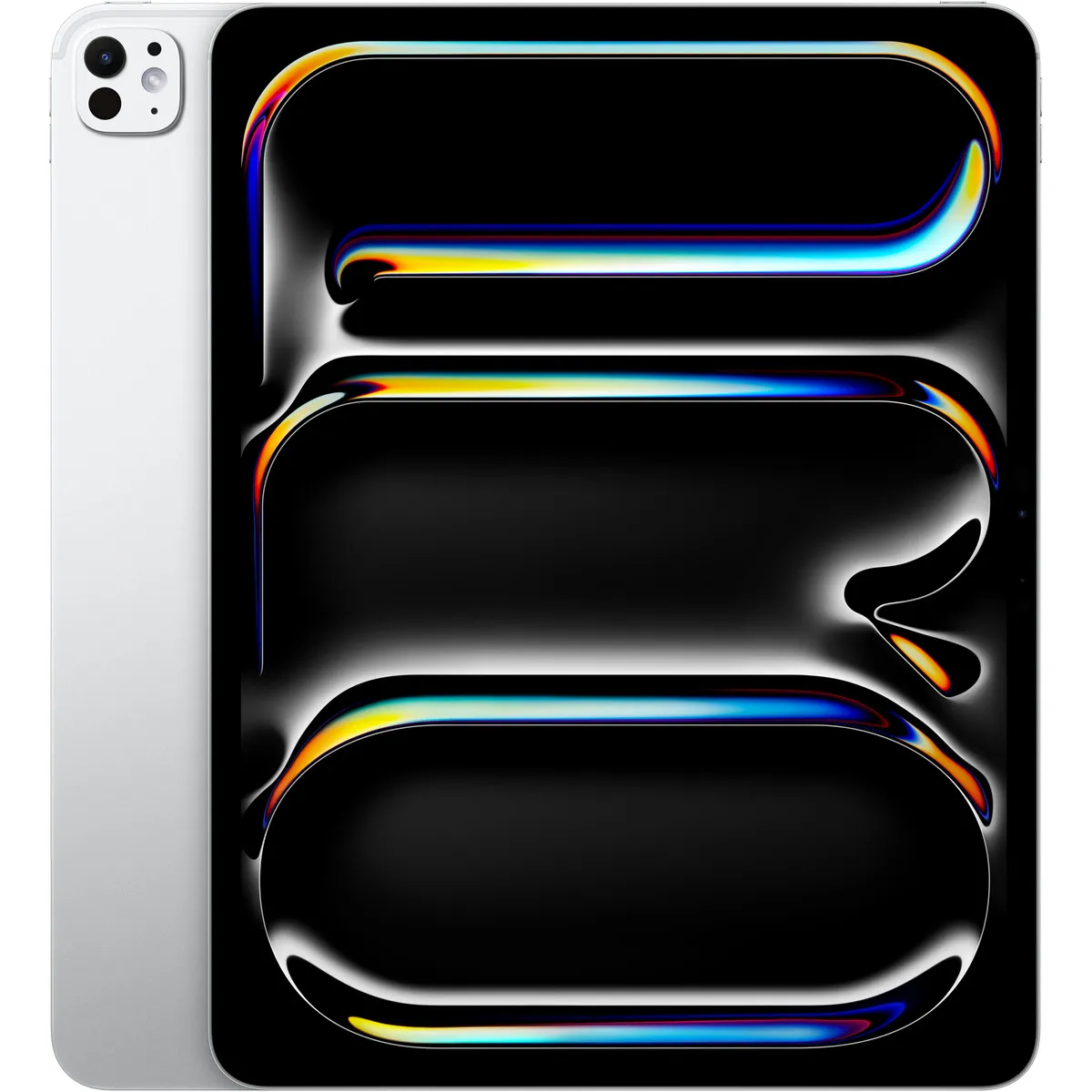
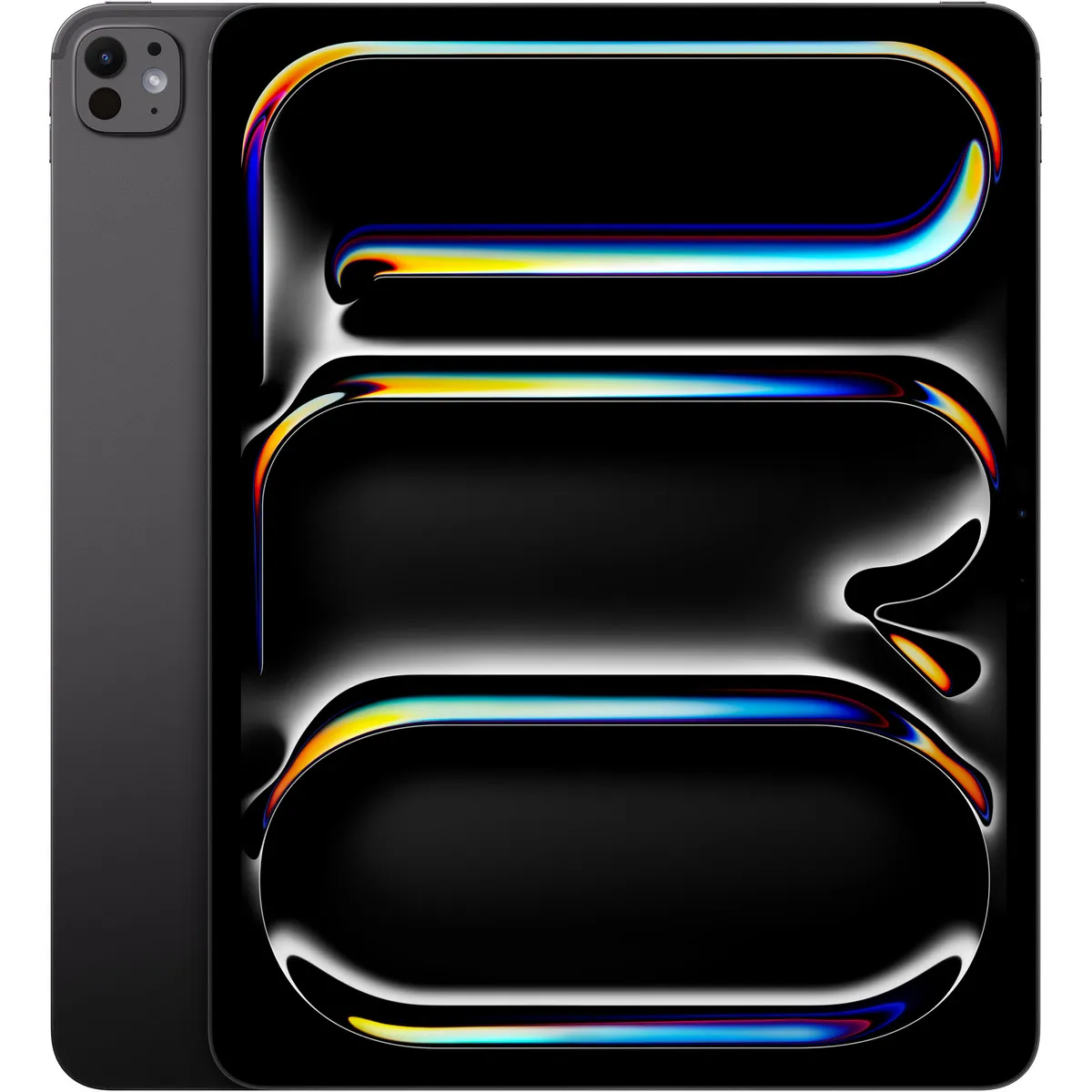
iPad Pro 13 inch (M5) Standard glass Wi-Fi + Cellular 1 TB Space Black
Relevance for this use: 89/100
A tablet meant for a child is mainly used to install educational apps, games and videos, often in large numbers, and to be used without constant supervision of charging. Storage and battery life become the practical criteria that avoid everyday frustration.
By contrast, raw processor power, memory or camera resolution matter much less for this use, centred on lightweight apps and simple handling.
The same criteria as on the category page, but not the same weight: here is what goes up and what goes down.
A reasonable screen size is enough for a child, with no need to aim for the top of the range. A diagonal close to the median stays comfortable for games and videos.
Speed matters less here: apps aimed at children tend to stay lightweight. A core count close to the median is largely enough for smooth use.
Memory affects multitasking, rarely needed when a child uses one app at a time. A value close to the median already covers this need well.
This is a key criterion here. The closer capacity gets to the high mark around five hundred twelve gigabytes, the more apps, games and videos can be installed without constantly managing available space. Below the median, storage needs regular attention.
Good battery life avoids frequent recharging and interruptions during use. A battery capacity close to the high mark limits the need to keep track of charging.
Photography plays little part in a child’s use centred on apps and videos. A modest rear resolution does not affect the experience.
The features pushed in this category that make no difference in this context.
A very powerful processor
Apps for children tend to stay lightweight. A core count close to the median is enough, with no need to aim for the top of the range.
A very high resolution camera
Use focuses on apps and videos rather than photography. A modest resolution does not affect the experience.
Very high memory
A child rarely runs several apps at once. A value close to the median already covers this need well.
A very large screen
A diagonal close to the median stays suitable and easy to handle for a child, with no need to aim for the top of the range.
Orders of magnitude, not displayed prices: a price only appears on Kalyneo once it has been collected from a merchant, with its collection date.
Under €150
Under €150: storage often stays limited, close to the low mark, which requires regularly checking available space and sorting through apps.
€150 to €400
€150 to €400: this range allows getting close to the median for storage and reaching comfortable battery life, which clearly reduces everyday management.
Over €400
Over €400: beyond this, storage can approach the high mark, leaving plenty of room for apps, games and videos without frequent clearing.
Ranked by relevance for this specific case, not by their overall score.
Tablets Apple
Relevance for this use: 89/100
Tablets Apple
Relevance for this use: 89/100
Tablets Apple
Relevance for this use: 89/100
Tablets Apple
Relevance for this use: 89/100
Tablets Apple
Relevance for this use: 89/100
Tablets Apple
Relevance for this use: 89/100
Tablets Apple
Relevance for this use: 89/100
Tablets Apple
Relevance for this use: 89/100
Tablets Apple
Relevance for this use: 88/100
Tablets Apple
Relevance for this use: 87/100
Tablets Apple
Relevance for this use: 87/100
A product only enters this list if it meets every one of these points. Its relevance is rated for this specific use, independently of its overall score in the category.