985 prices collected today 5 countries · 2 merchants tracked No merchant pays for its ranking
How we rank Our method
Skip to content

USB flash drive buying guide: capacity, speed and price

A USB flash drive is chosen primarily by the storage space you need, then by the transfer speed you want. Capacity ranges from a few dozen to several hundred gigabytes, while read speed directly affects the time spent copying your files.

What to check

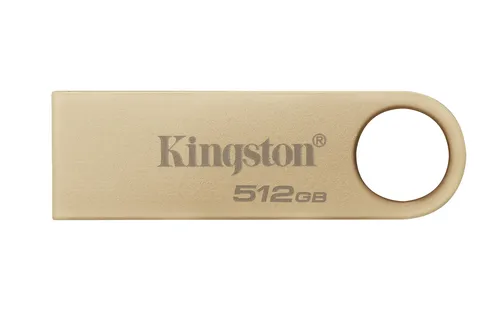
Storage capacity Capacity measures the space available for your files, expressed in gigabytes. Among recent market listings, entry-level models offer thirty-two gigabytes, half of products reach or exceed one hundred and twenty-eight gigabytes, and the most generous provide up to five hundred and twelve gigabytes. The criterion is scored out of one hundred points: the bar grows longer as capacity increases. Choose according to your needs: a few office documents require little space, while collections of photos, videos or regular backups justify high capacity. A spacious drive saves you frequent sorting and the multiplication of devices. Market median: 128 GB
Read speed Speed measures the read throughput, meaning how fast your files transfer from the drive to your computer, in megabytes per second. The slowest models on the market cap at sixty megabytes per second, half reach or exceed one hundred and fifty megabytes per second, and the fastest achieve four hundred megabytes per second. The score out of one hundred reflects this performance: the longer the bar, the less you wait during transfers. High speed becomes essential if you regularly copy large files, such as high-definition videos or bulky archives. For simple text documents, a modest throughput is perfectly adequate. Market median: 150 MB/s
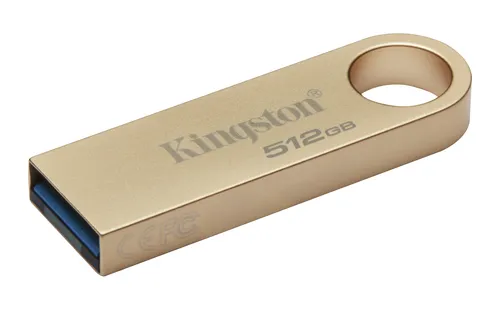
Connector and compatibility Check that the drive’s connector matches the ports on your devices. Recent computers often feature classic rectangular ports or more compact oval ports. Some models offer two connectors on the same unit, avoiding the need for adapters. Compatibility with common operating systems is generally ensured without installing special software: plug in the drive and it appears immediately in the file explorer. If you share files between multiple machines, favour universal formatting recognized by all systems.
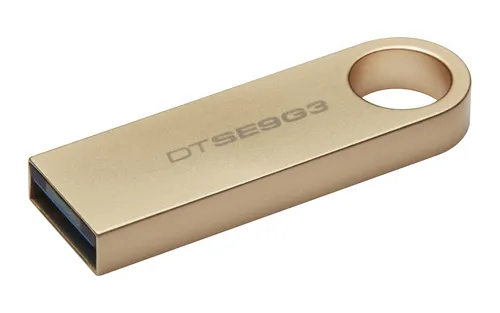
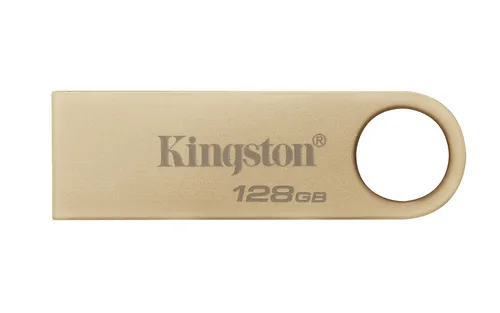
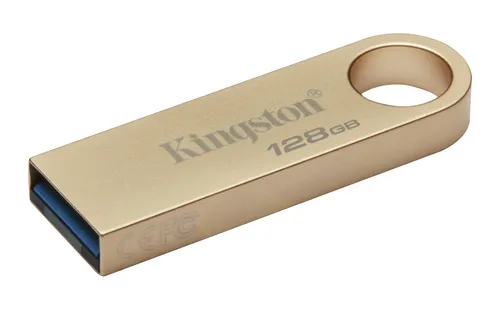
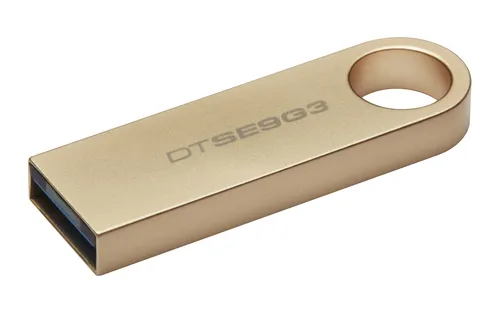
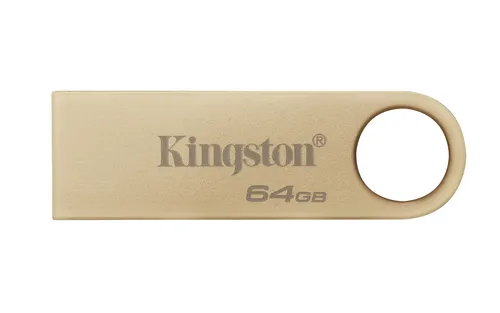
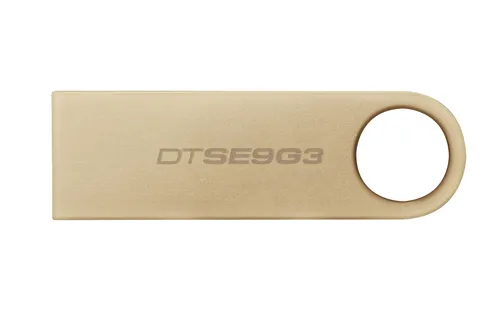
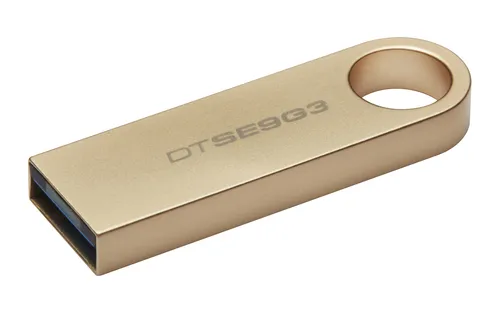
Durability and protection A USB flash drive travels in pockets, bags and drawers. A metal casing withstands shocks better than lightweight plastic, and a fixed or sliding cap protects the connector from dust and moisture. Some models include a ring to attach the drive to a keychain, reducing the risk of loss. Also remember to back up the contents of your drives regularly on another medium: no device guarantees eternal data preservation, and accidental loss remains always possible.

Benchmarks based on 30 recent market listings, collected on 4 October 2026.

What you get for each budget

Under €15

Models under fifteen euros offer modest capacities and limited speeds, suitable for occasional backup of light documents.

€15 to €40

Between fifteen and forty euros, you gain intermediate capacities and comfortable read speeds, sufficient for most common uses.

Over €40

Above forty euros, drives combine generous storage and fast transfers, ideal for regularly handling large data volumes.

Frequent mistakes

Choosing too little capacity forces you to delete files frequently or multiply drives.
Neglecting read speed considerably lengthens the time to copy large files.
Forgetting to safely remove the drive from the system exposes your data to corruption.
Using a drive as your only backup medium risks permanent loss of your files in case of failure or physical loss.

Models in this category

Best rated first, among those our merchants offer.