RAM modules Kingston Technology
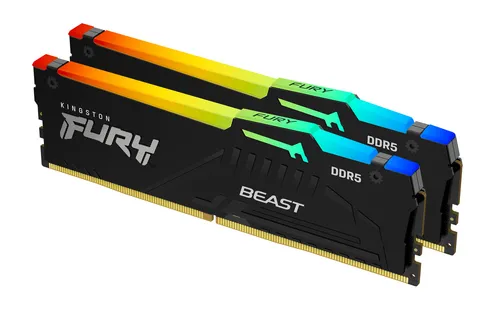
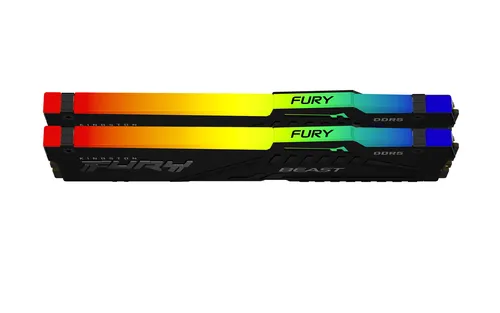
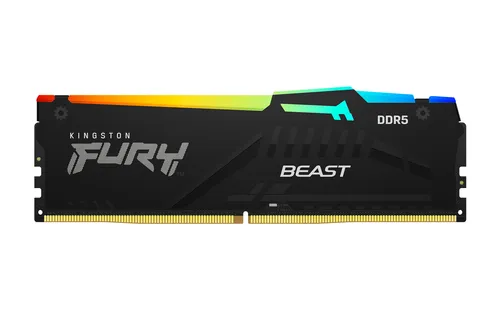
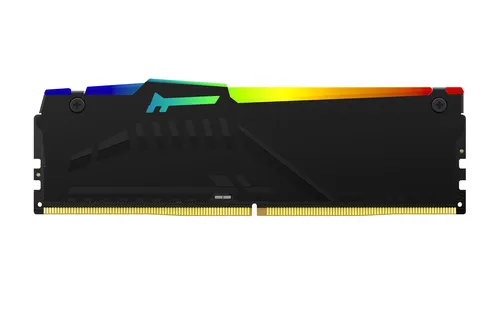
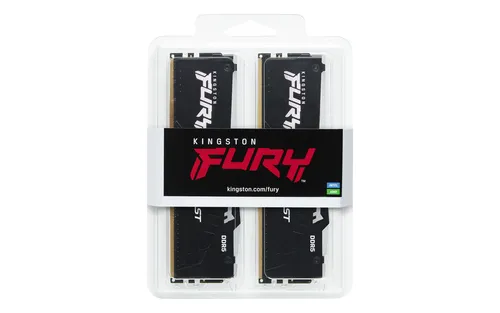
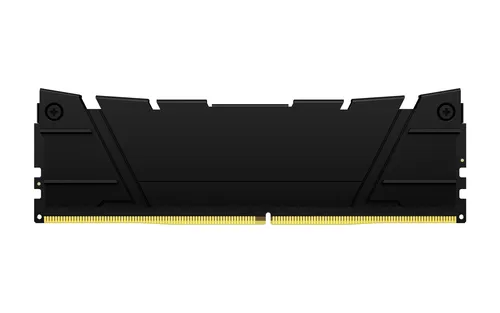
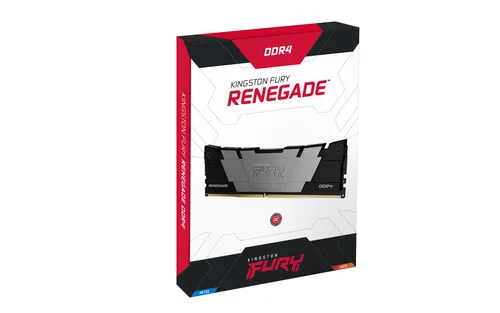
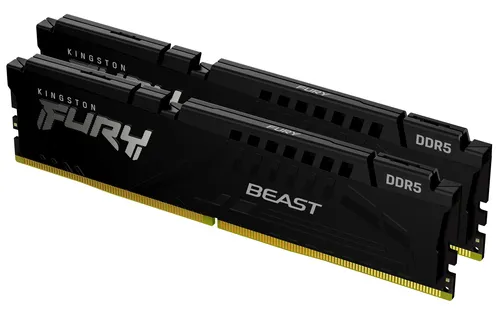
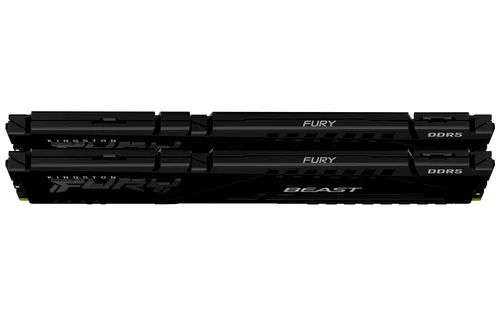
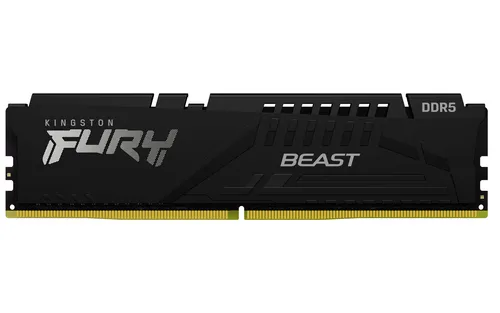
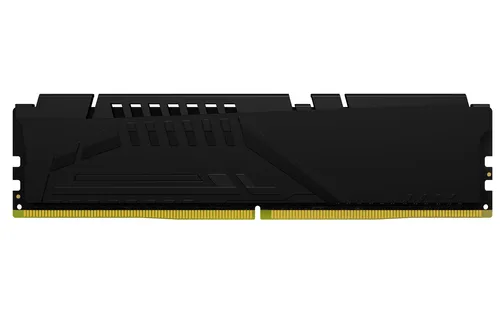
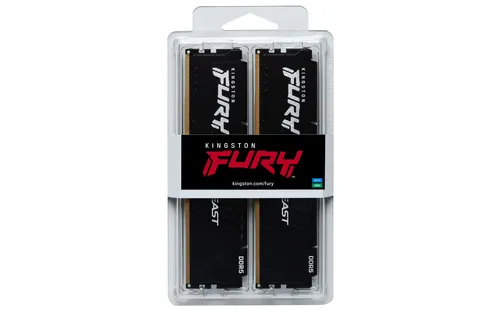
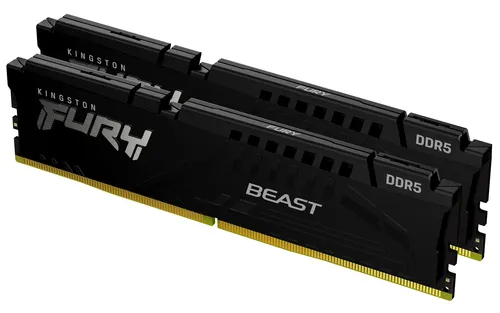
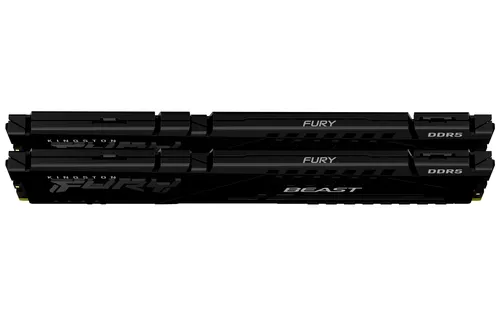
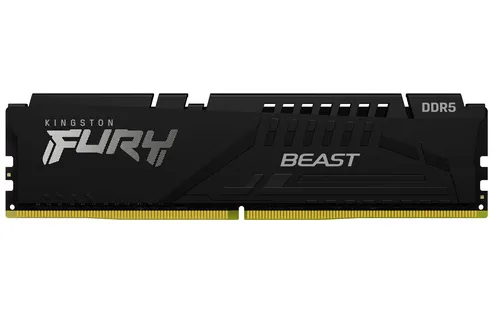
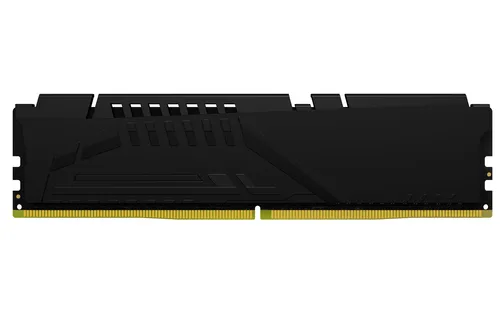
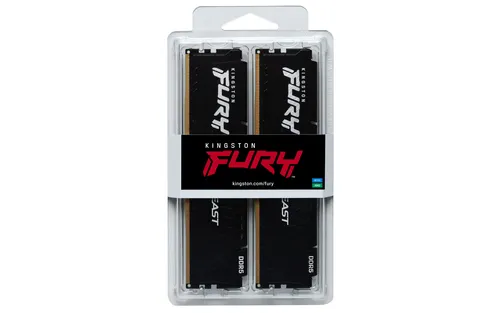
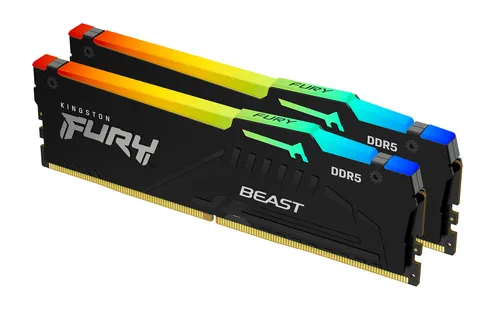
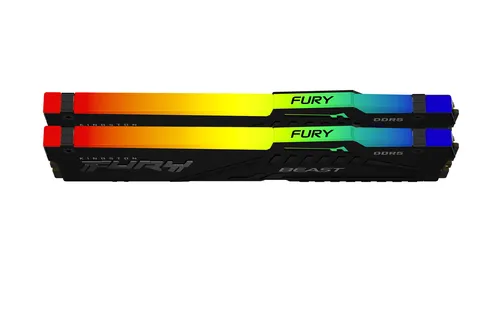
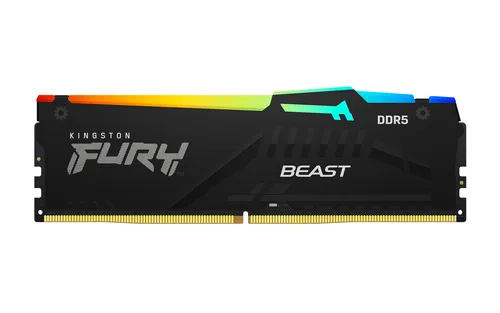
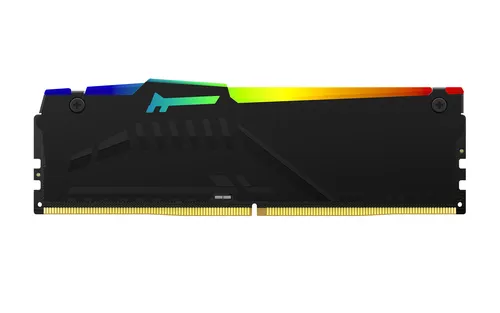
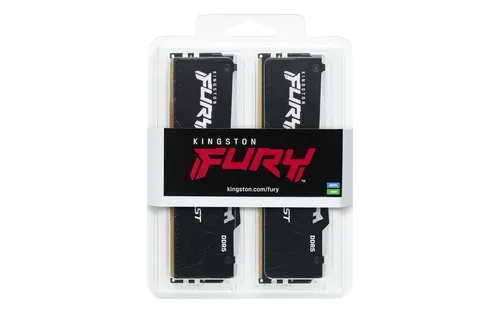
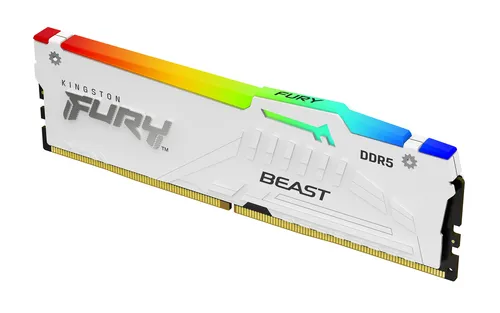
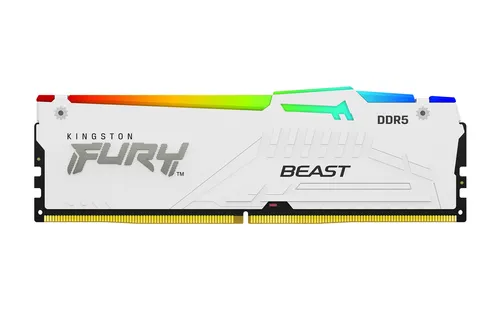
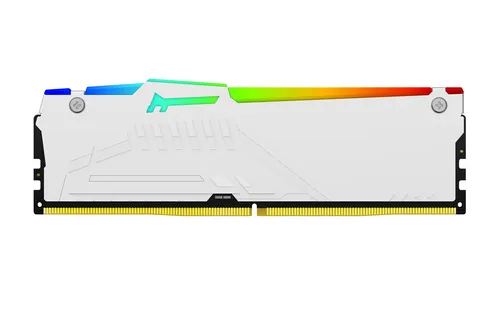
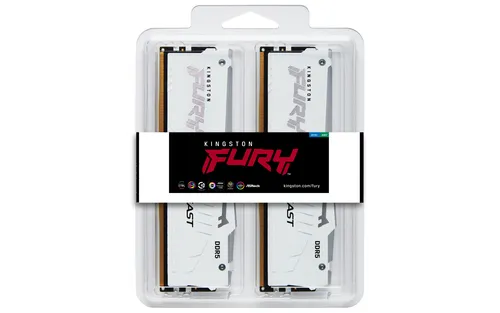
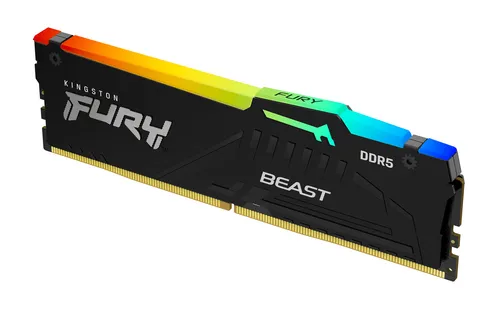
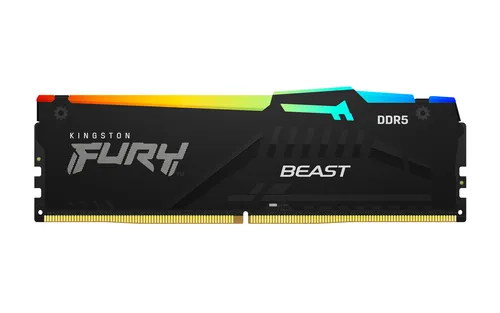
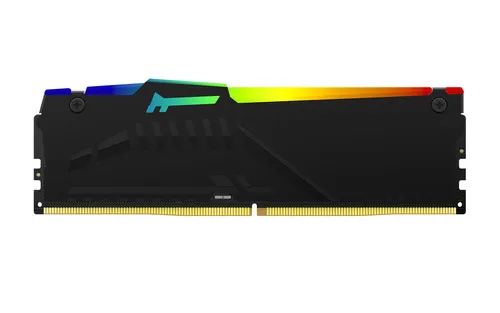
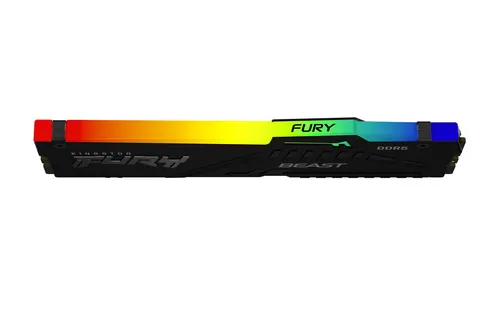
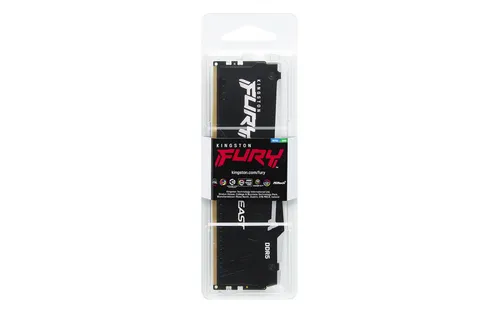
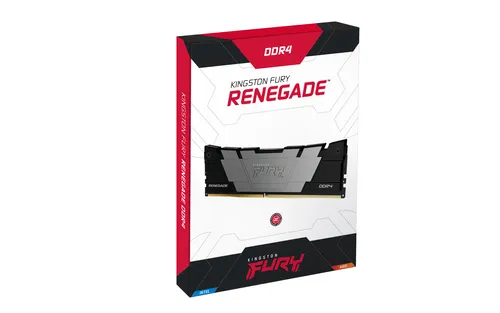
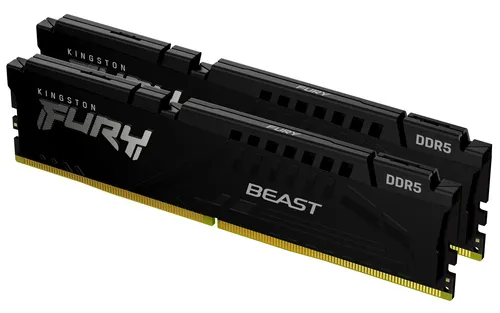
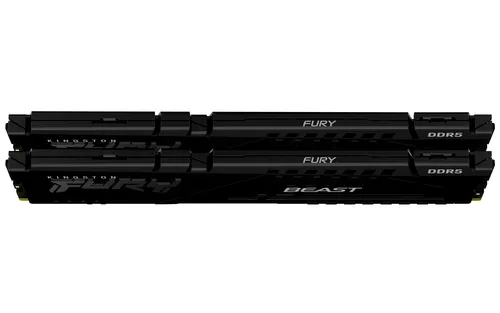
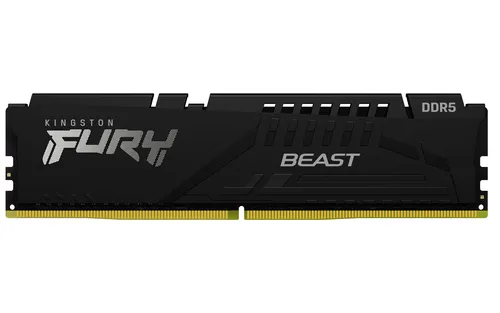
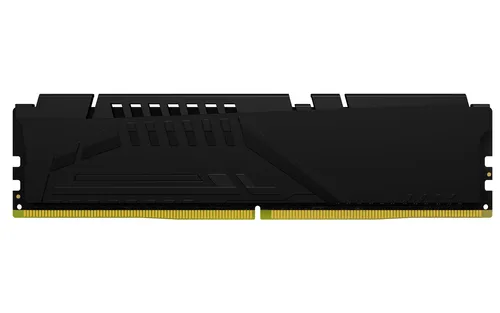
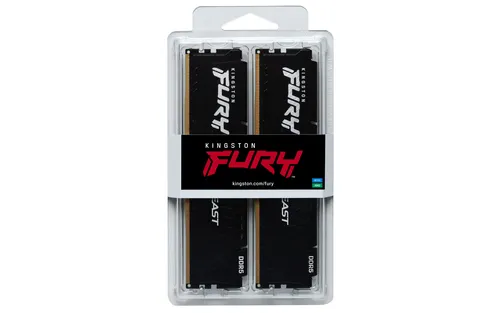
Kingston Technology FURY Beast 64GB 6000MT/s DDR5 CL30 DIMM (Kit of 2) Black EXPO
64 GB DDR5 kit at 6000 MT/s, CL30, 1.35 V
A memory module is chosen above all on its capacity and its clock speed, the two measures that truly separate listings from one another. Price follows naturally from these two criteria, to be weighed against the actual use of the machine.
Benchmarks based on 30 recent market listings, collected on 2 October 2026.
Under €40
At this price level, capacity stays close to the low benchmark recorded on the market, enough for everyday office use or a one off upgrade.
€40 to €90
This range covers most everyday uses, with capacity close to the median and a frequency that keeps up with a recent processor without difficulty.
Over €90
Beyond this, capacity and frequency move closer to the best benchmarks recorded, for the most demanding computing or editing tasks.
Best rated first, among those our merchants offer.
RAM modules Kingston Technology
64 GB DDR5 kit at 6000 MT/s, CL30, 1.35 V
RAM modules Kingston Technology
64GB DDR5 6000 MT/s CL30 kit, RGB, EXPO 1.0 profiles
RAM modules Kingston Technology
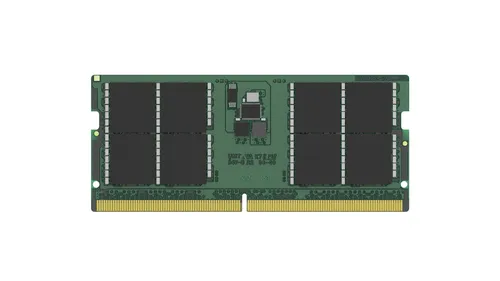
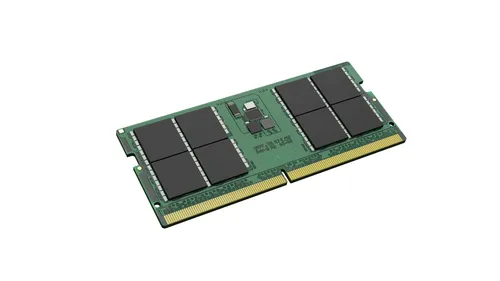
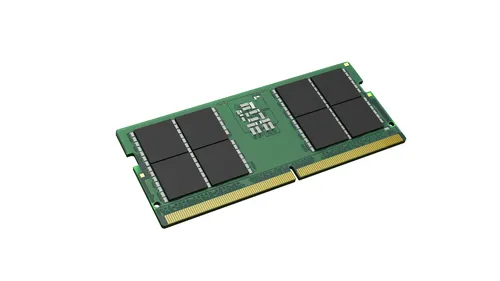
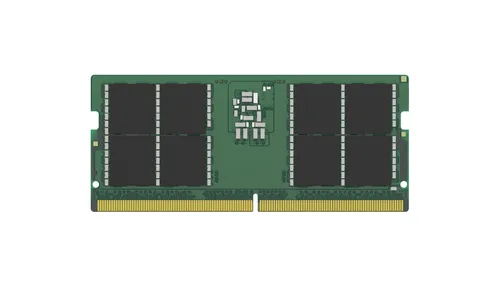
48GB DDR5 SO-DIMM at 5600 MT/s, CAS latency 46, 1.1 V
RAM modules Kingston Technology
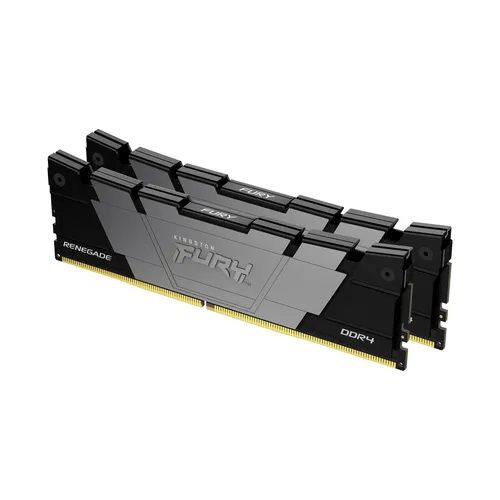
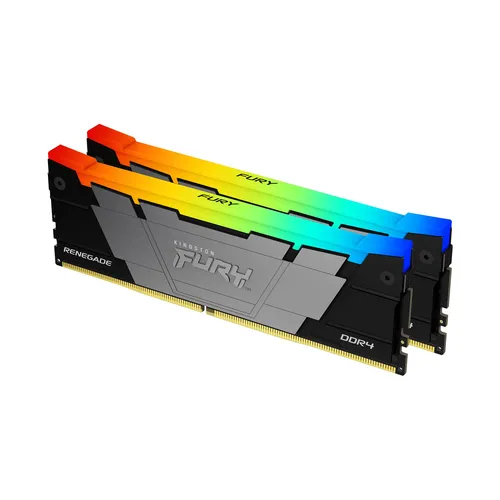
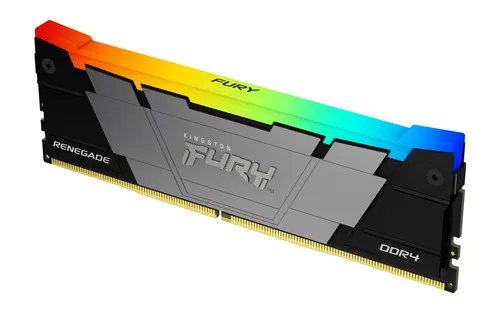
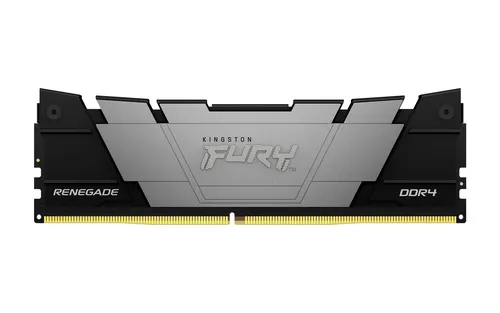
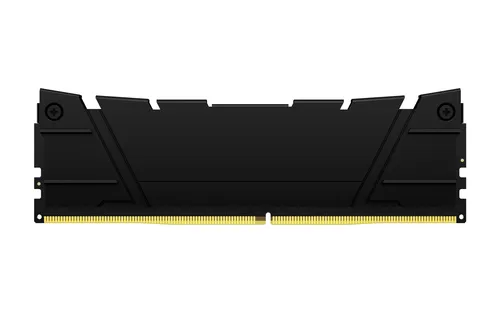
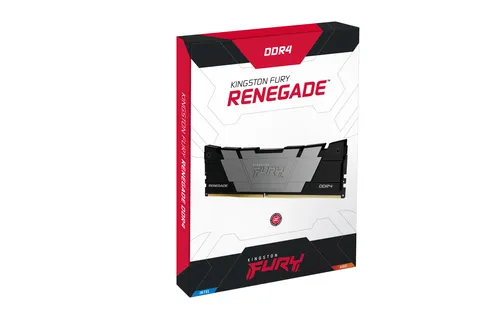
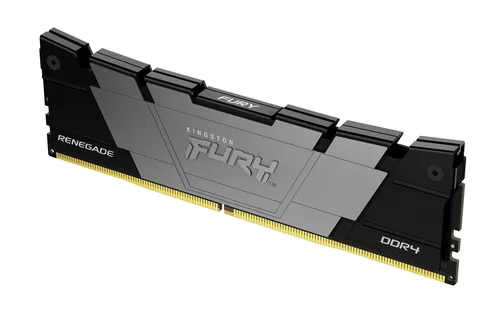
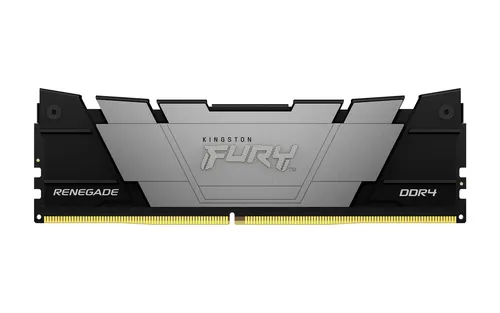
2x16GB DDR4 3200 MT/s CL16 kit under a black heatsink
RAM modules Kingston Technology
32GB DDR5 6000MT/s CL36 kit with EXPO for AMD platforms
RAM modules Kingston Technology
32GB DDR5 kit at 6000 MT/s with CL30 latency for tight timings
RAM modules Kingston Technology
32GB DDR5 6000MT/s CL30 kit, RGB, as two 16GB modules
RAM modules Kingston Technology
32GB DDR4 3600 MT/s CL16 kit with RGB lighting, 1.35V
RAM modules Kingston Technology
32 GB DDR4 3600 MT/s CL16 dual channel kit at 1.35 V
RAM modules Kingston Technology
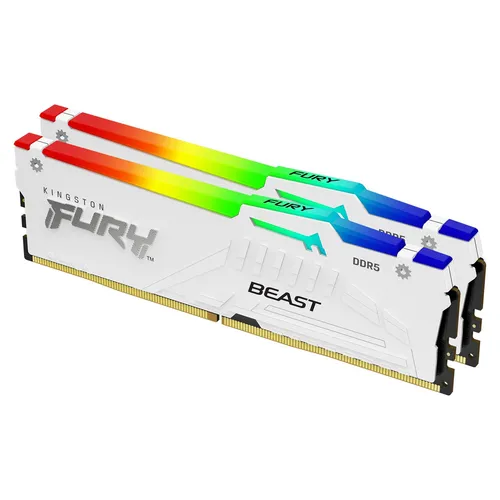
32GB DDR5 kit at 6000 MT/s CL30, white RGB, EXPO 1.0 profiles
RAM modules Kingston Technology
16GB DDR5 6000MT/s CL30 at 1.35V, with ECC and RGB lighting
RAM modules Kingston Technology
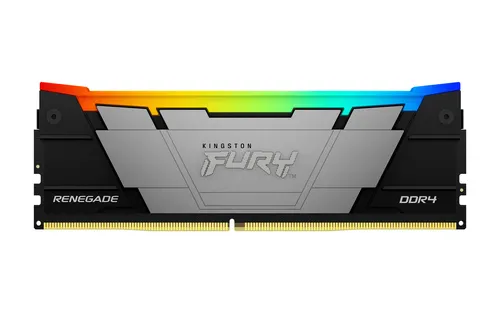
16GB DDR4 3600 MT/s CL16 single module with heat spreader