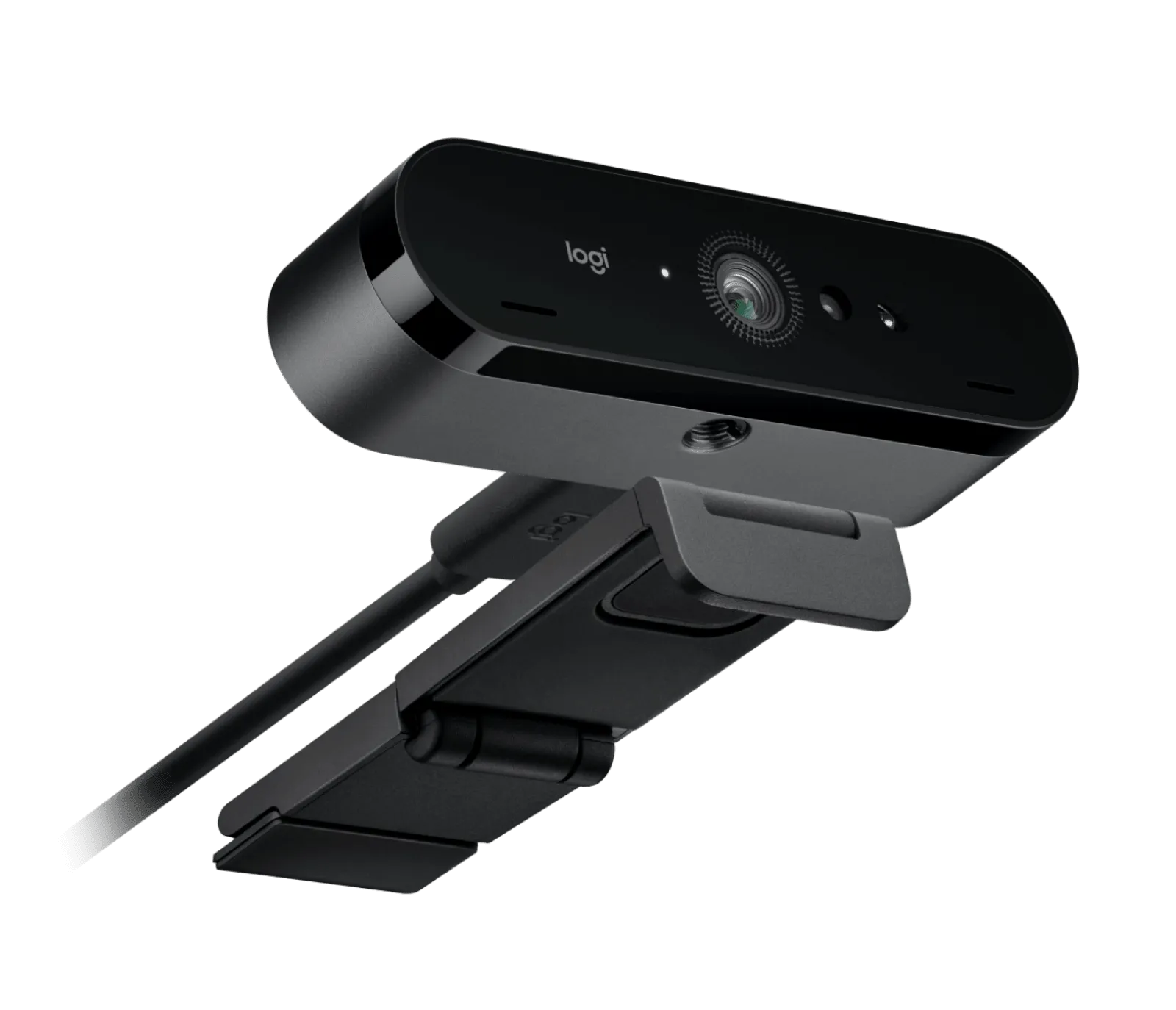
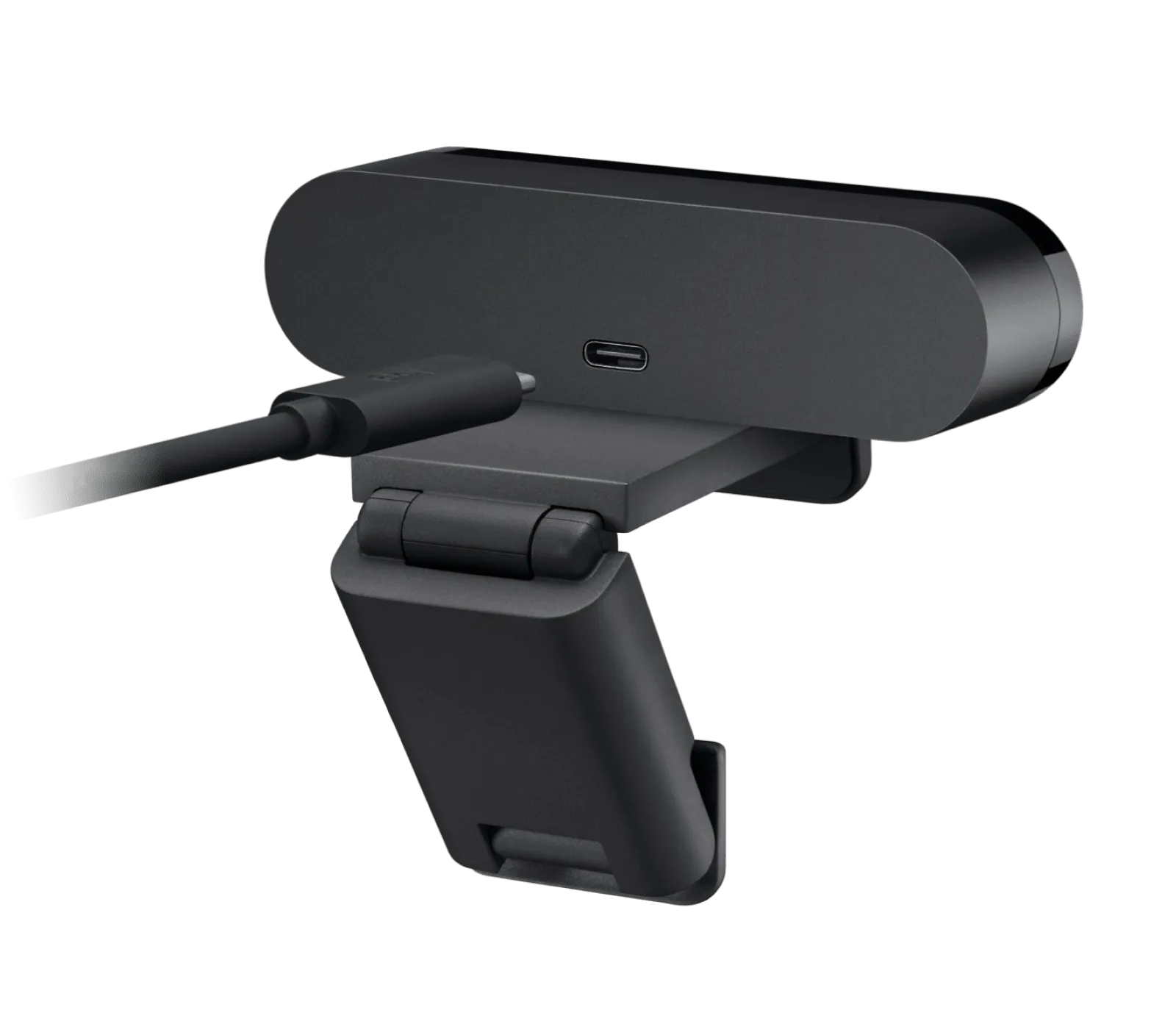
Webcams Logitech
Buying guide: how to choose a webcam
A webcam is chosen above all on the sharpness of the image it captures and the smoothness with which it displays it. Price follows these two technical qualities, for comparable features.
What to check
Image sharpness
This criterion measures the definition captured by the sensor, expressed in megapixels: the higher the value, the more detail the image shows. Across recent listings on the market, sensors range from a modest capture to a notably richer one, with a large share of models sitting around a middle definition. On Kalyneo, a product’s score places its definition against these benchmarks: a high score signals a sensor above the middle ground, useful for close-up calls or screen sharing where text needs to stay readable.
Market median: 5 MP
Motion smoothness
This criterion measures the maximum number of frames displayed each second: the higher it is, the more natural gestures and movements appear on screen, without stutter. Listings on the market often share a common base rate, which a smaller number of models clearly exceed. The site’s score reflects this gap: an average score matches the most common rate, enough for a standard video call, while a high score suits a more demanding use such as streaming or filmed gaming.
Market median: 30 fps
Setup and compatibility
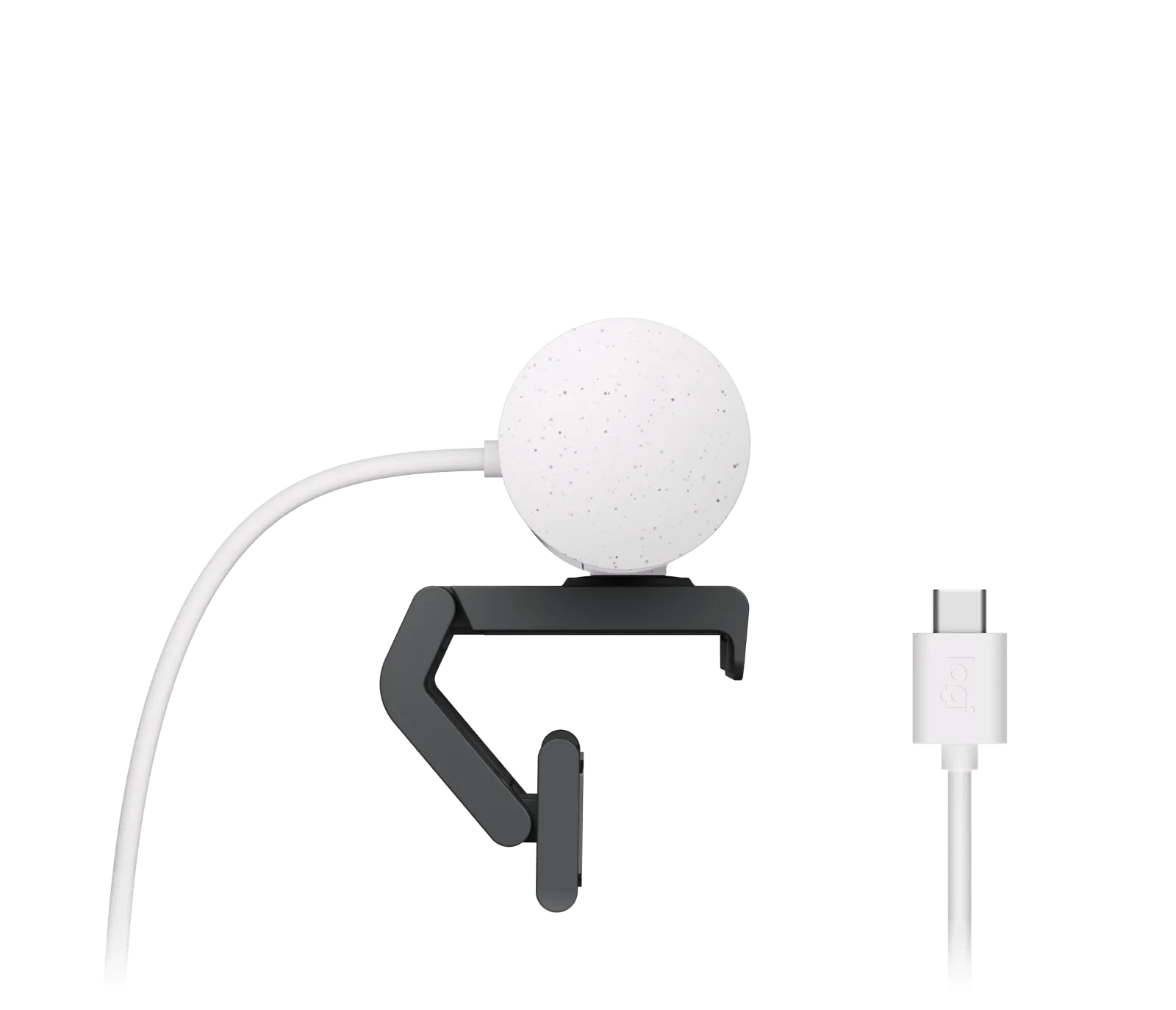
A webcam generally connects without needing driver installation, through a simple wired connection that the computer recognises automatically. Before buying, it helps to check the size of the mounting clip, whether it fits a flat or curved screen, and whether the included cable reaches the working position comfortably. These points are not covered by the site’s scored criteria, but they shape daily comfort, especially for a fixed desk setup or a webcam shared between several users.
Benchmarks based on 30 recent market listings, collected on 3 October 2026.
What you get for each budget
Under €25
At this price level, definition tends to sit close to the lowest benchmark and the frame rate usually matches the market’s base rate, fine for occasional use.
€25 to €70
This tier gathers products whose definition approaches or exceeds the middle benchmark, sometimes with a frame rate already above the base rate, suited to regular video calls.
Over €70
Beyond this threshold, you find the highest definitions and frame rates recorded on the market, suited to demanding or professional use.
Frequent mistakes
Choosing only on the advertised definition without checking the frame rate, even though both shape the on-screen result together.
Overlooking whether the mounting clip fits the screen type in use.
Forgetting that the price score is calculated on comparable features, not on the displayed amount alone.
Comparing two products without checking that their scores rest on the same criteria, risking a model less suited to the intended use.
Models in this category
Best rated first, among those our merchants offer.
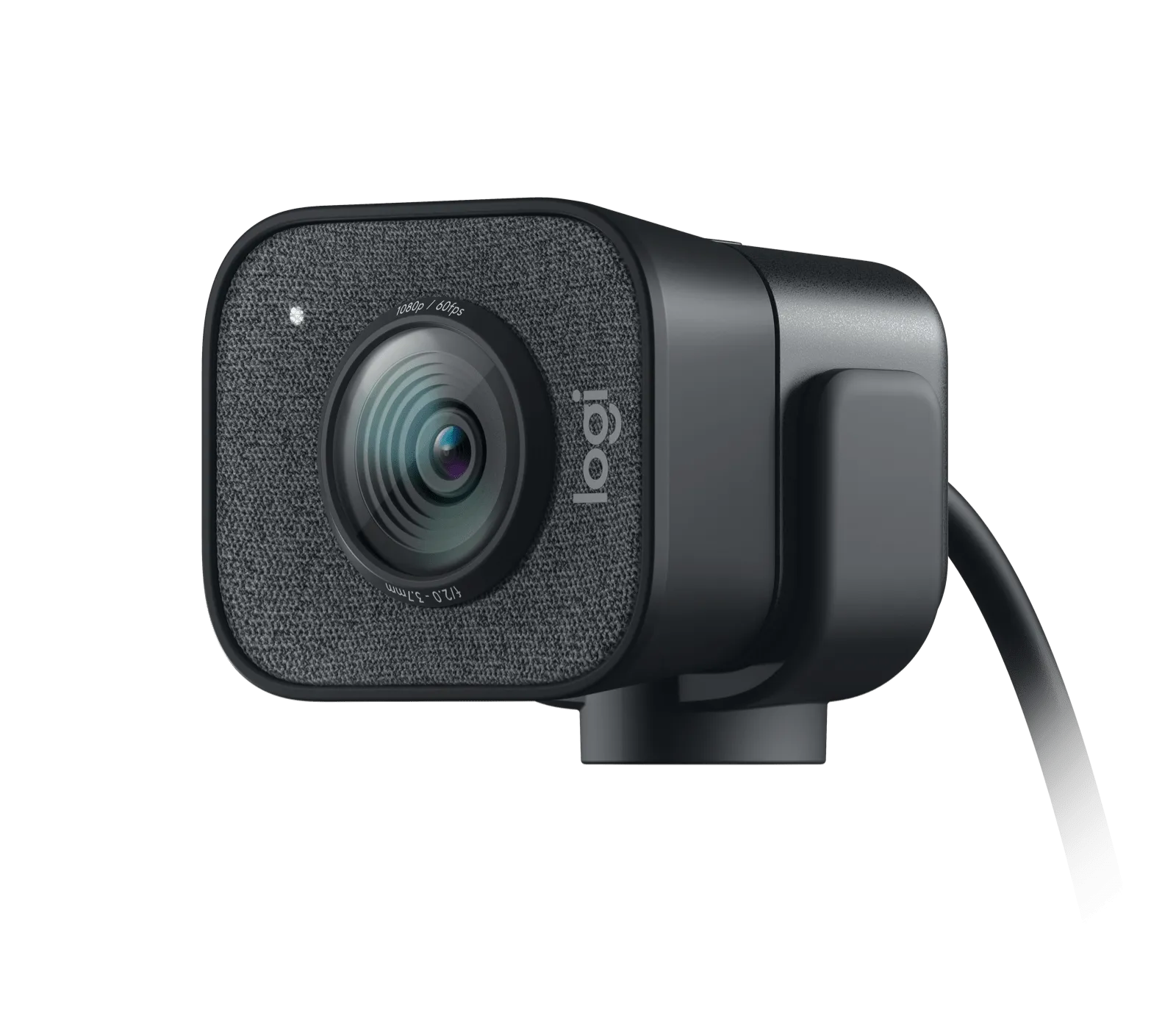
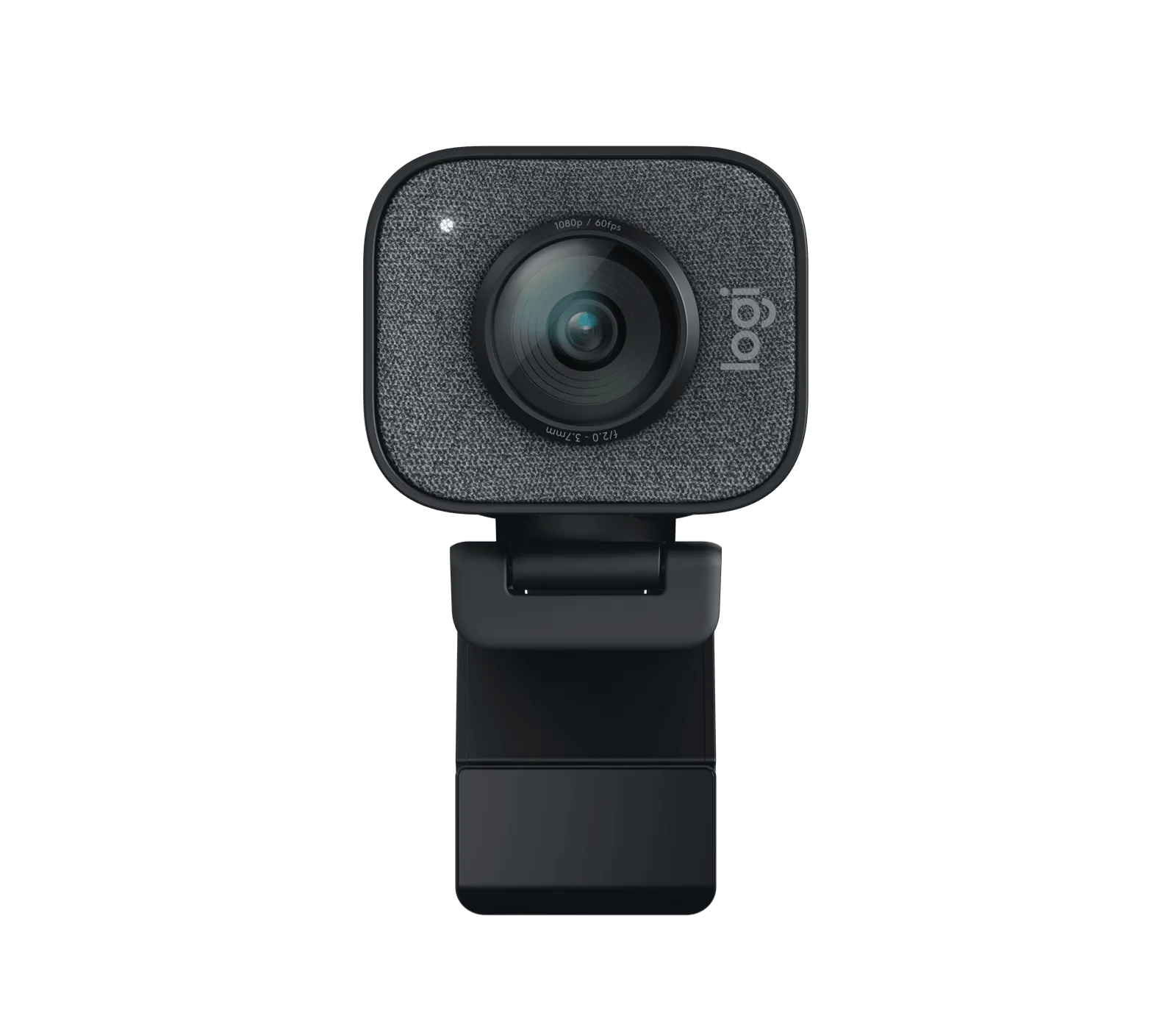
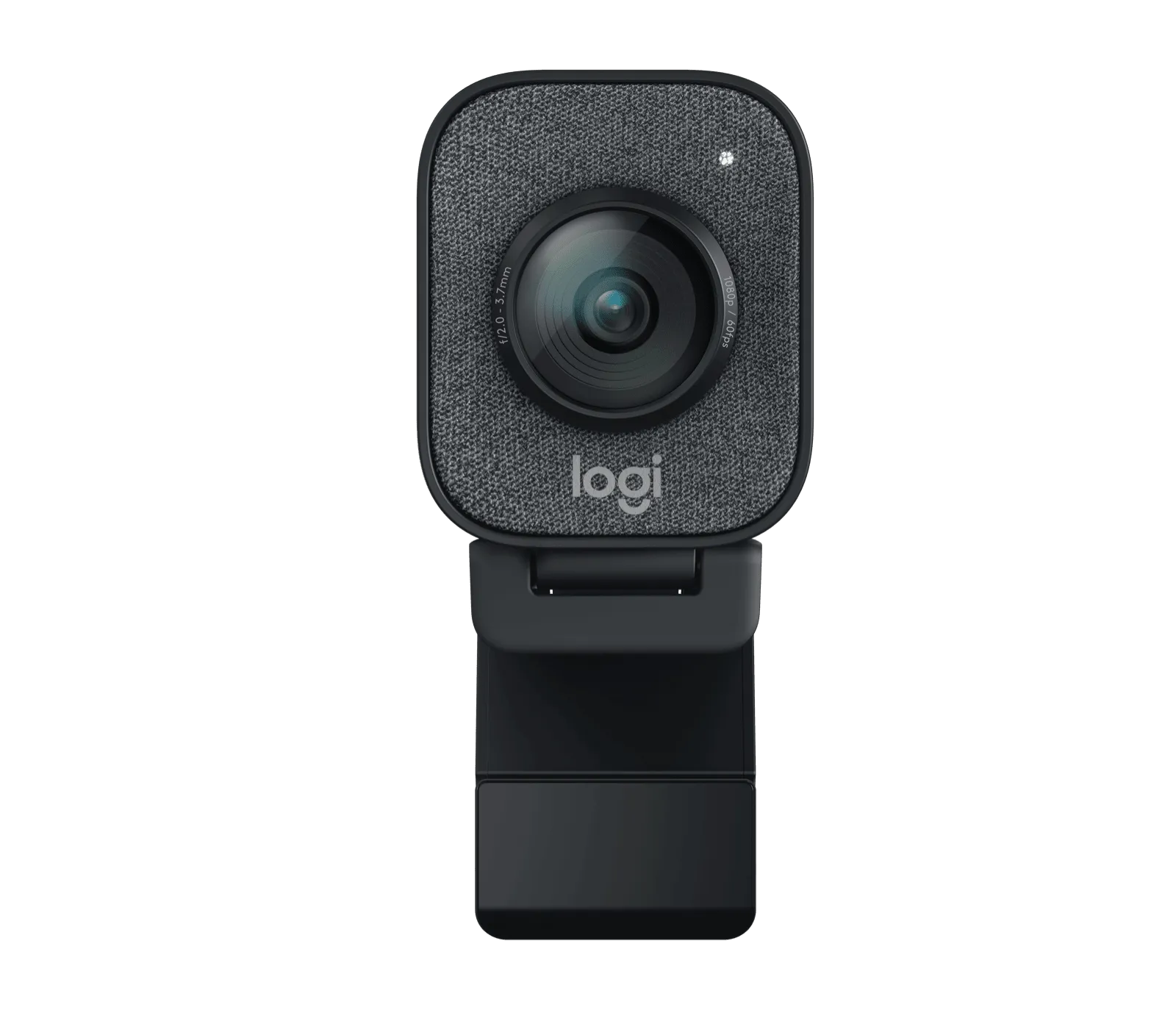
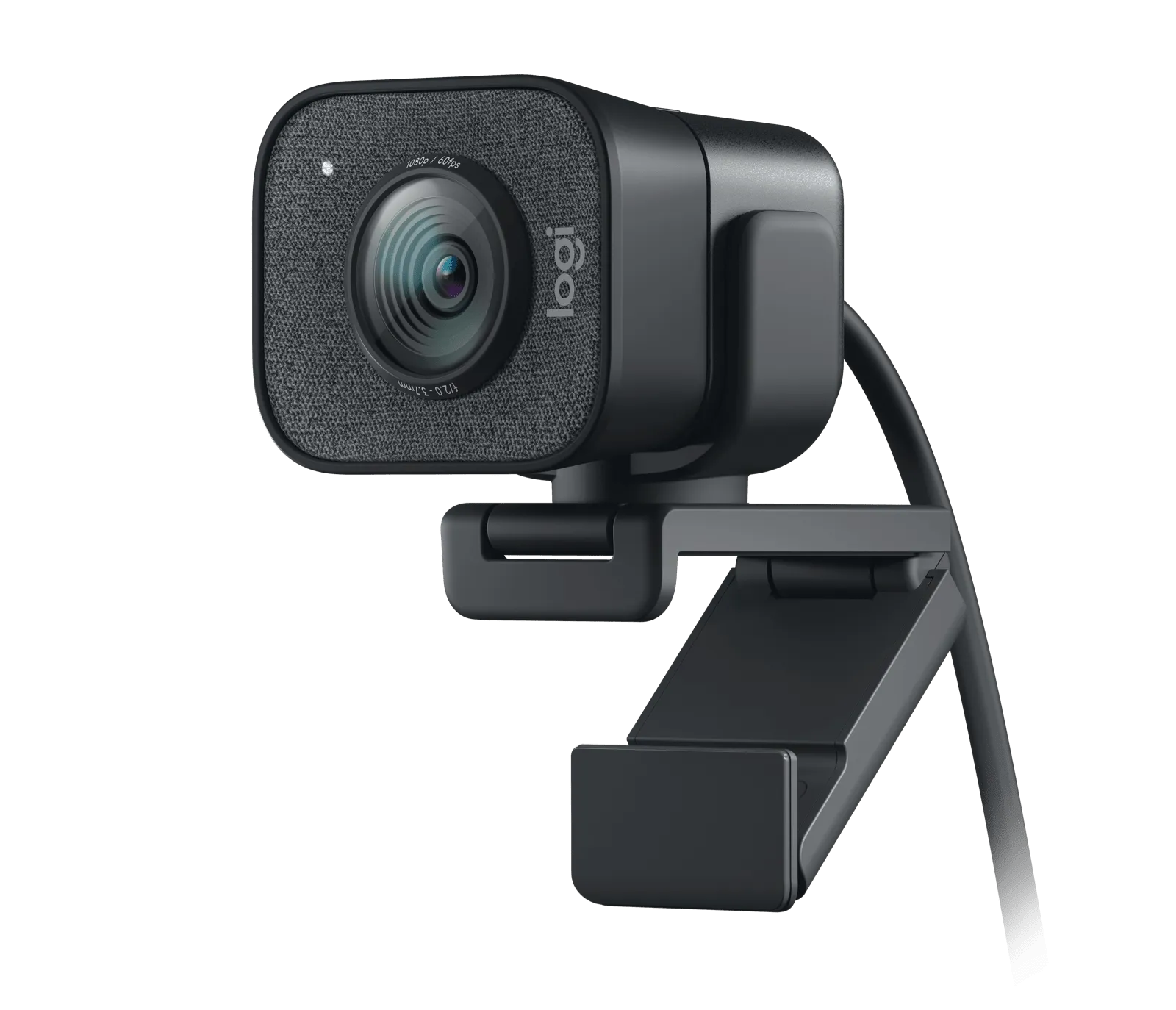
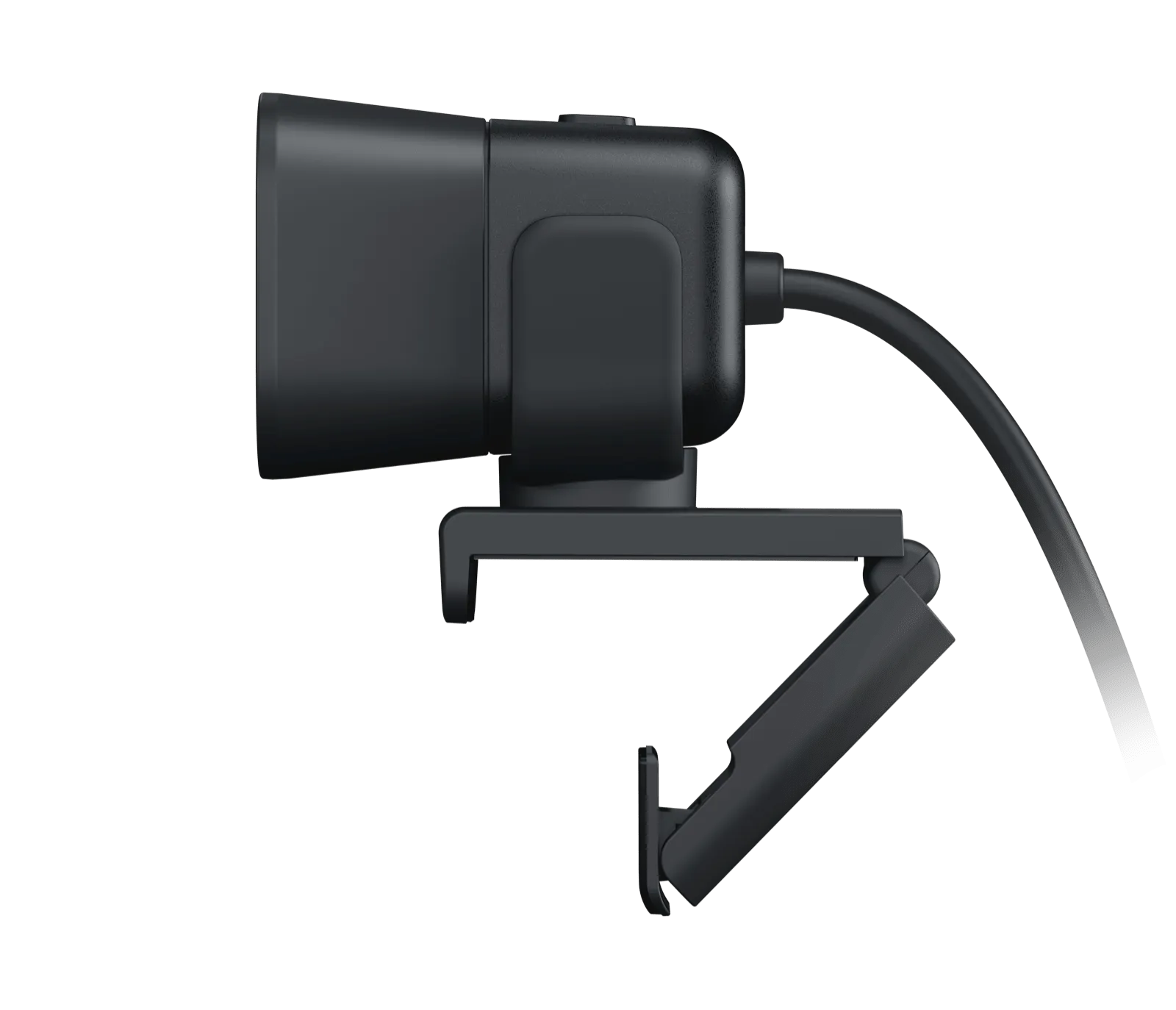
Webcams Logitech
Logitech StreamCam Graphite
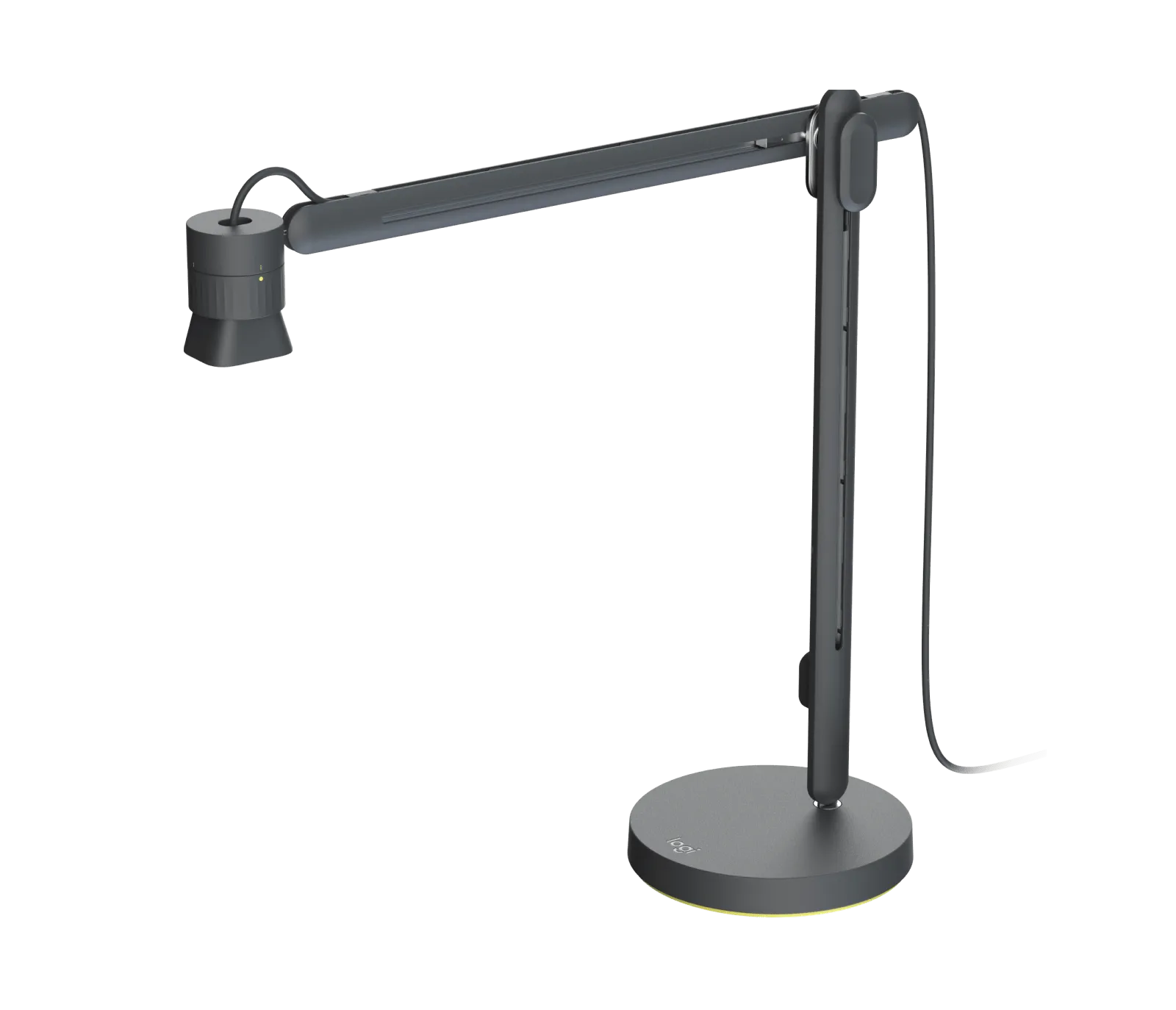
Webcams Logitech
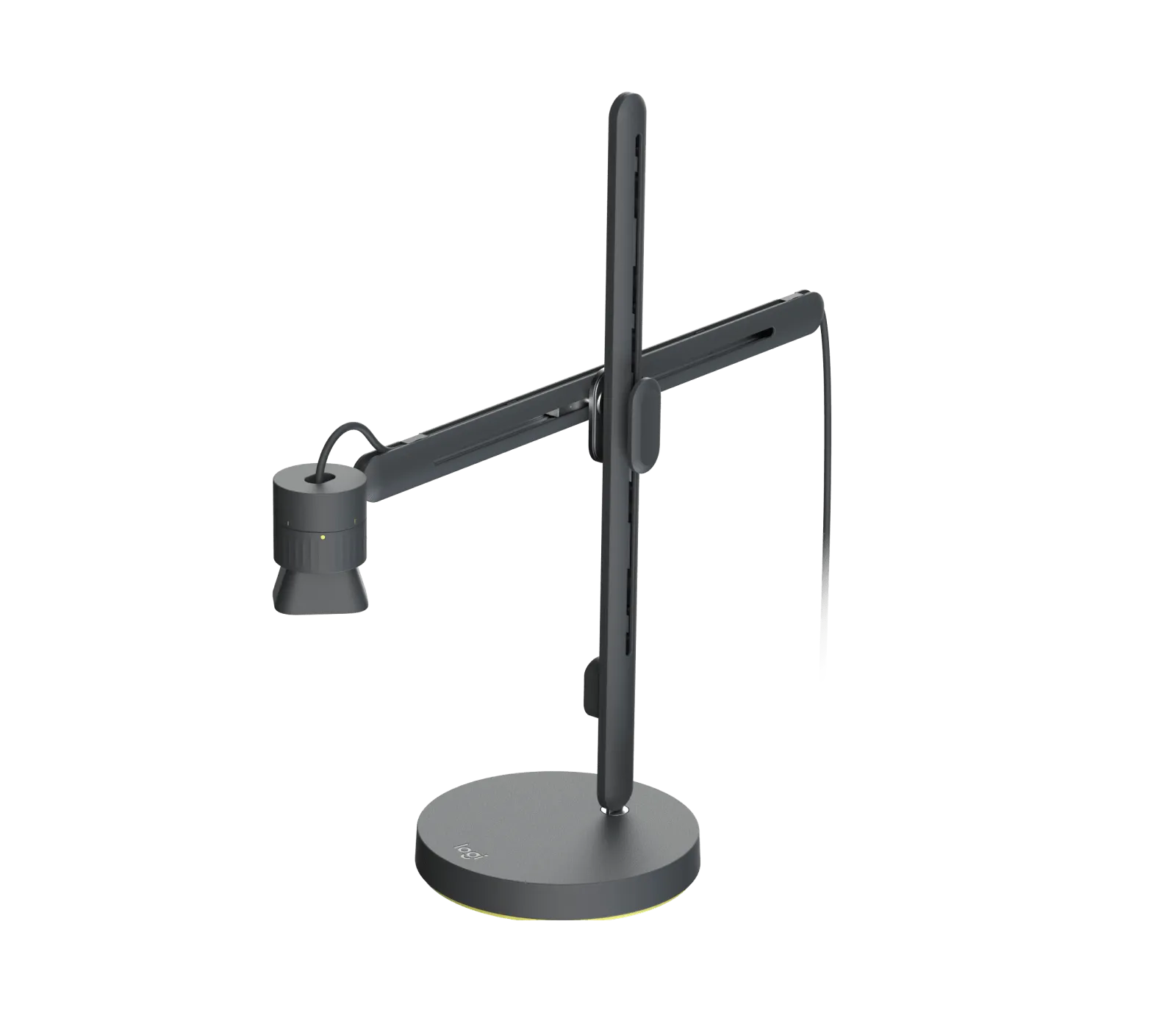
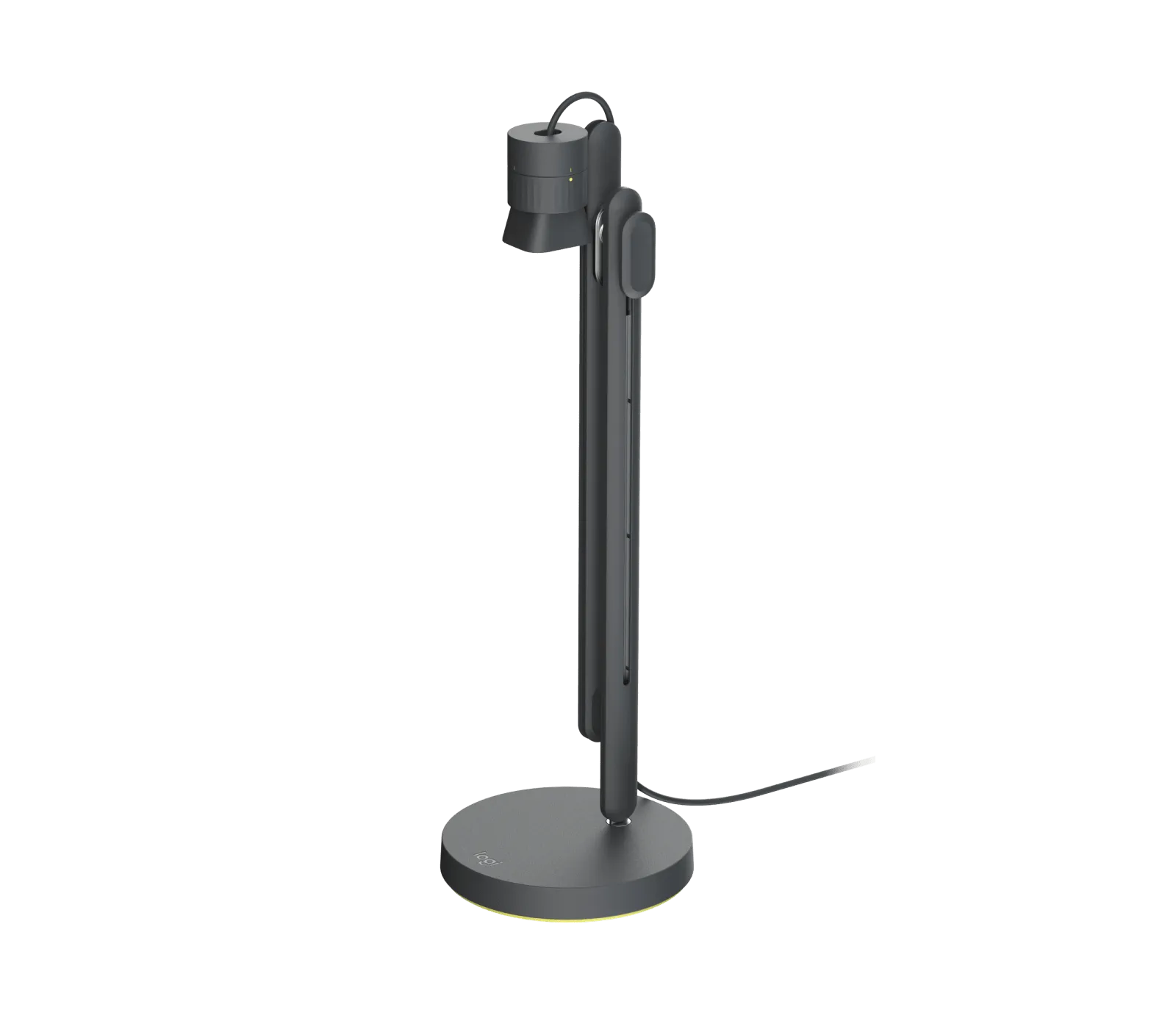
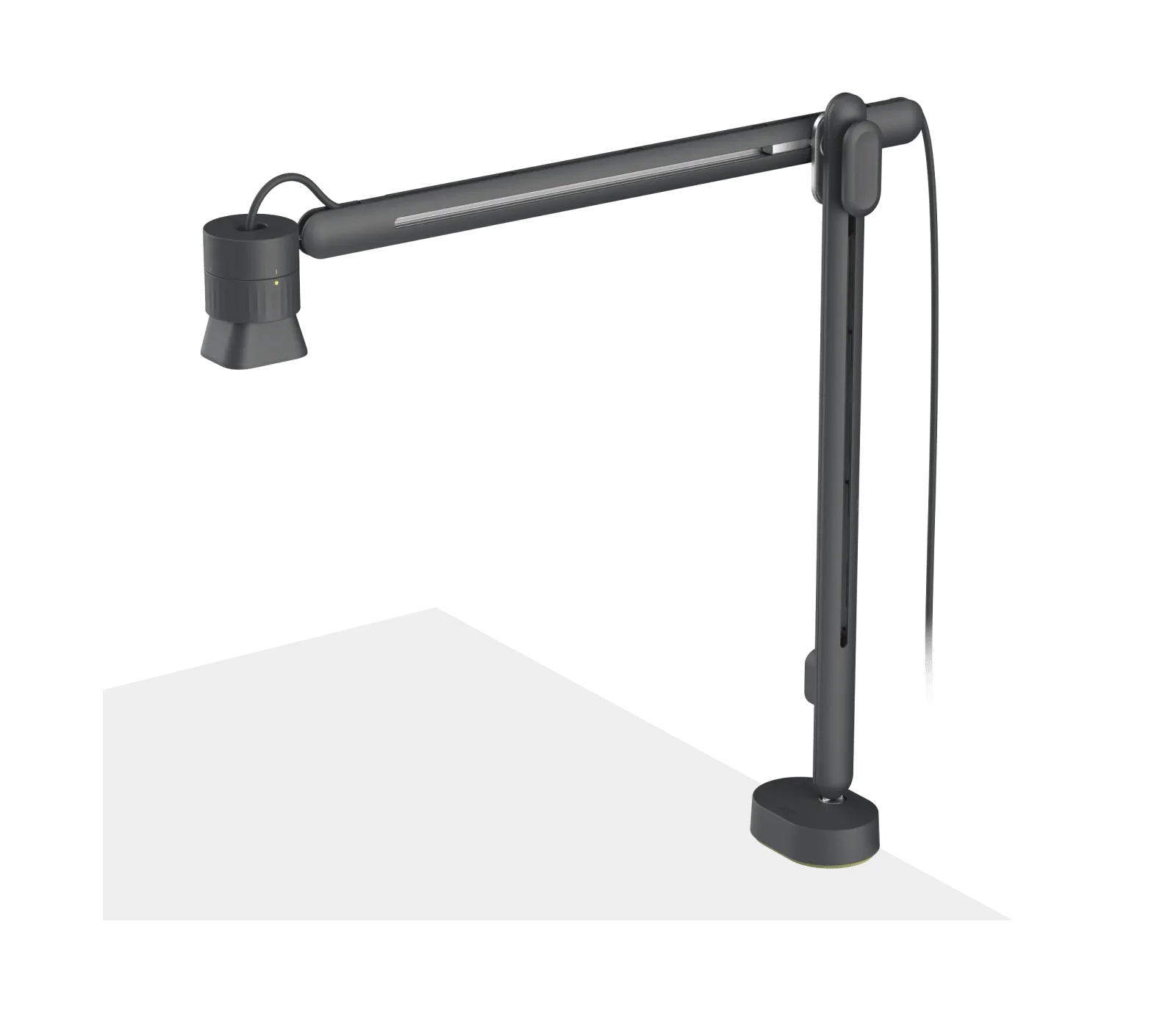
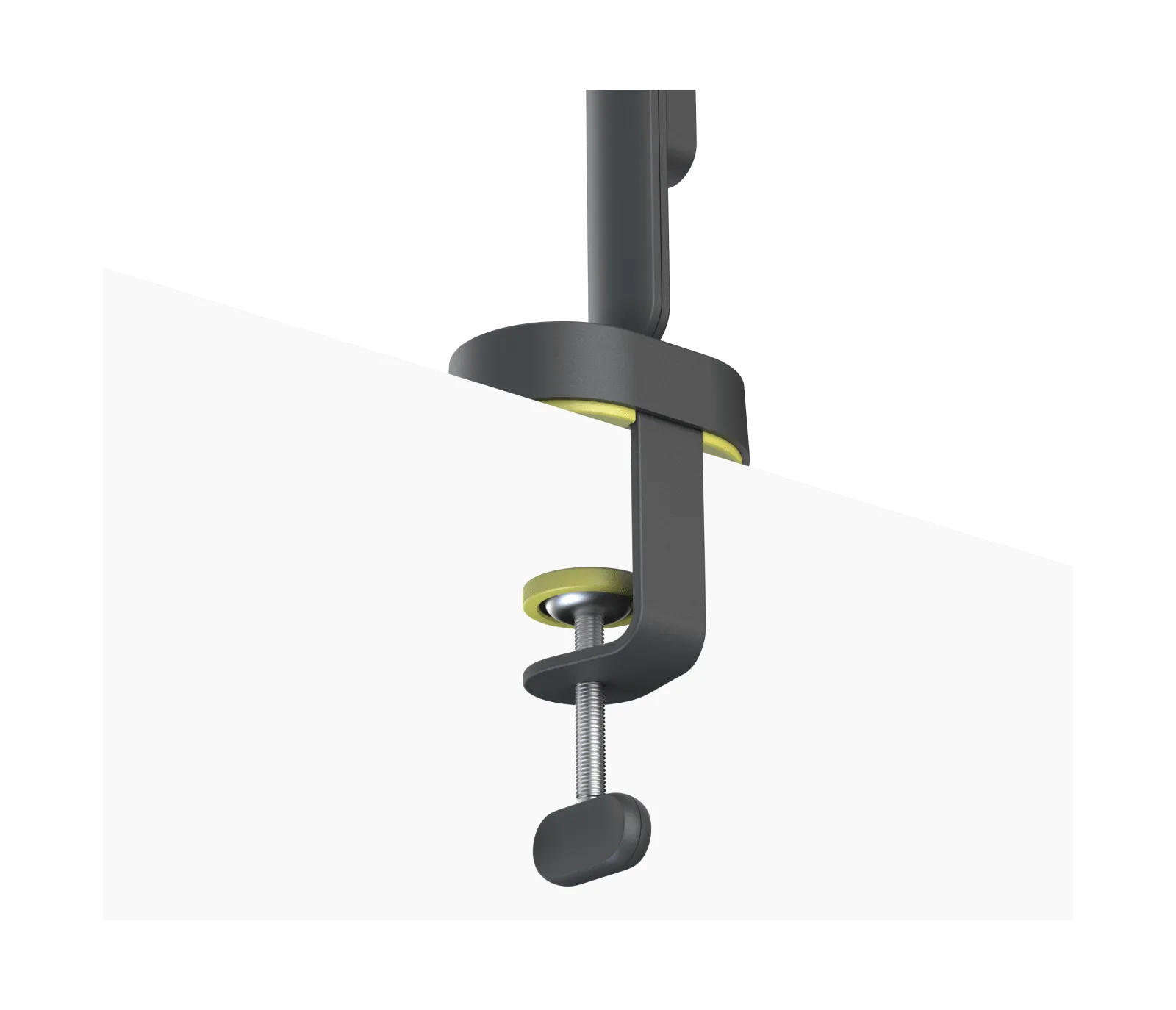
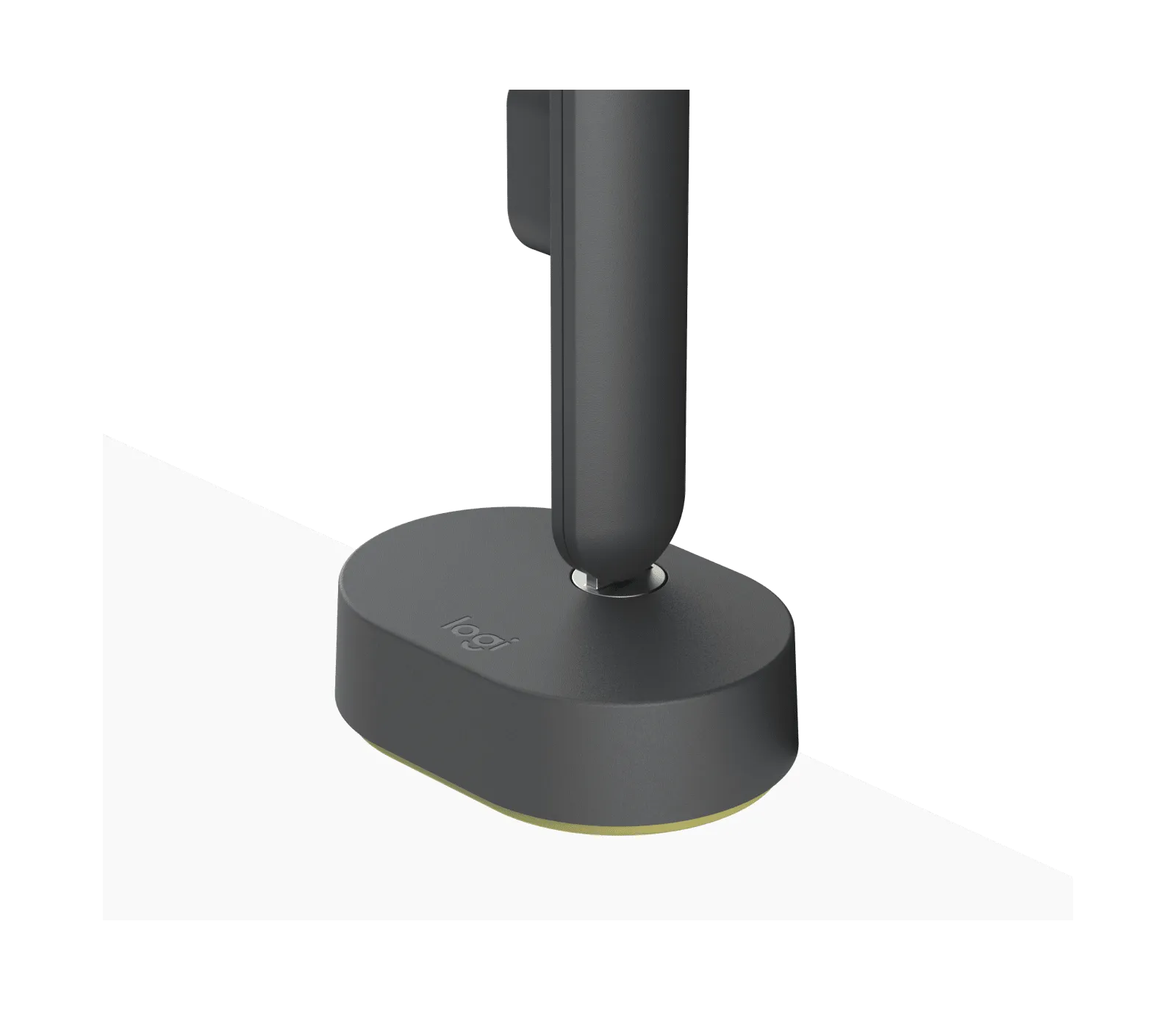
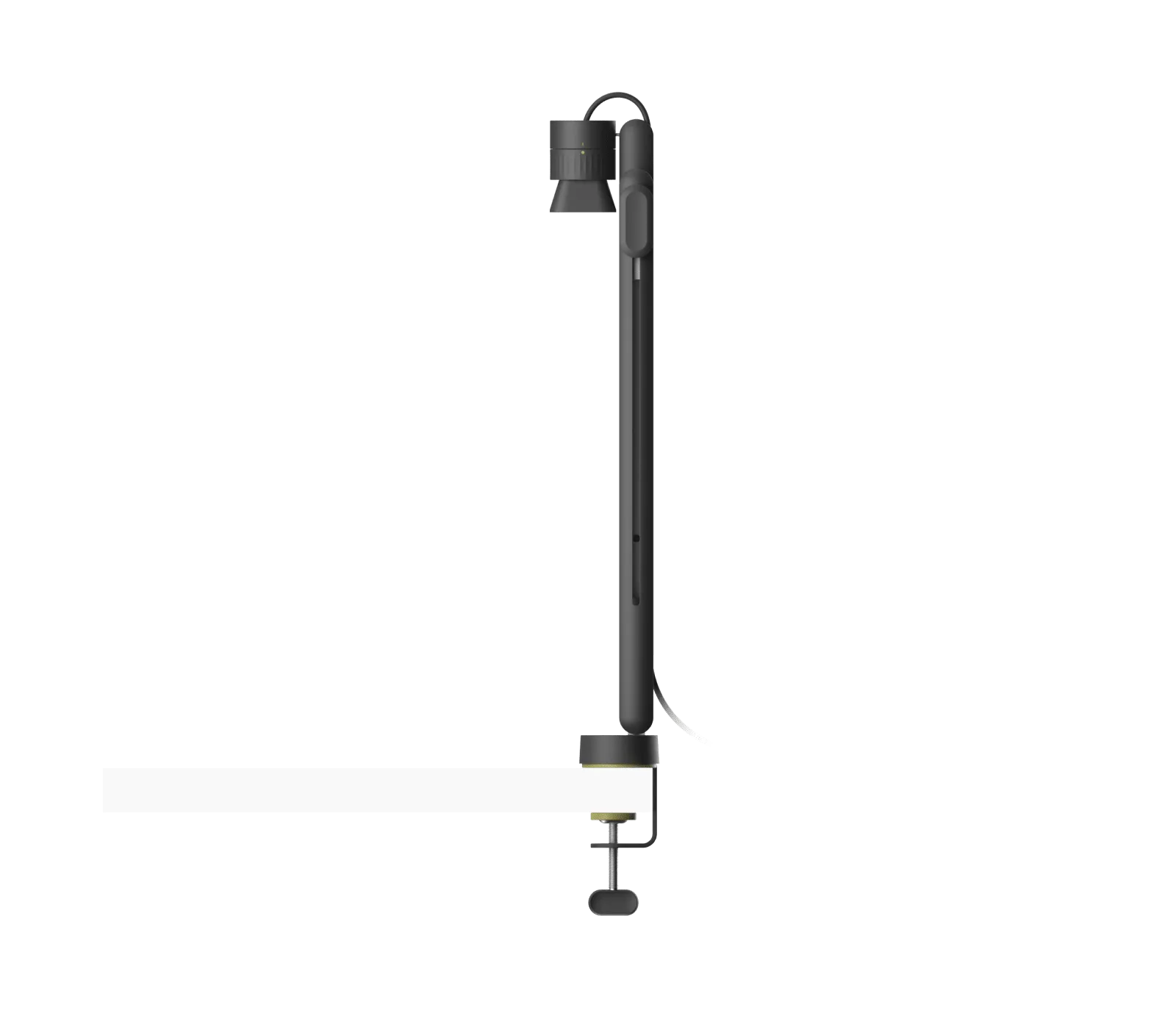
Logitech Reach Table Base
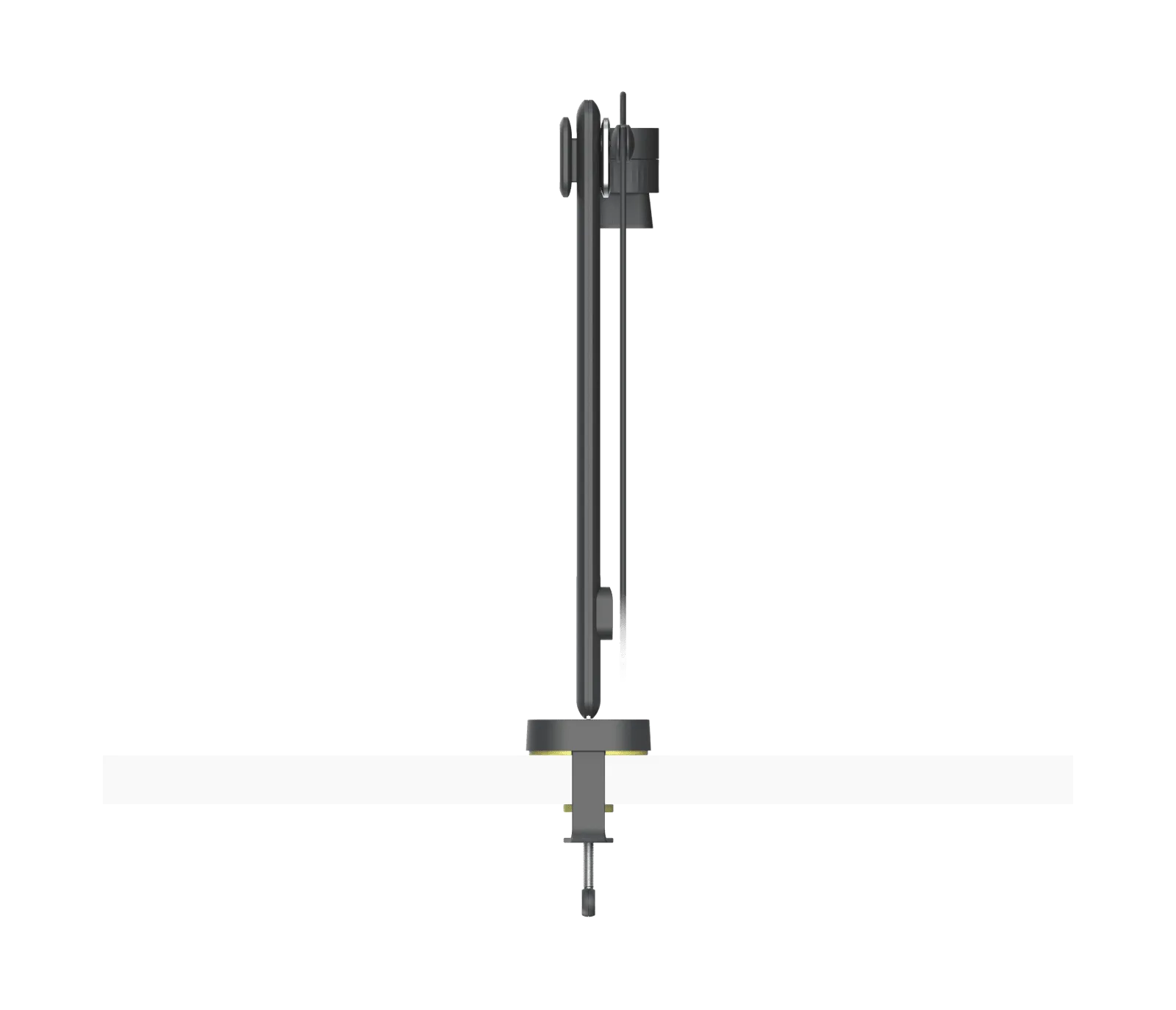
Webcams Logitech
Logitech Reach Mounting Base
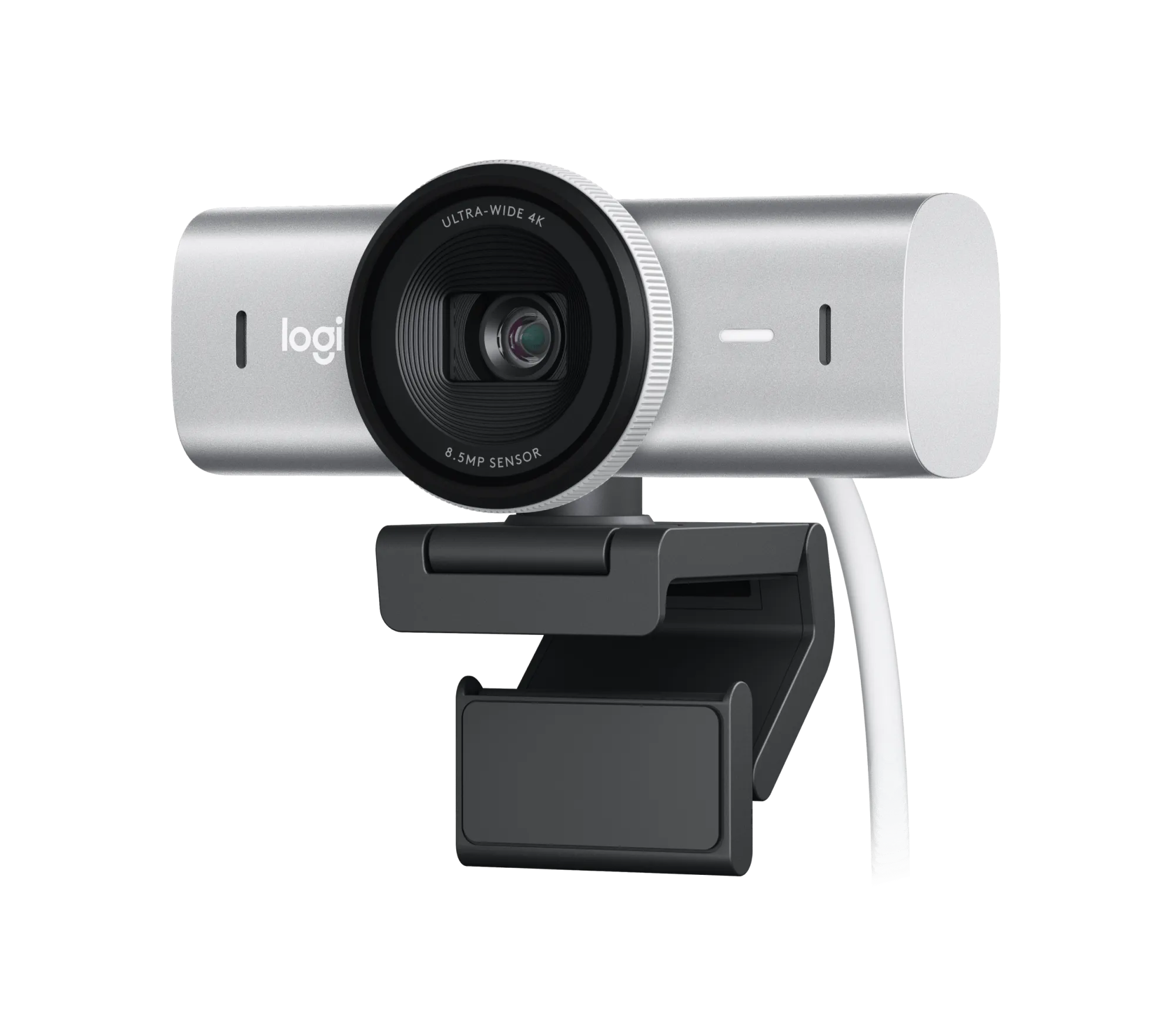
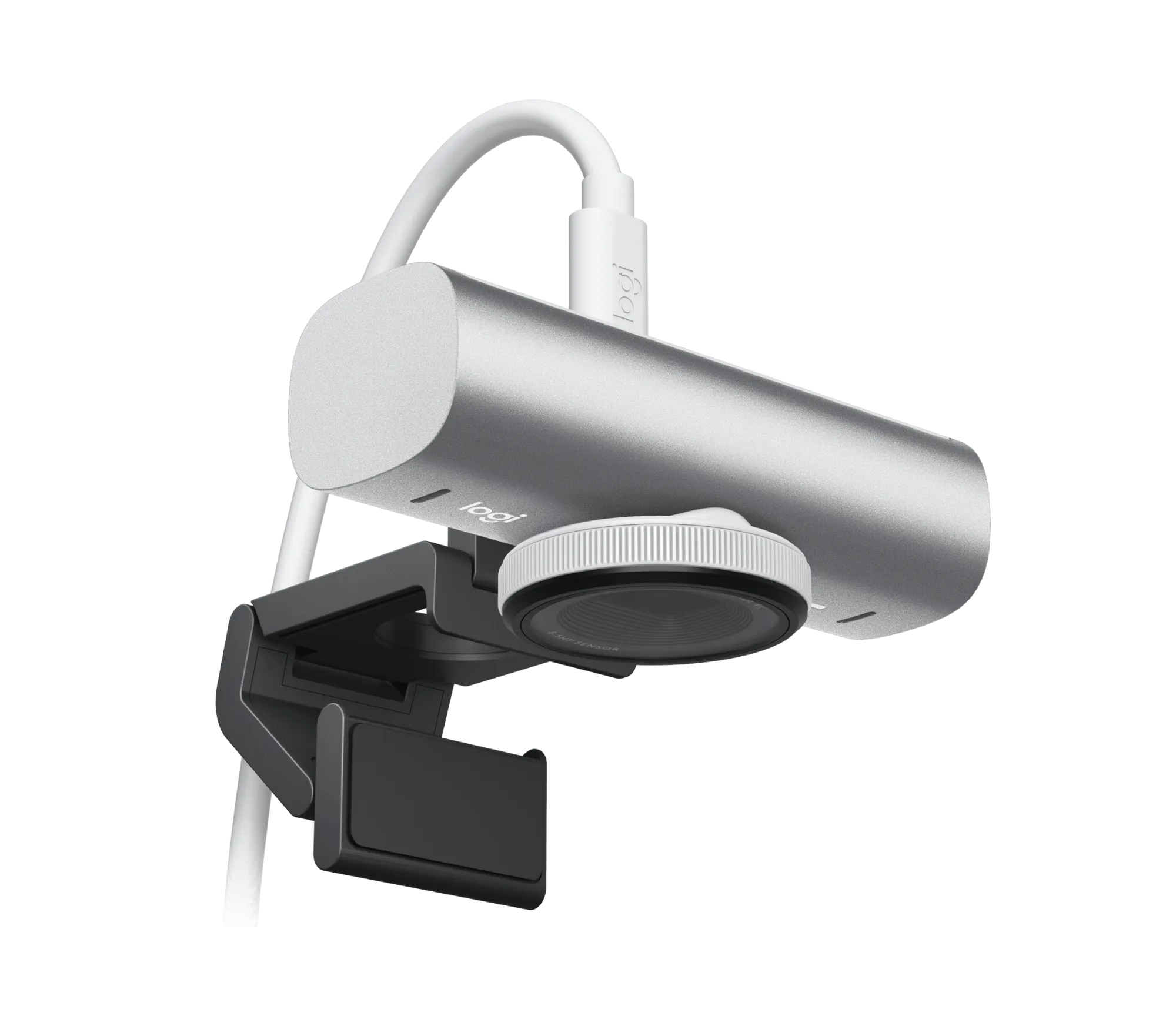
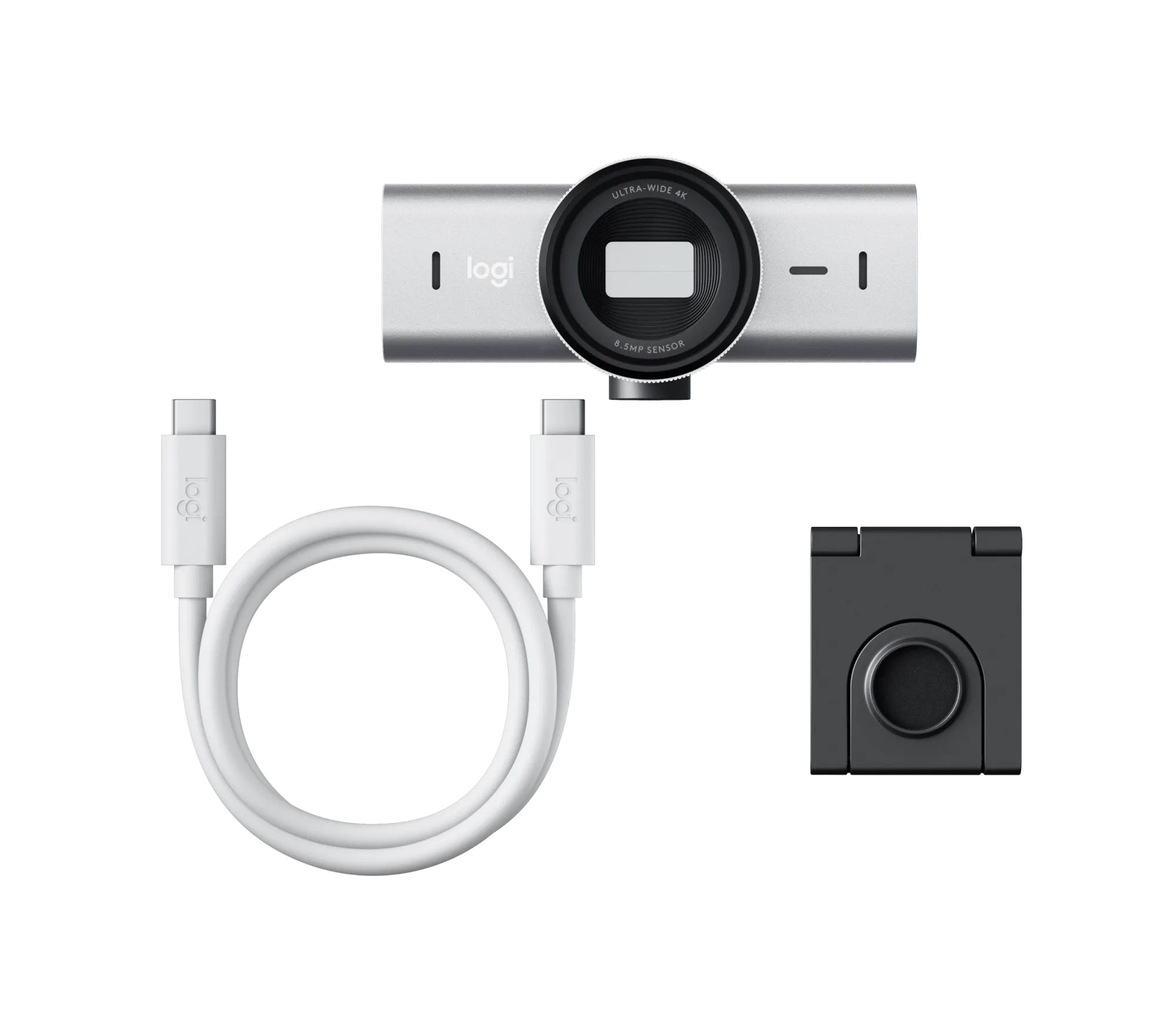
Webcams Logitech
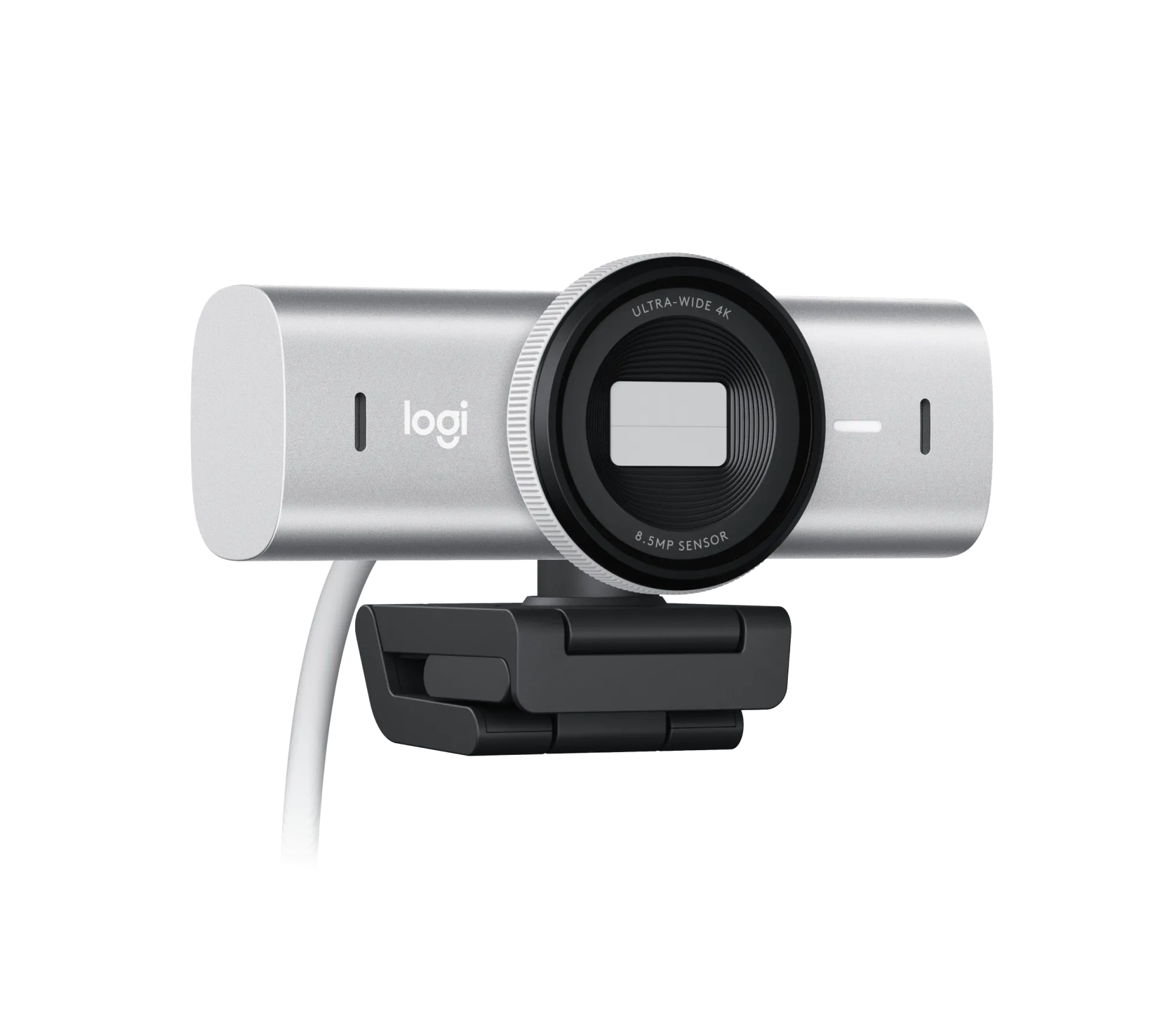
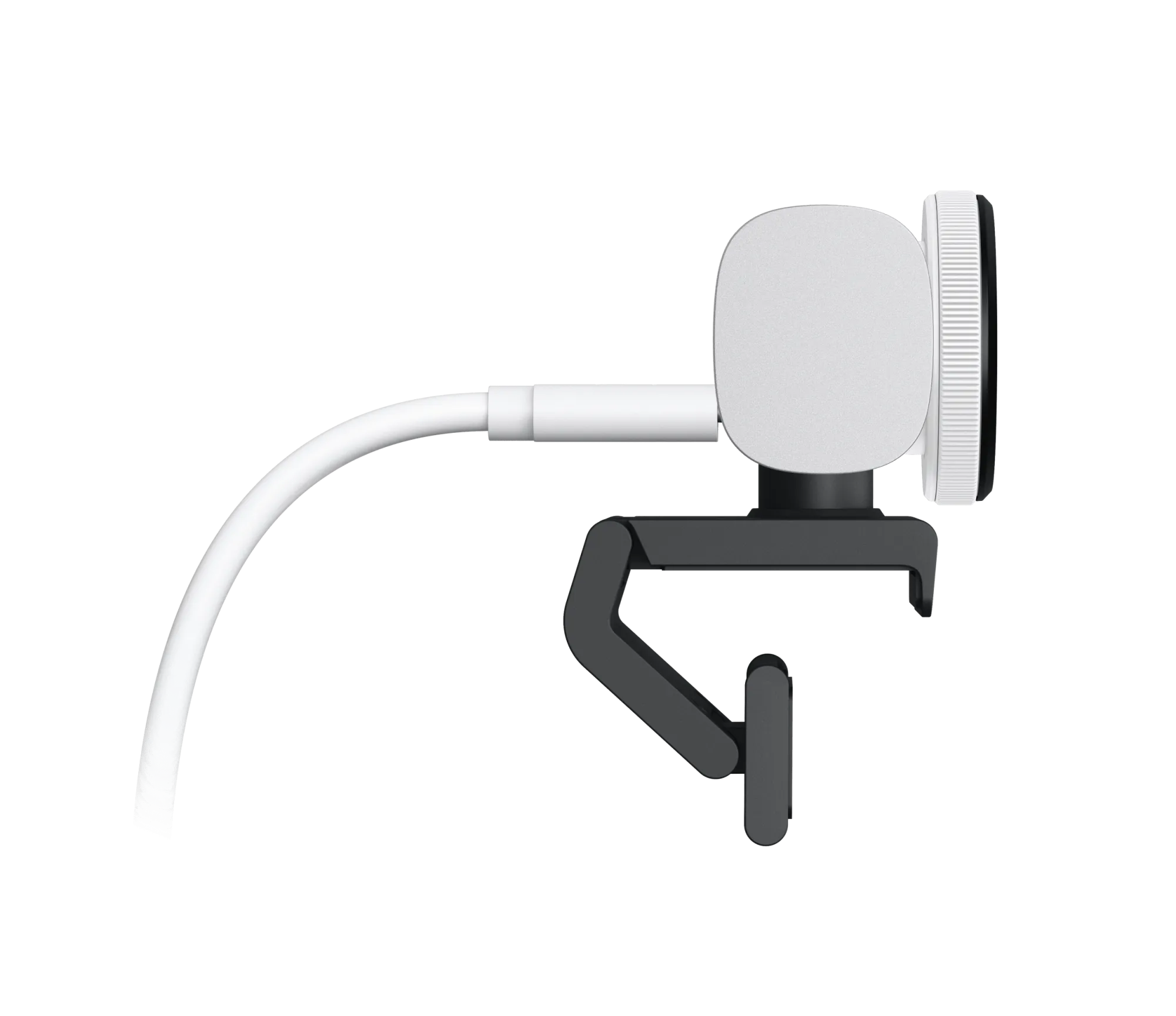
Logitech MX Brio Pale Grey
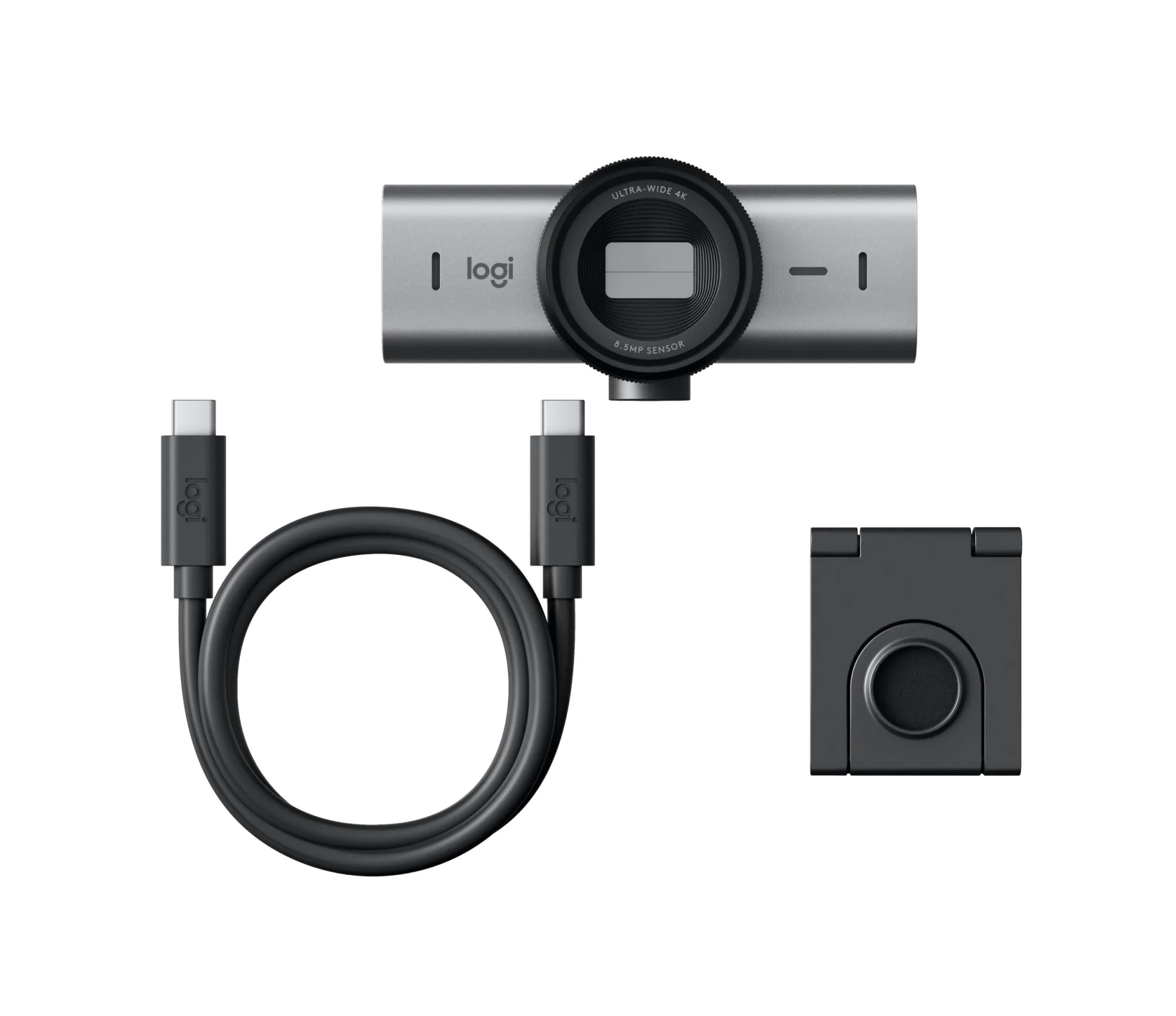
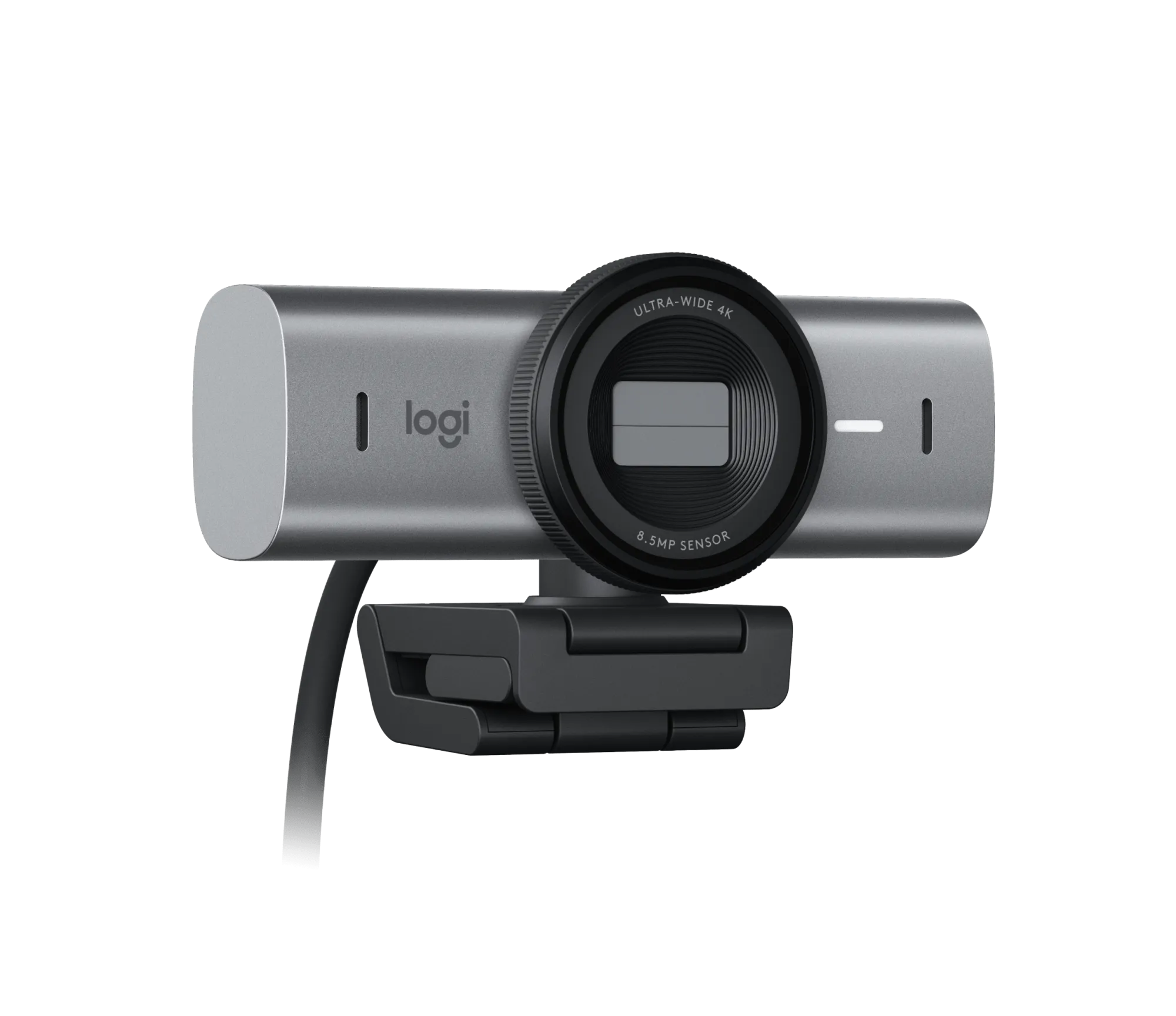
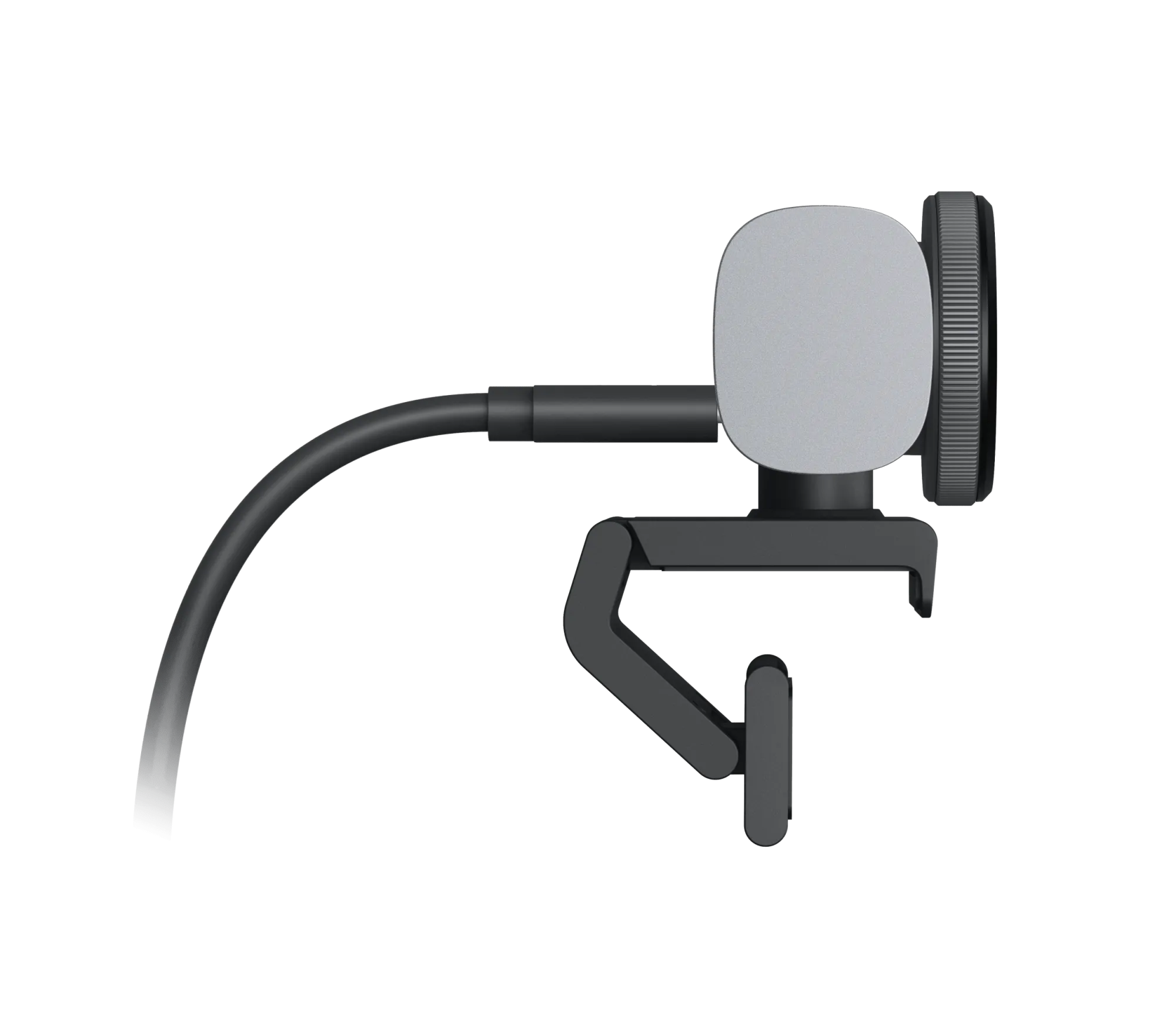
Webcams Logitech
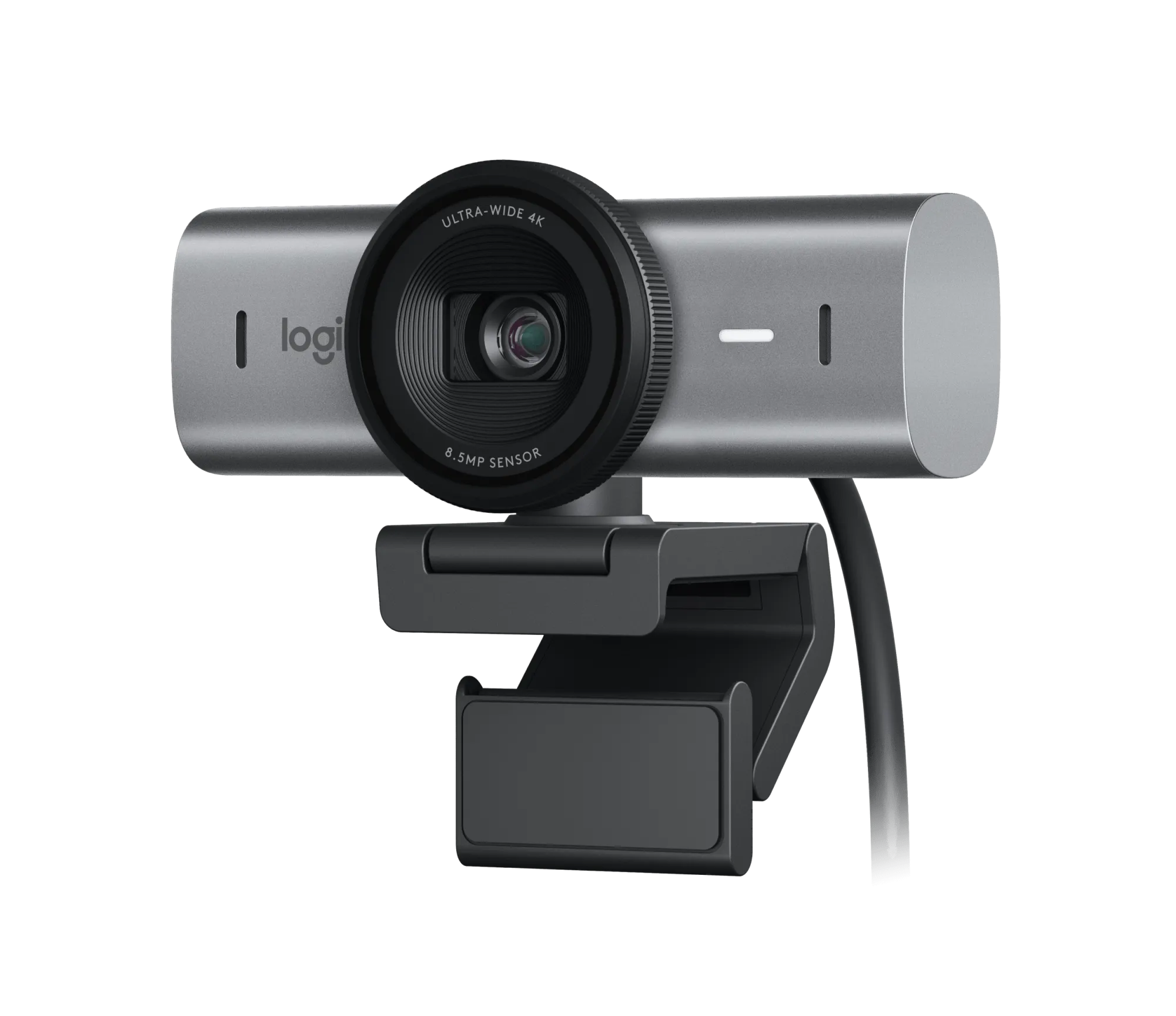
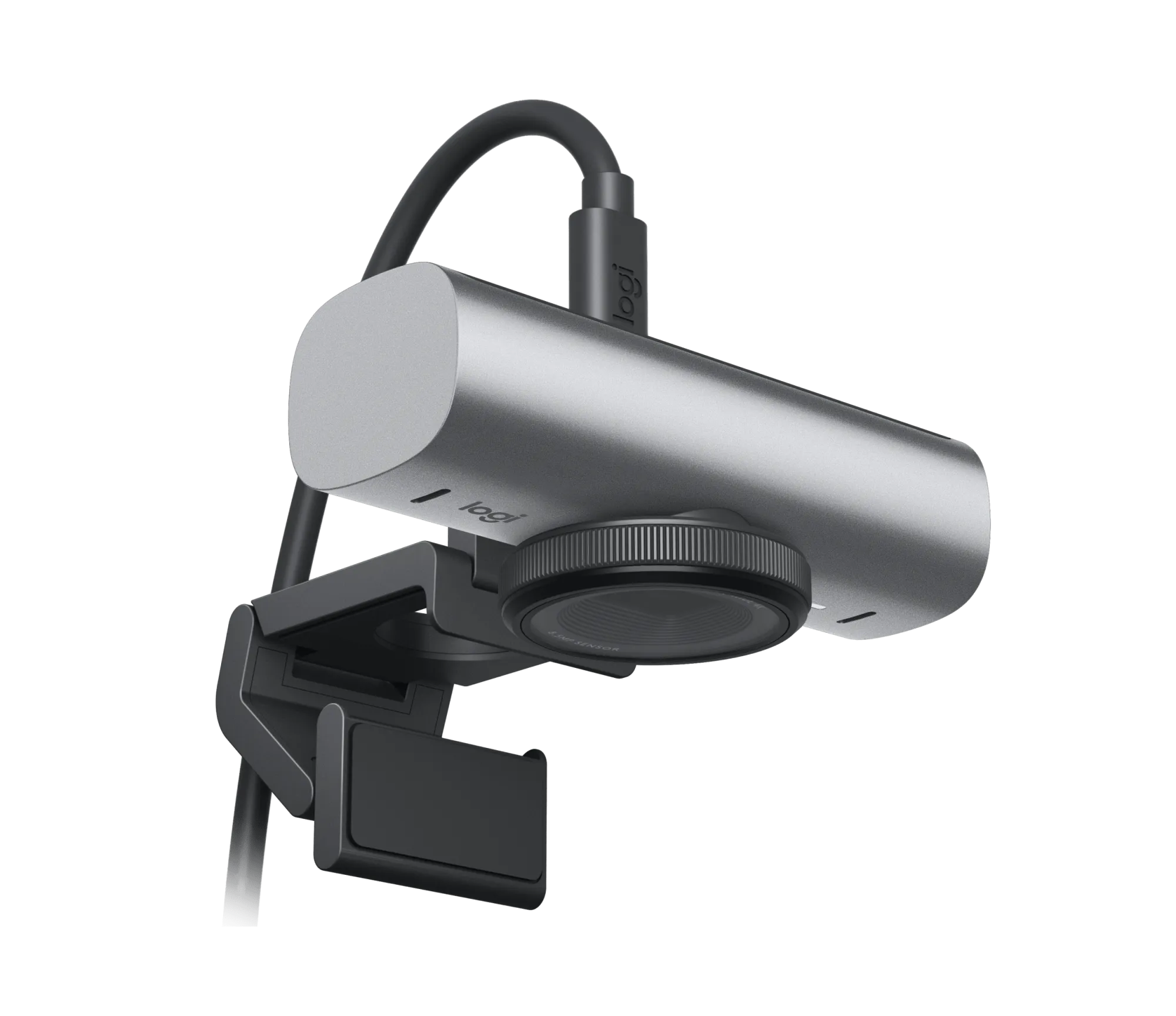
Logitech MX Brio Graphite
Webcams Logitech
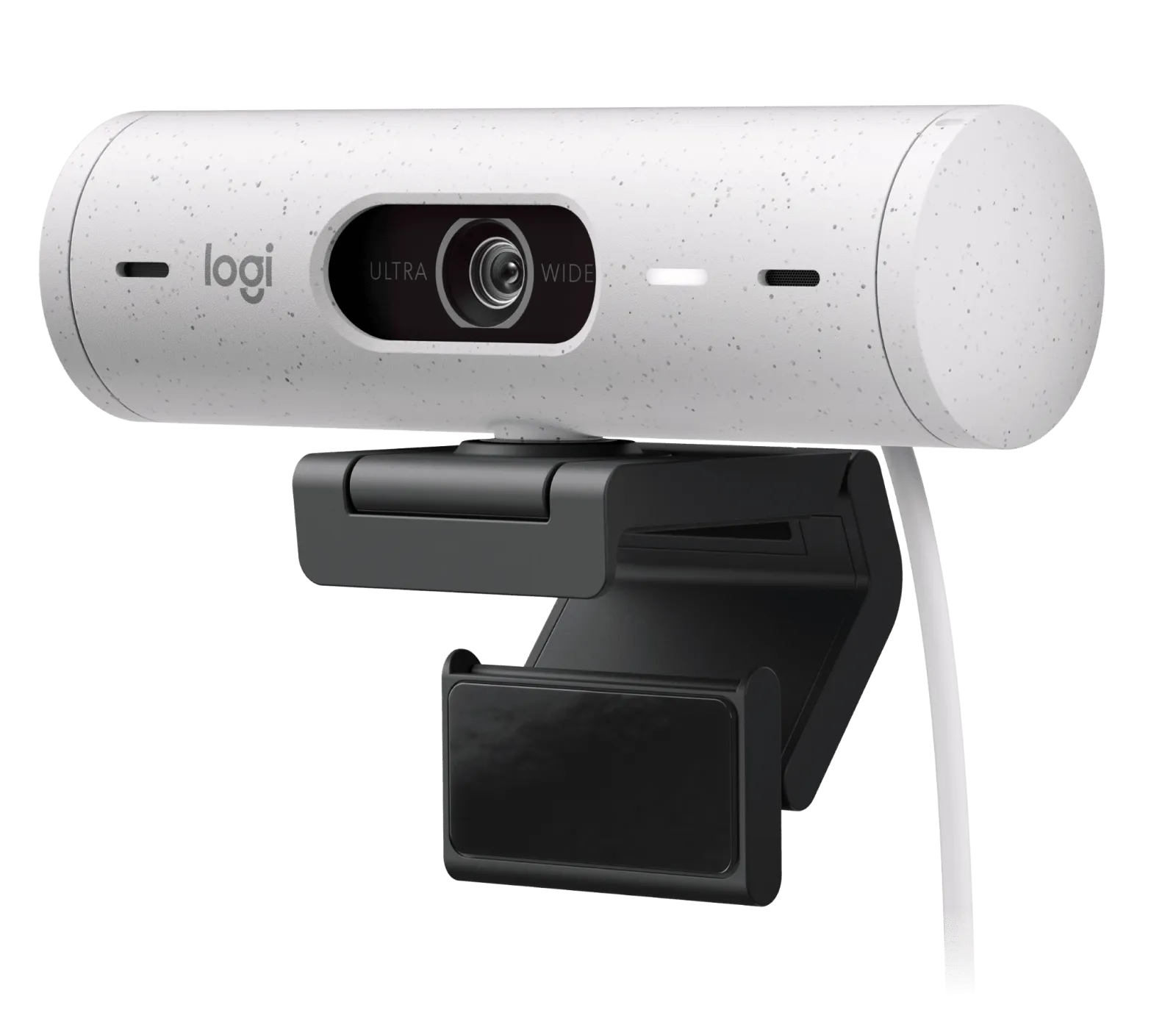
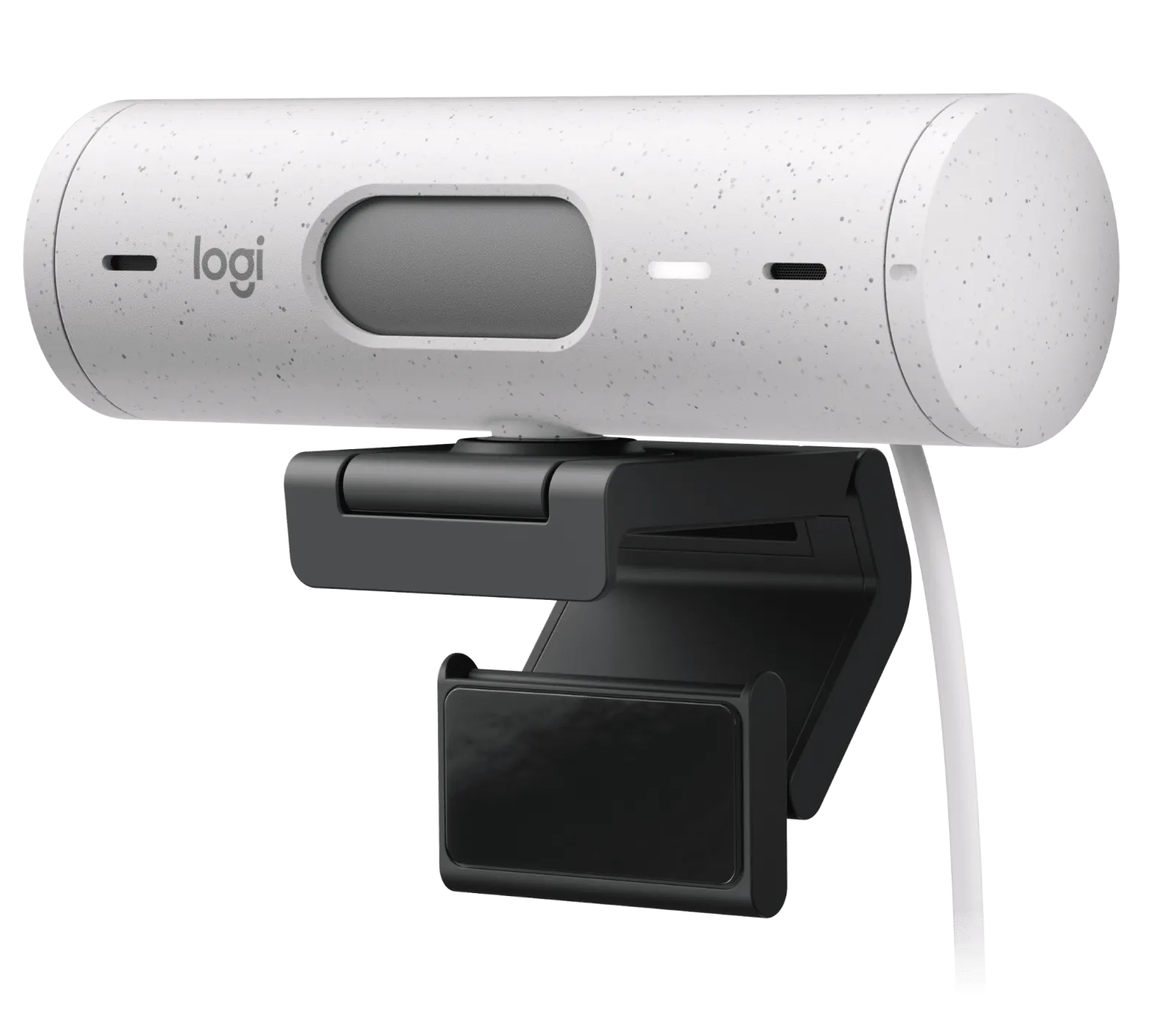
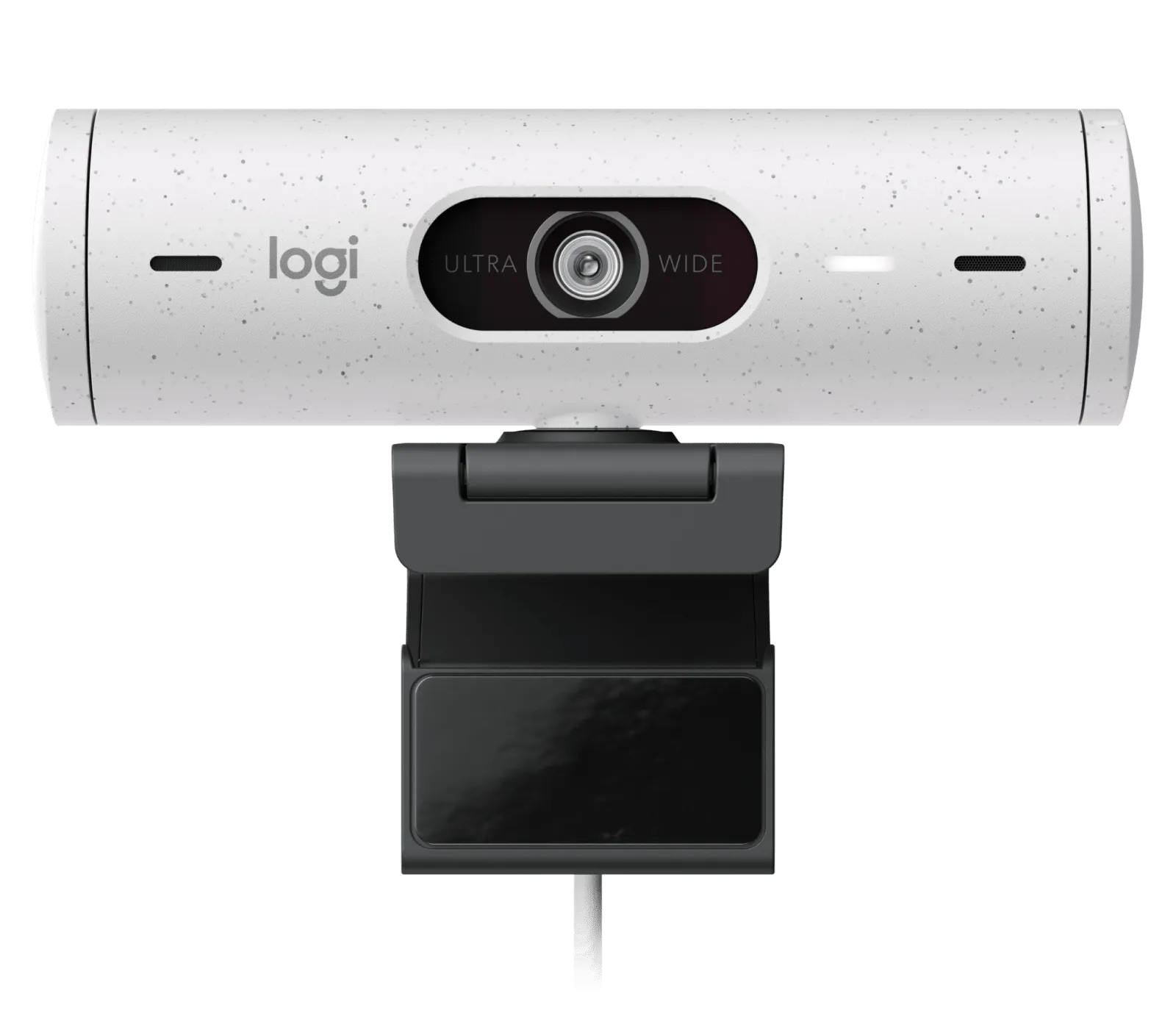
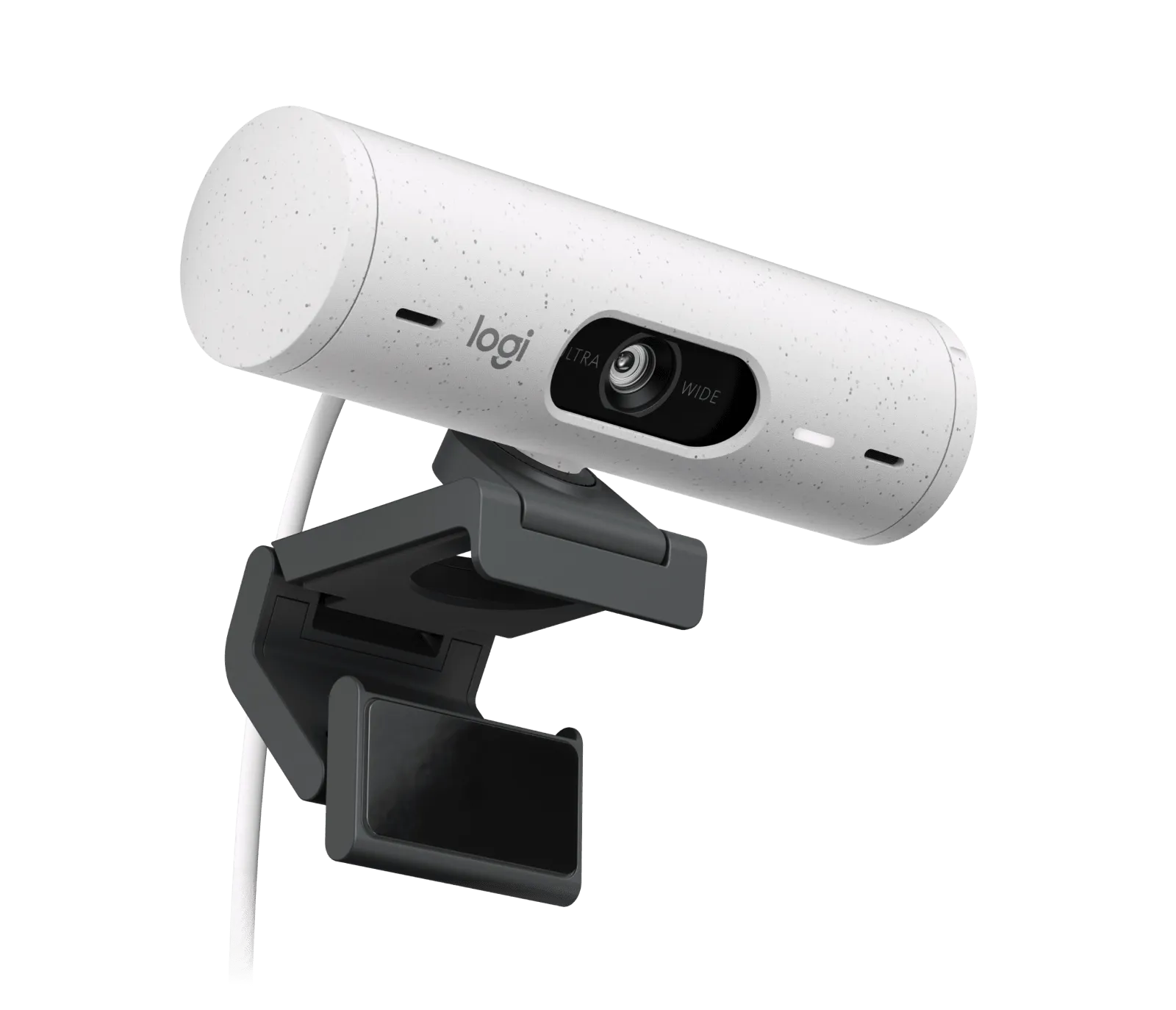
Logitech Brio 500 Off White
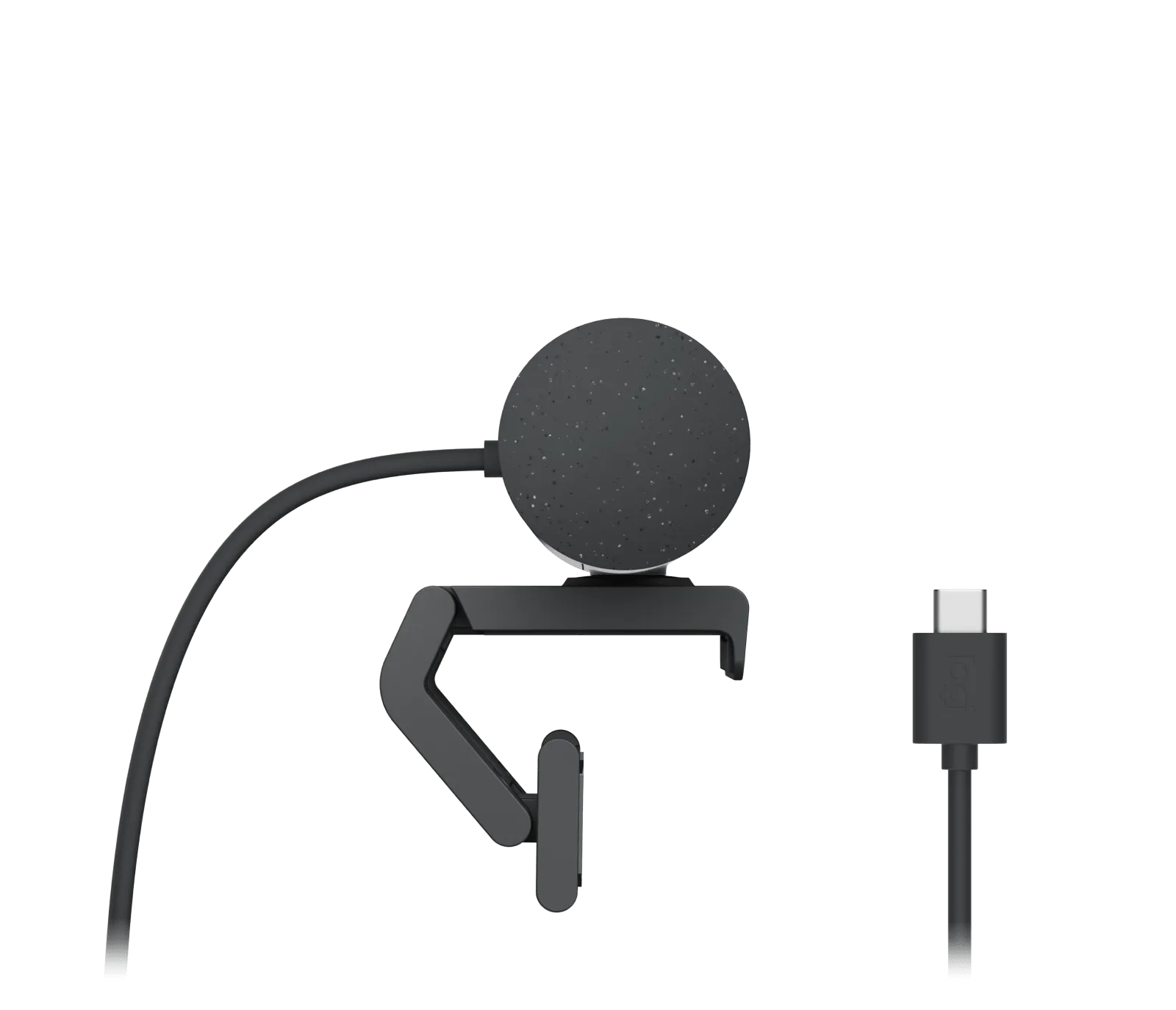
Webcams Logitech
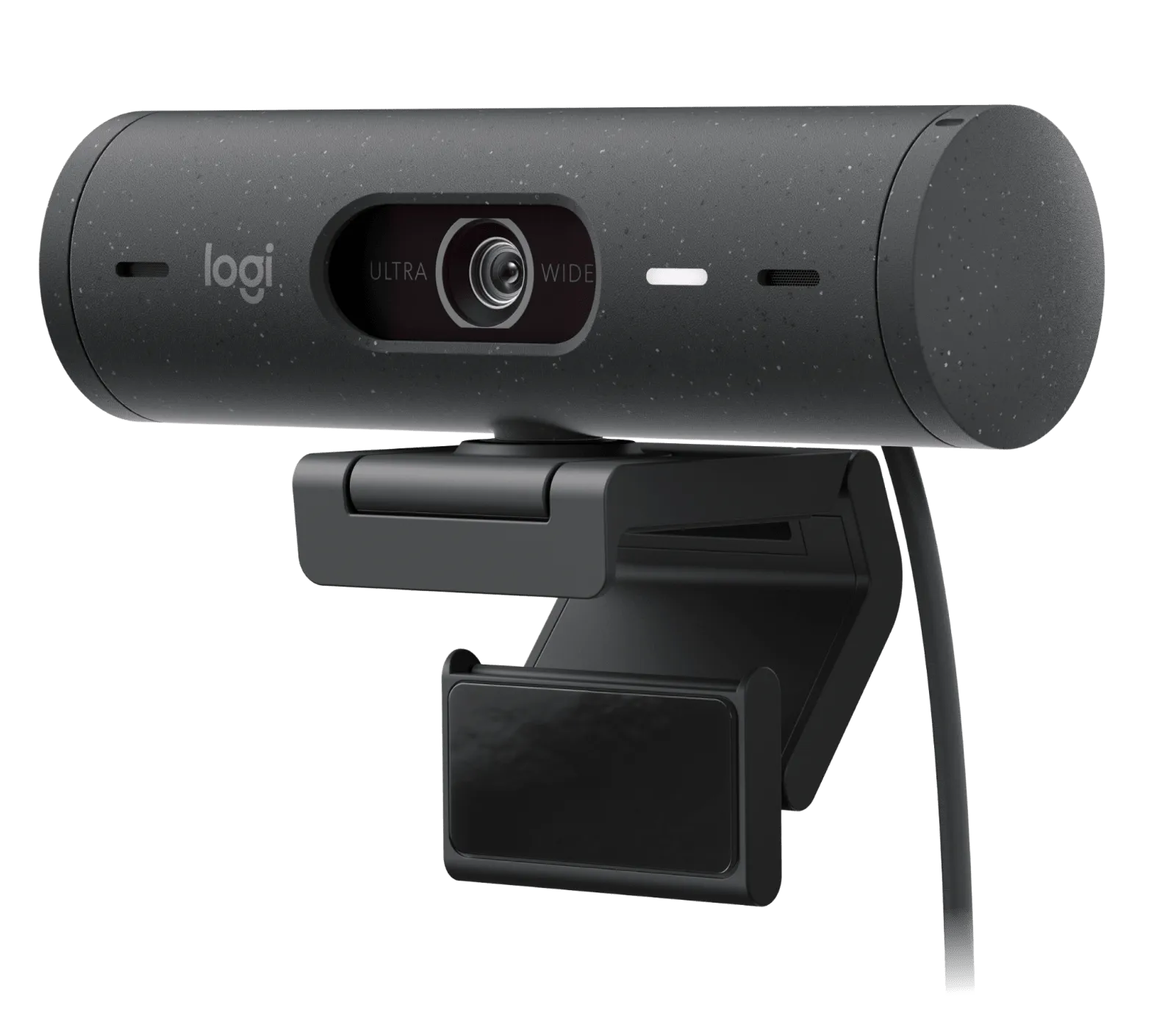
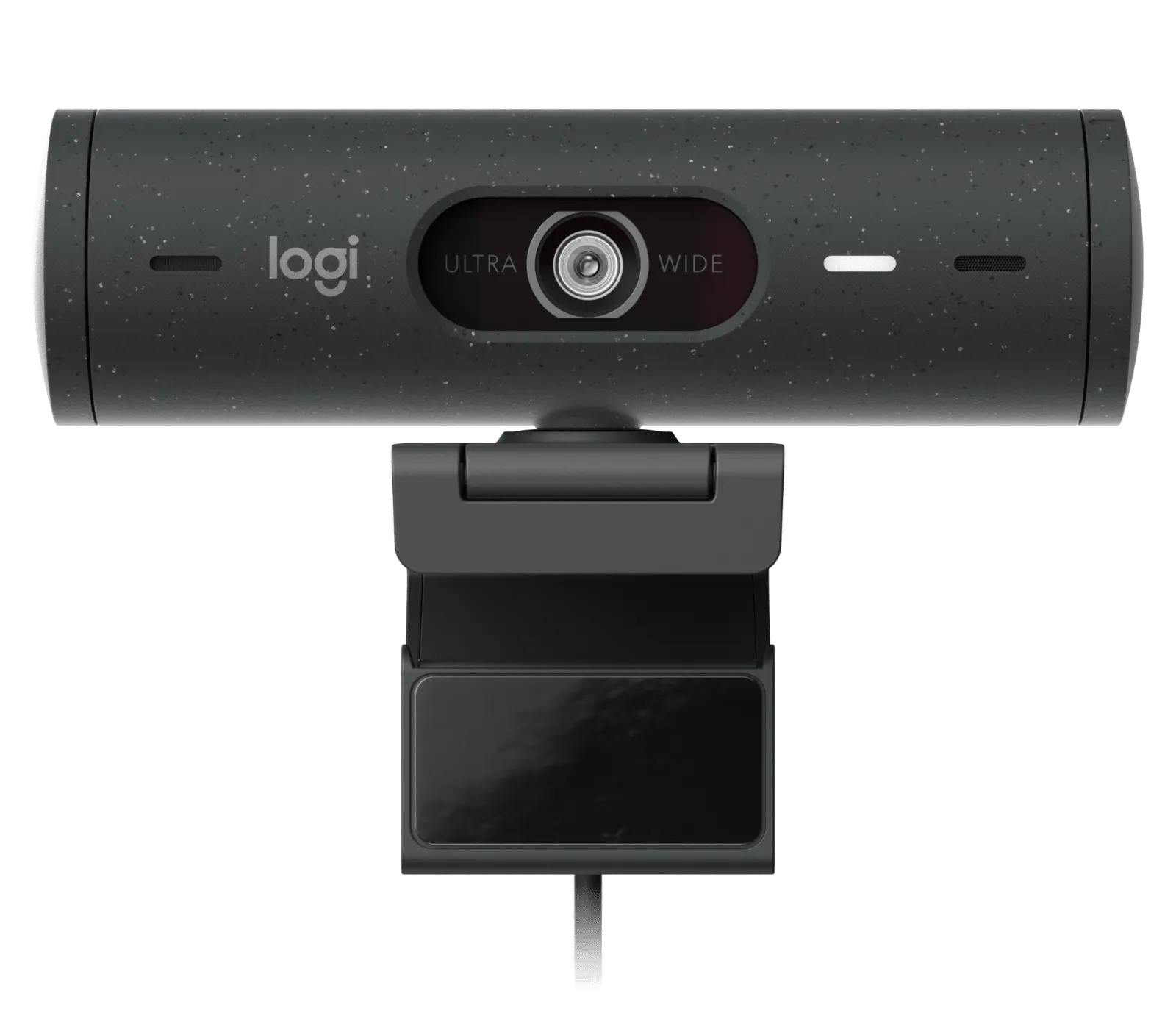
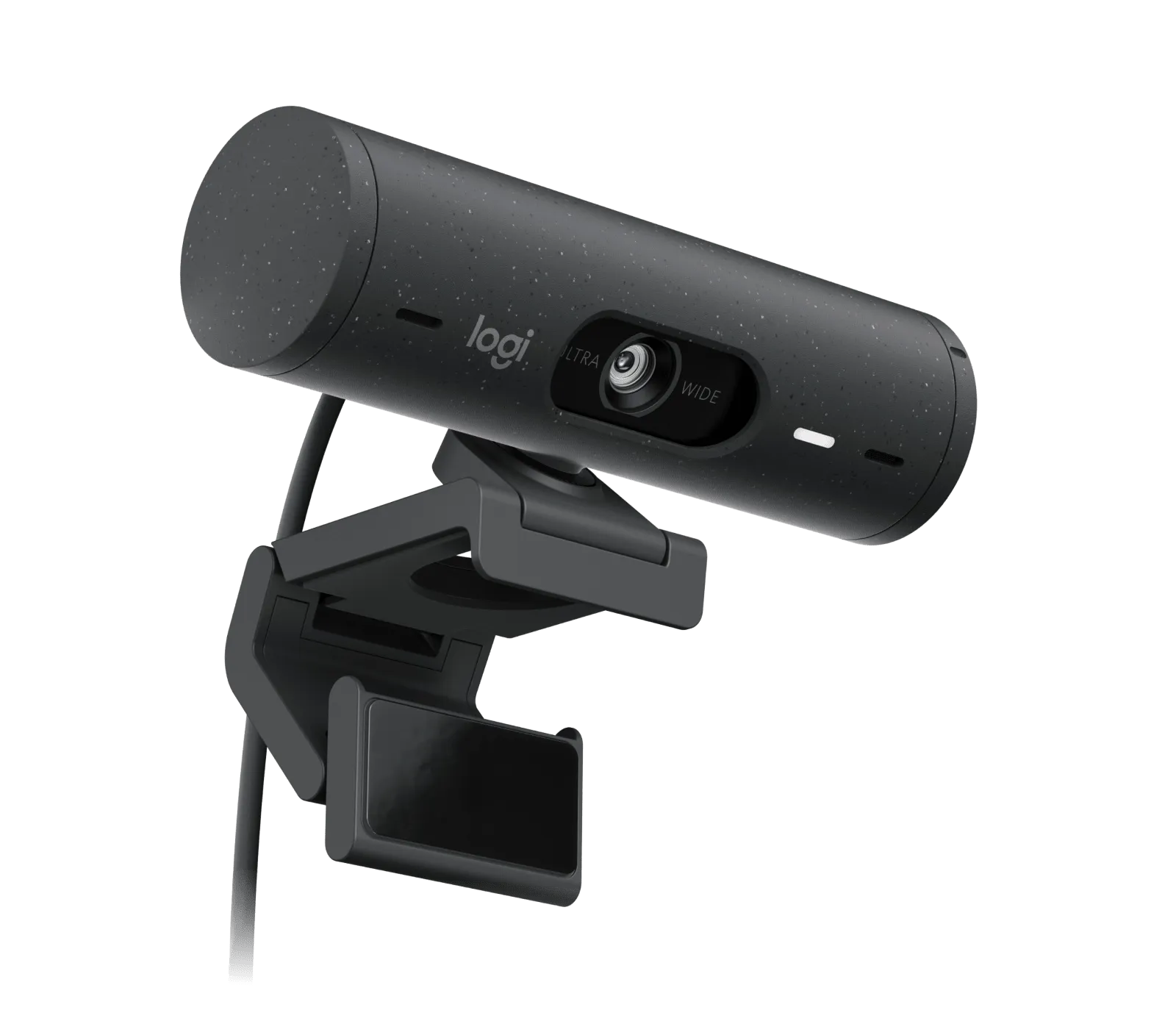
Logitech Brio 500 Graphite
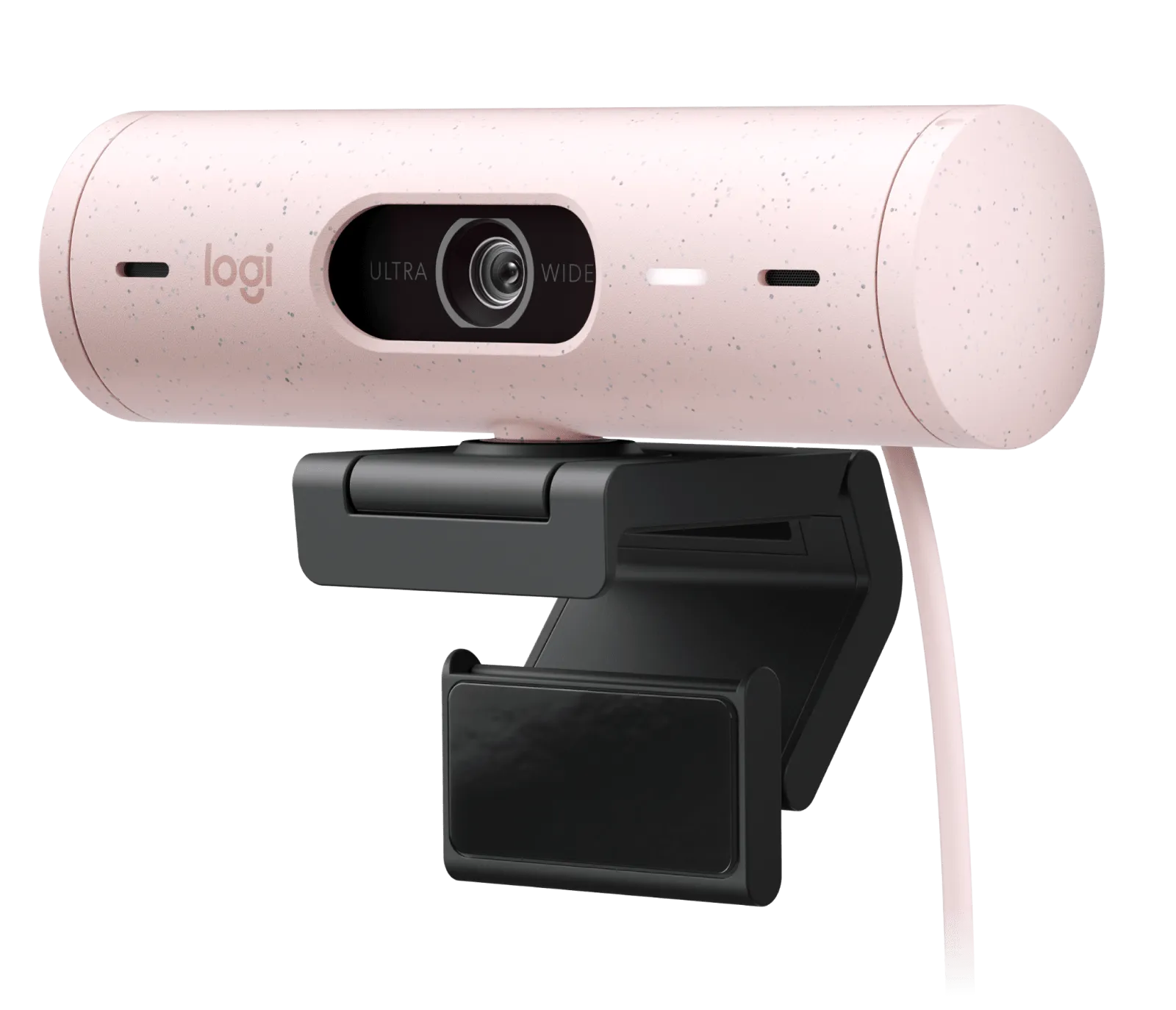
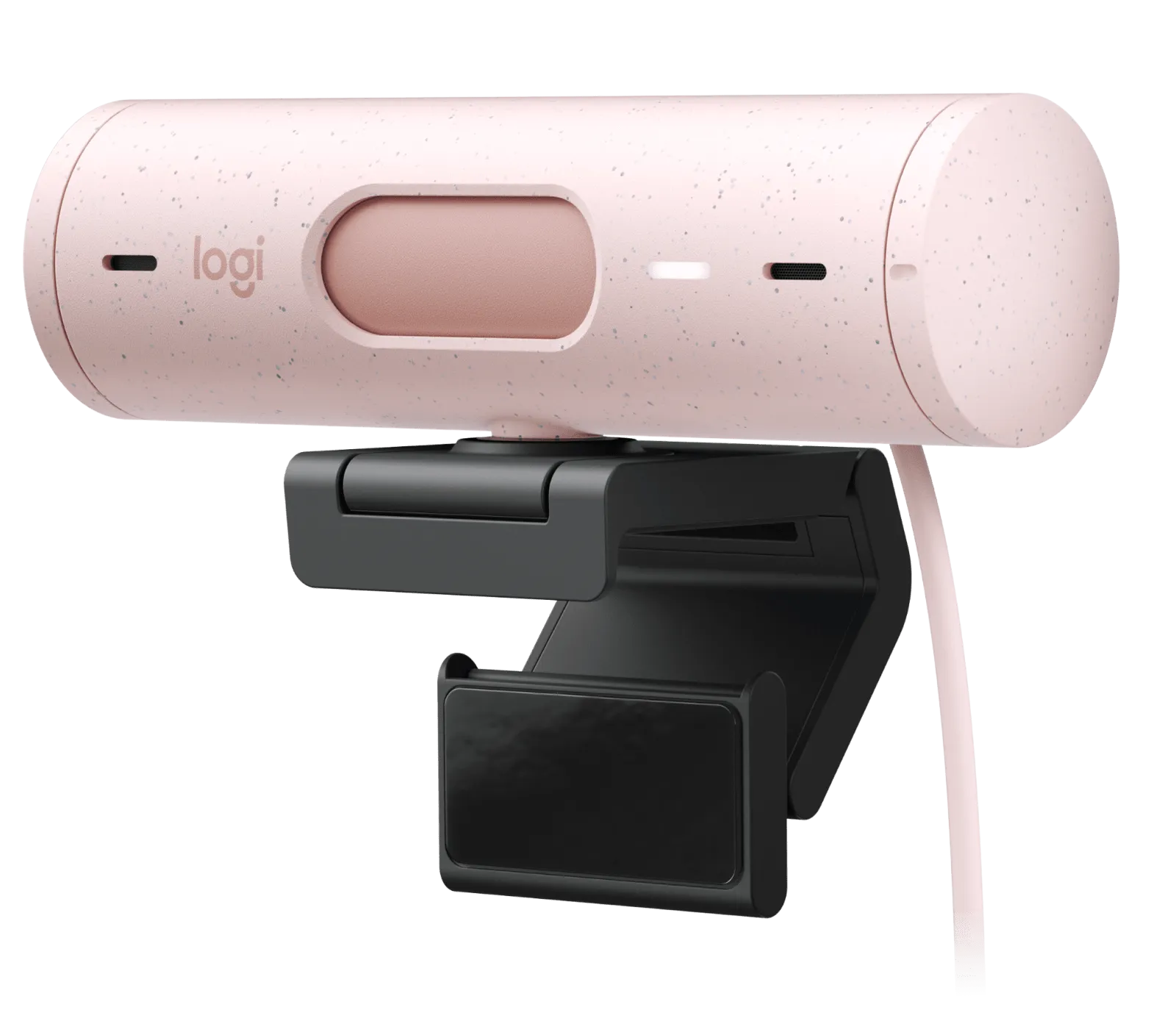
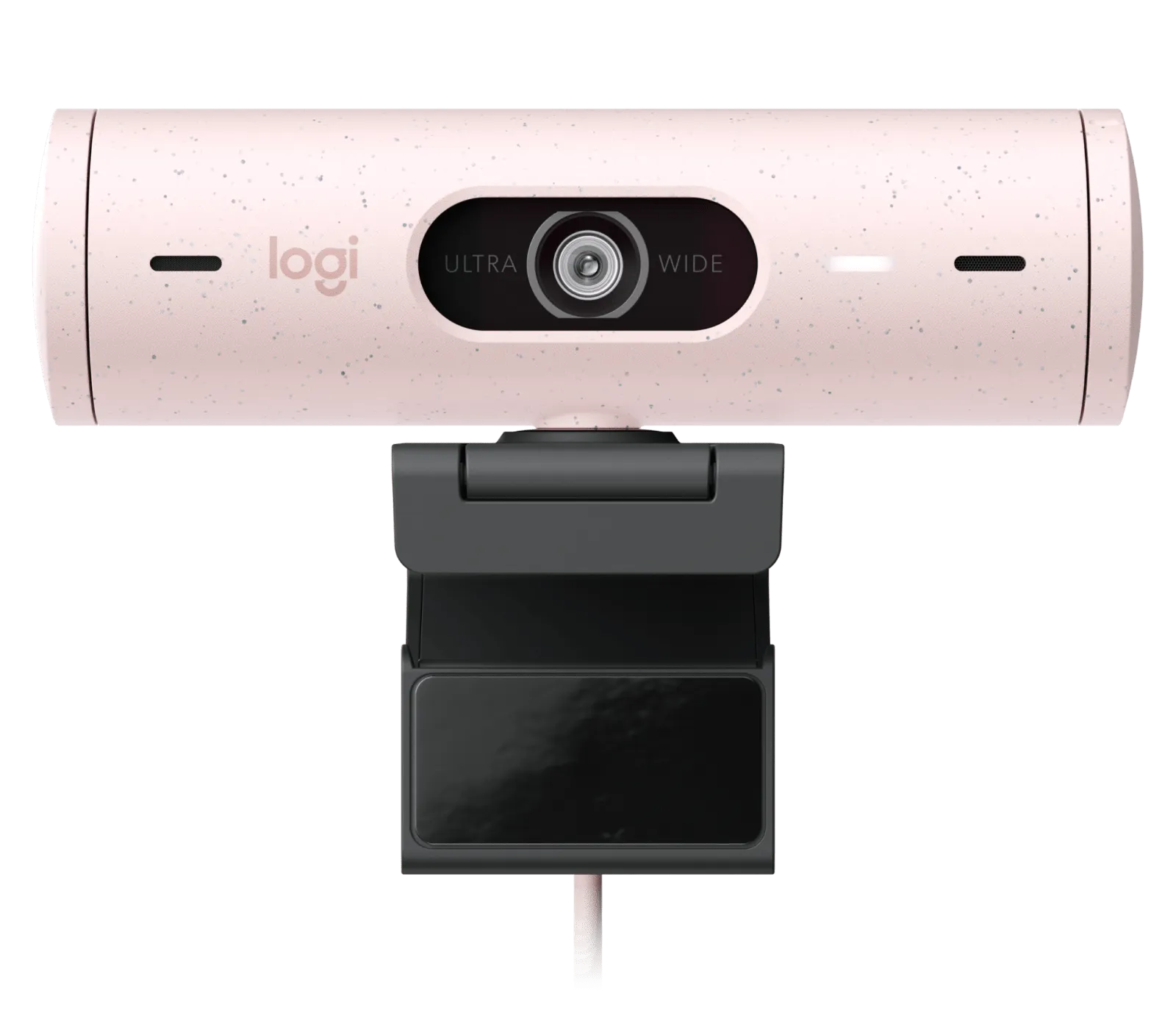
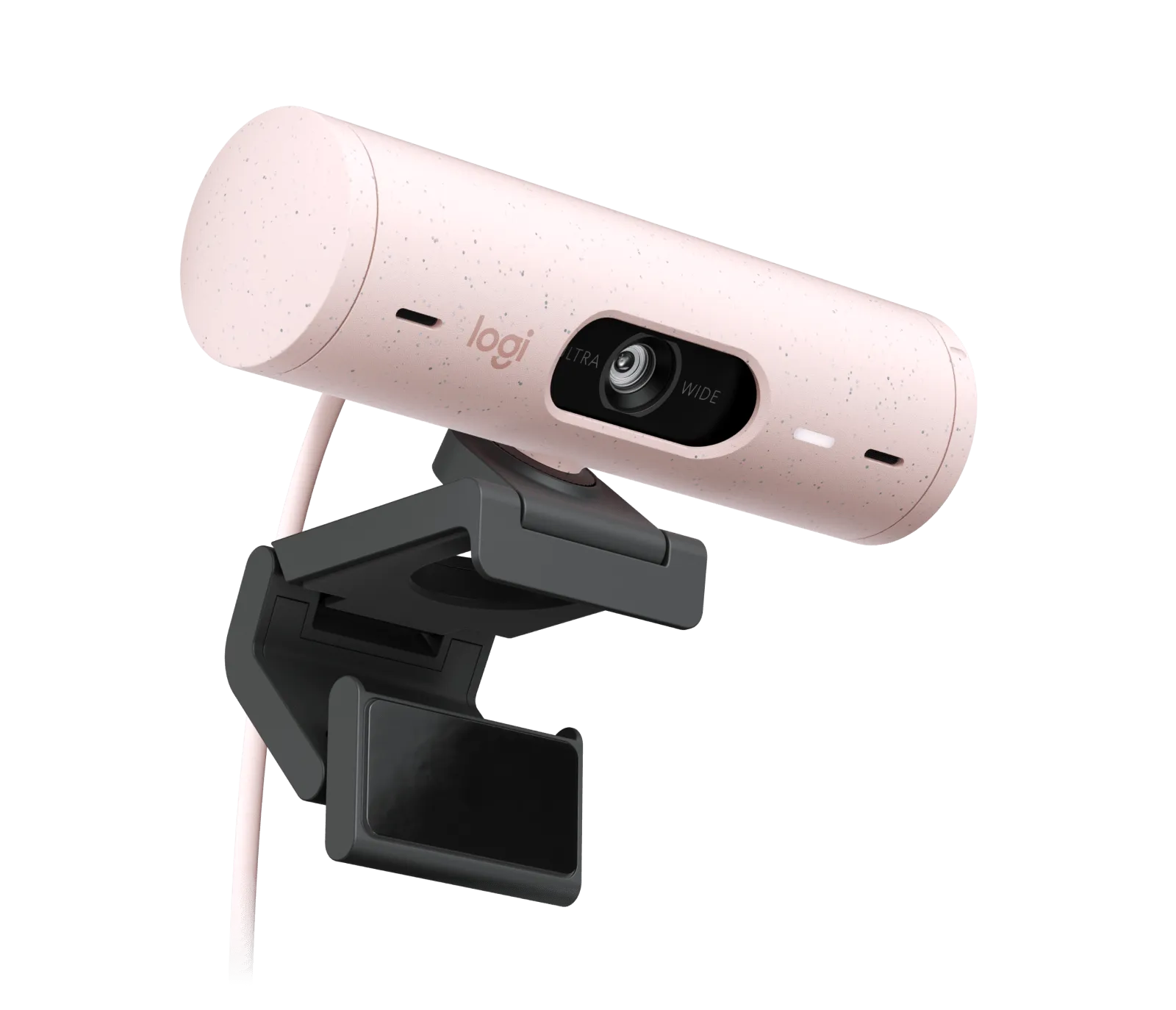
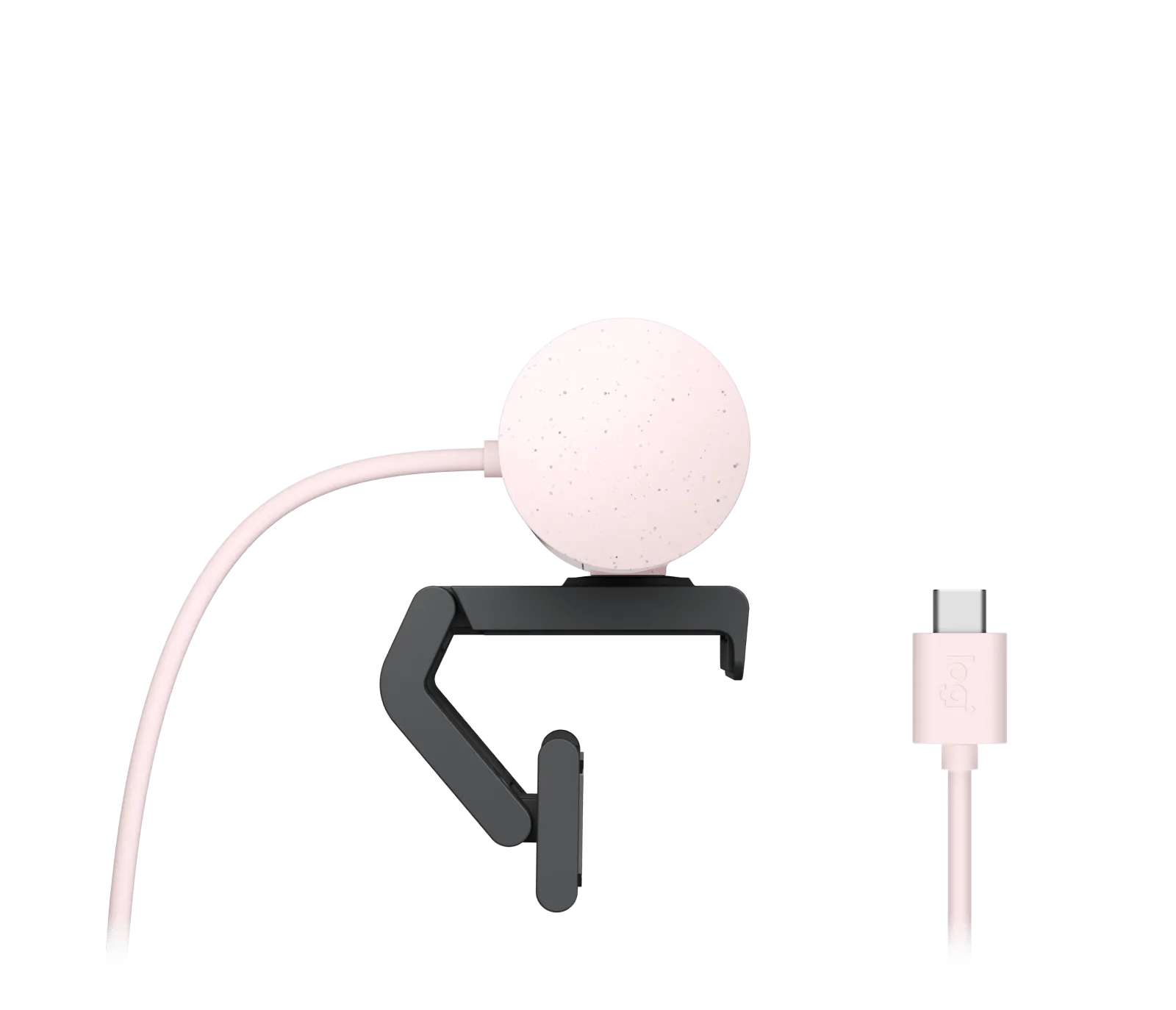
Webcams Logitech
Logitech Brio 500 Pink
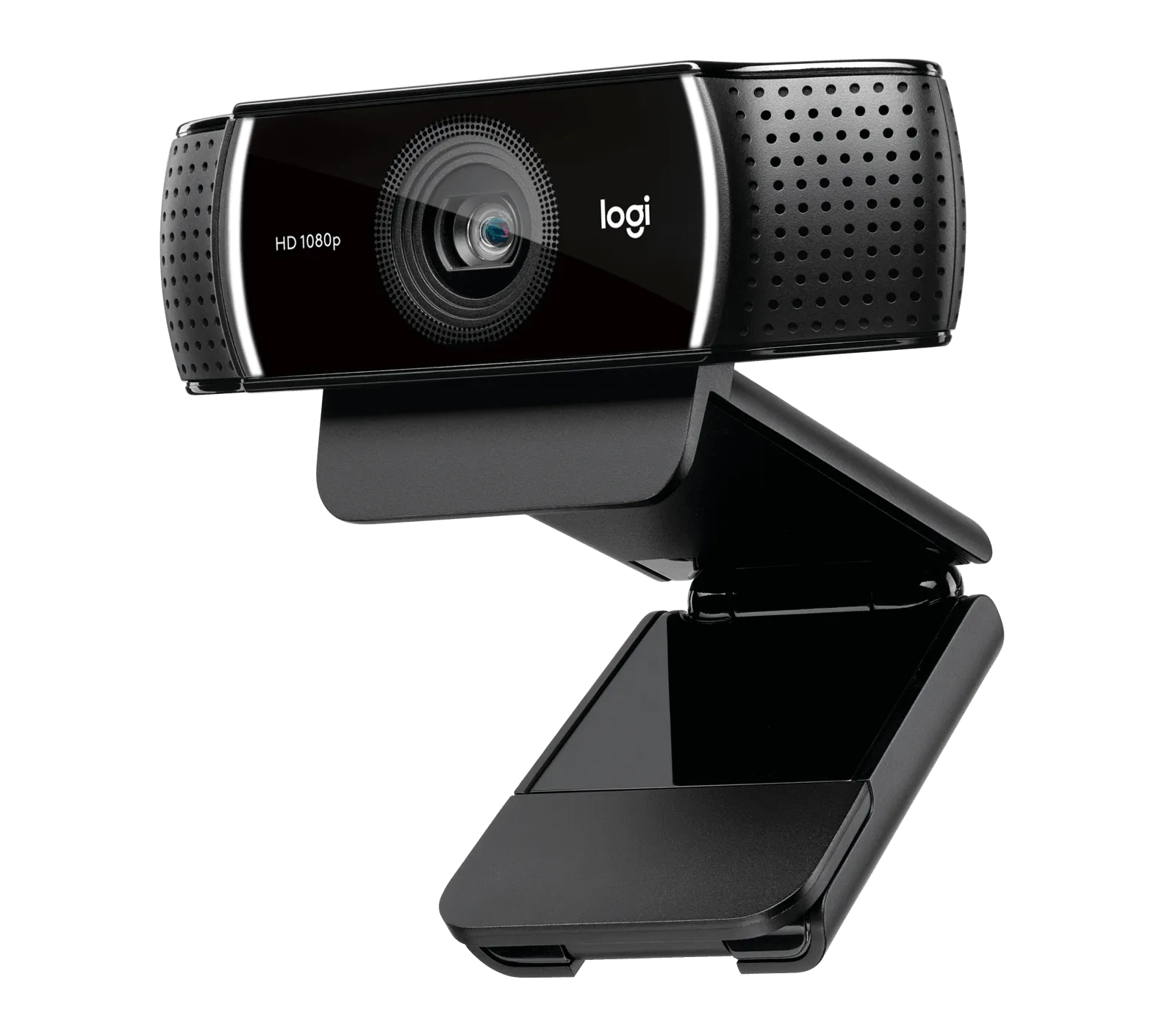
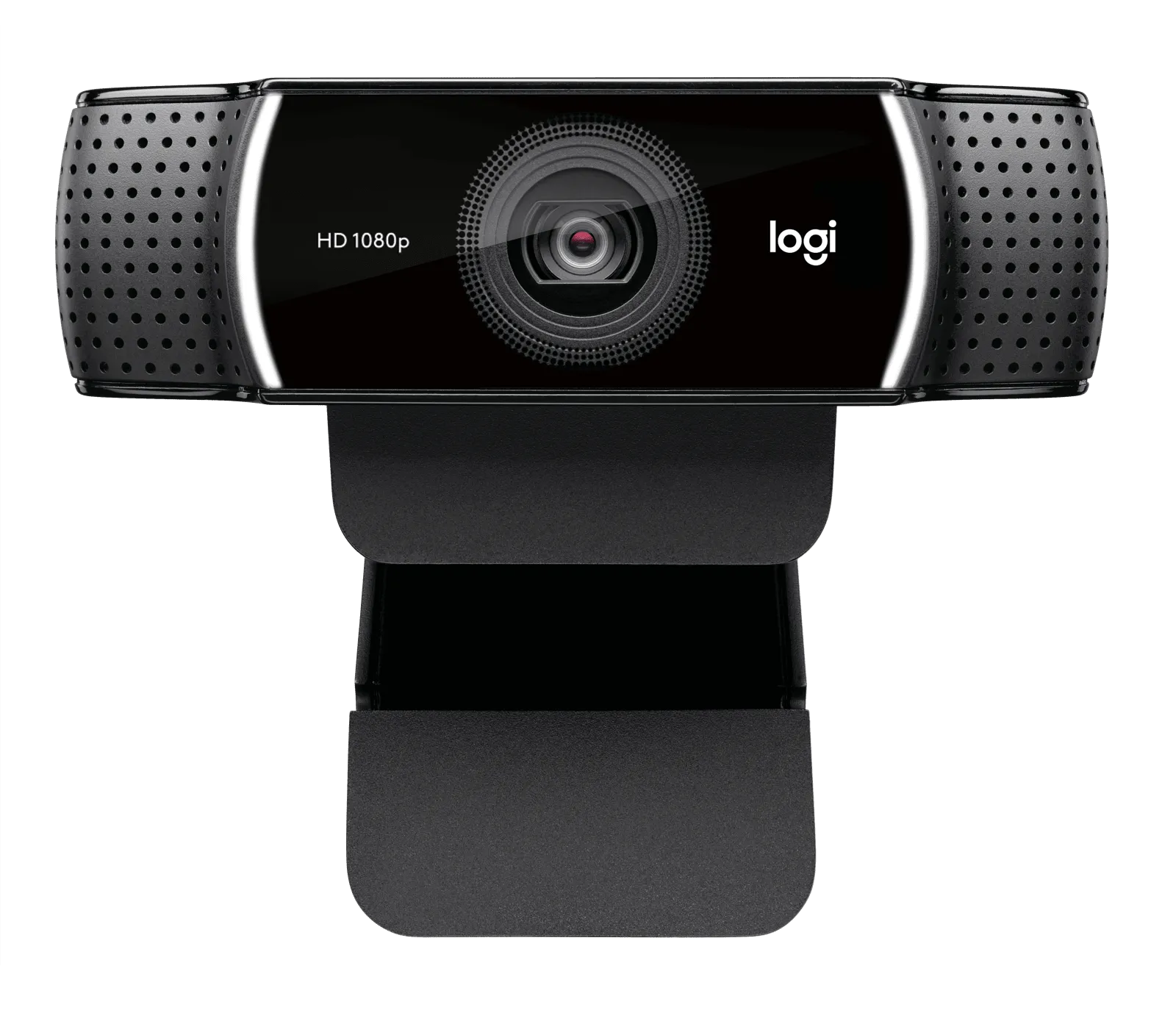
Webcams Logitech
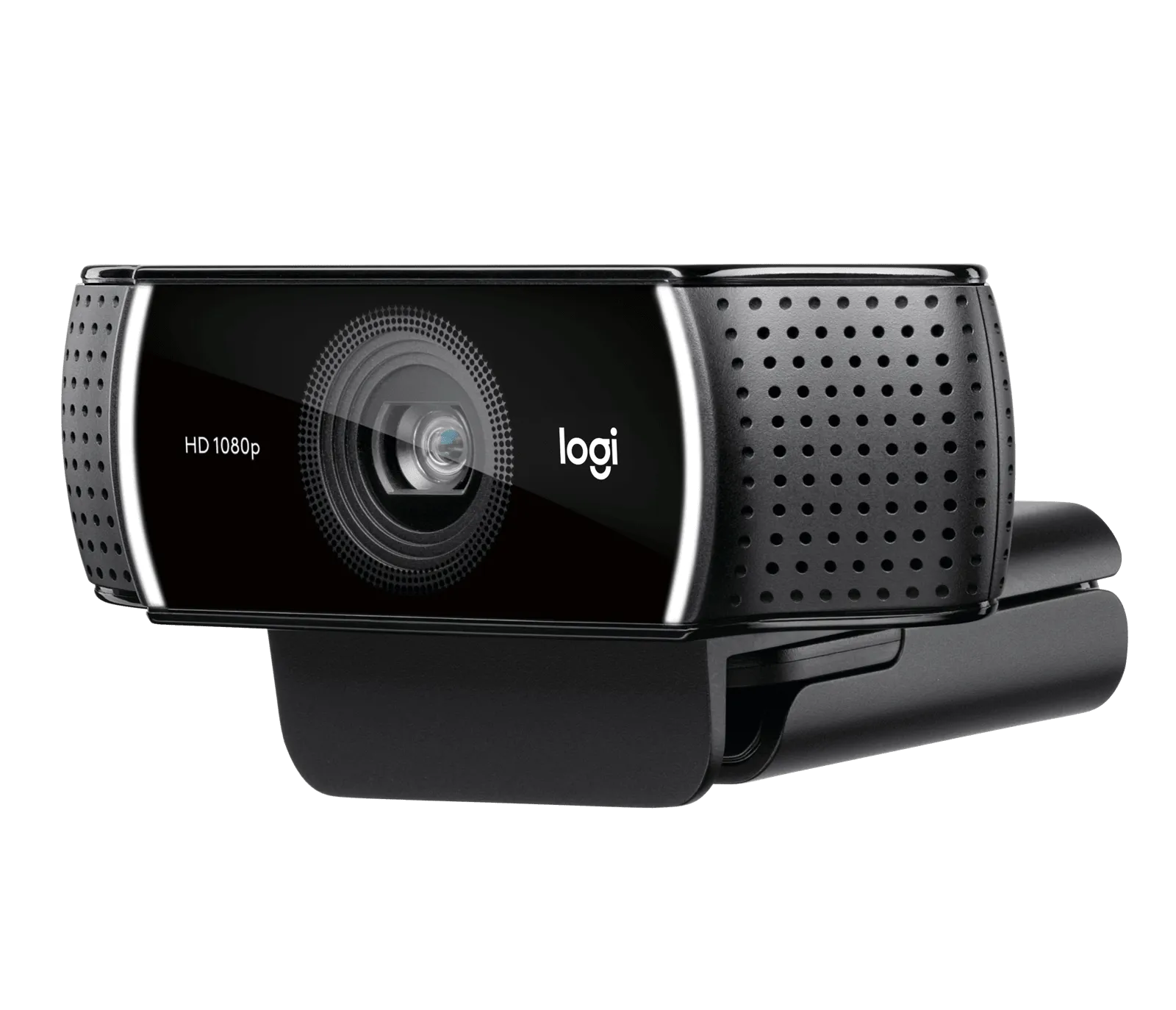
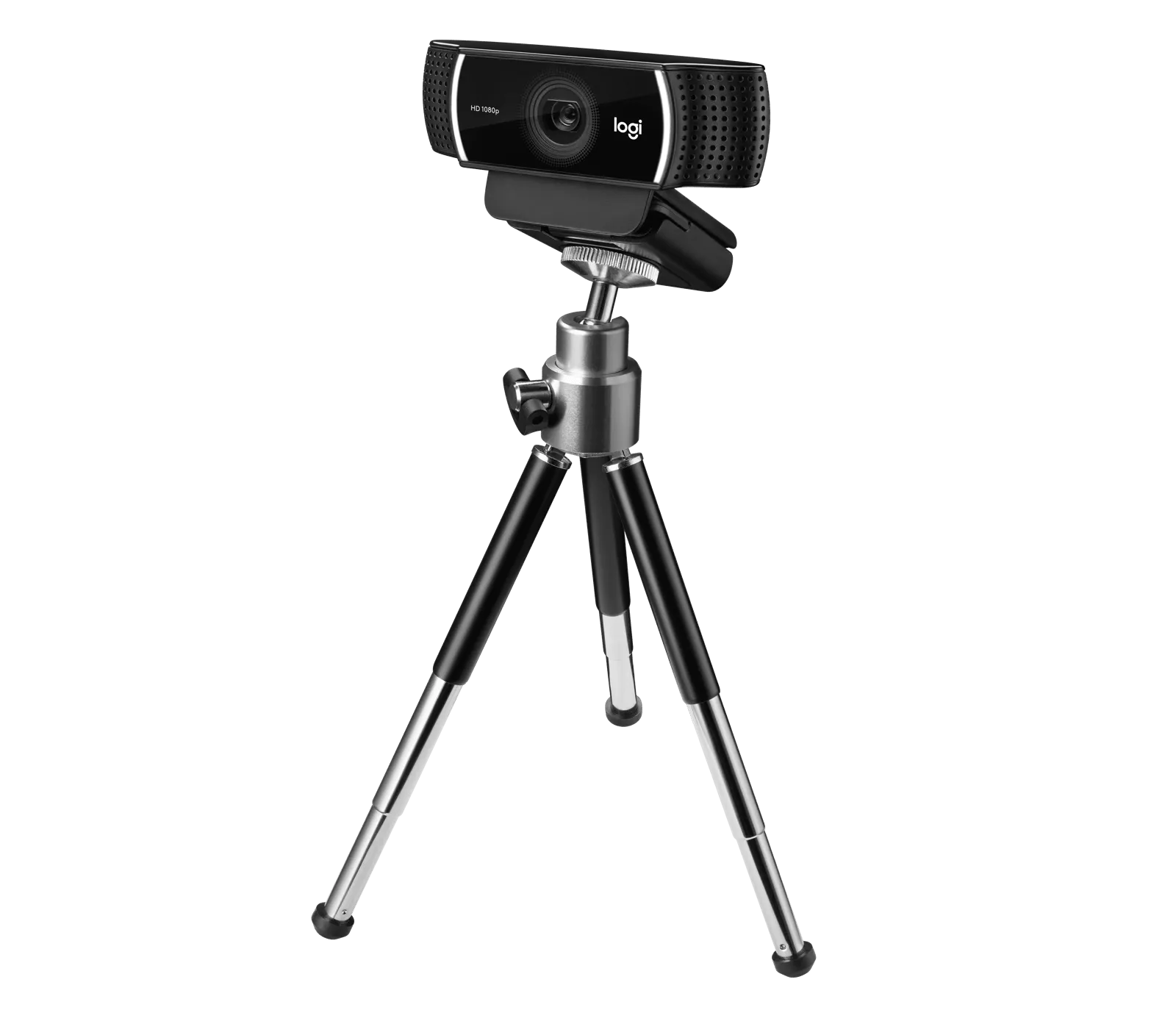
Logitech C922 PRO HD STREAM WEBCAM Black
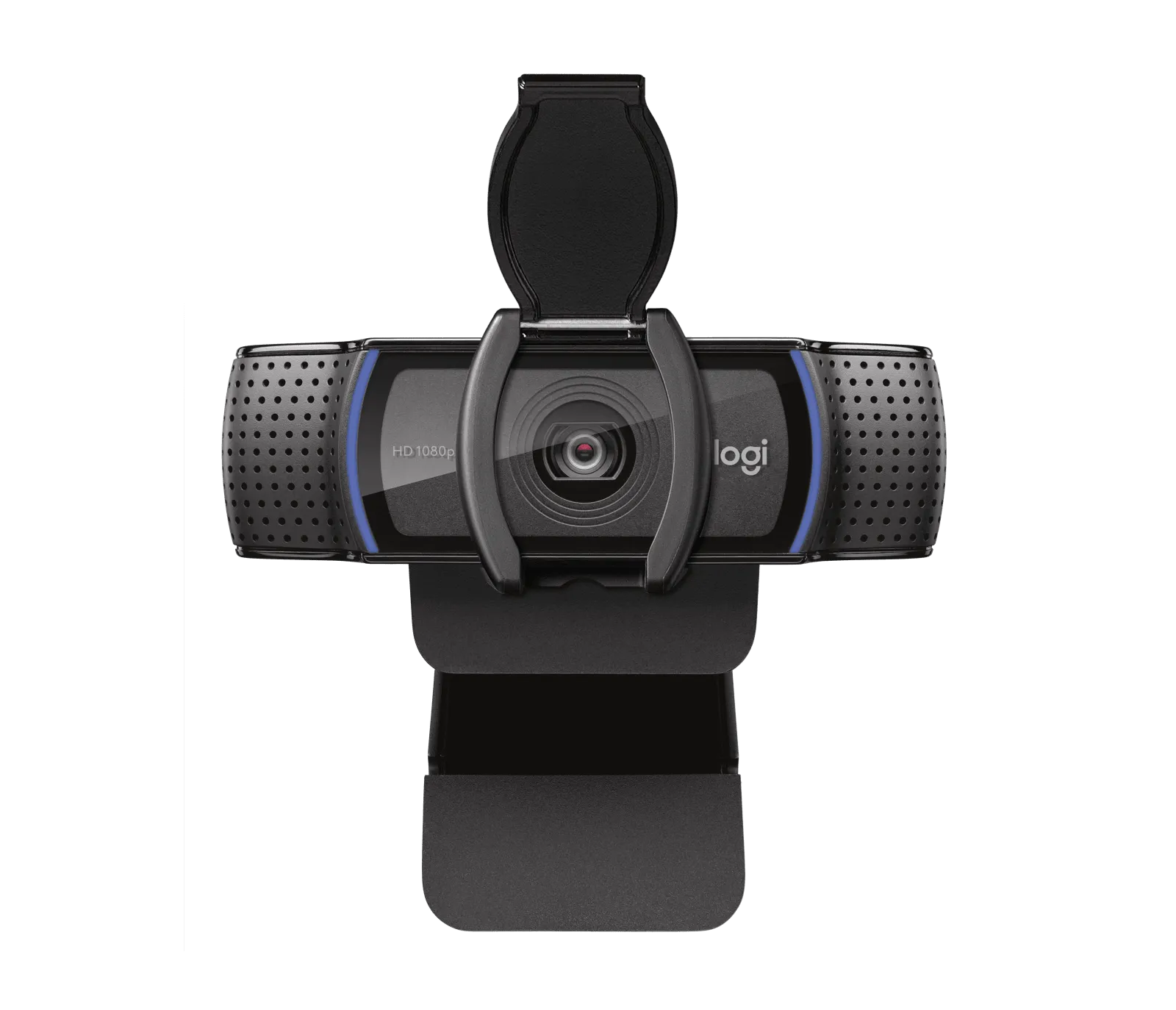
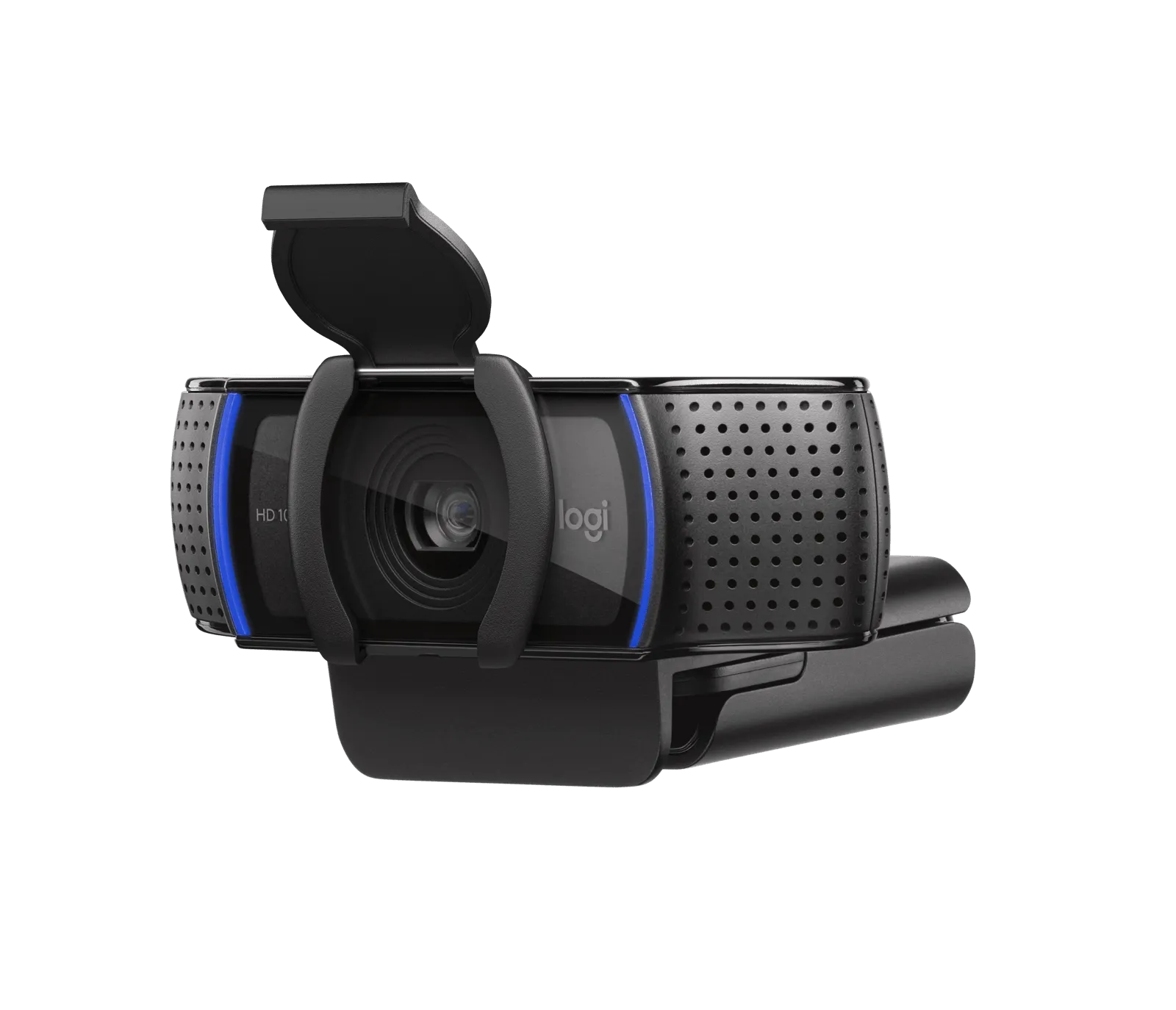
Webcams Logitech