Laptop for working on the move
Working on the move changes the main constraint: access to a power socket is never guaranteed. A laptop that needs charging midday forces unwanted breaks, which matters more than raw processing power once everyday tasks are covered.
The screen also plays a different role: viewed outdoors, on a train, or under changing light, it needs to stay readable without eye strain. Conversely, large storage and abundant memory mostly serve stationary or creative work, less common while travelling.
What matters in this specific case
The same criteria as on the category page, but not the same weight: here is what goes up and what goes down.
-
Speed
Matters less coefficient 0.7Speed matters less here: most mobile tasks such as office work, messaging and browsing do not use every available core. The median benchmark, around twelve cores, is already enough; aiming higher brings little to typical nomadic use.
-
Battery life
Matters more coefficient 2Battery life becomes the deciding factor: it determines whether the day ends without a recharge. The lowest benchmark sits around forty five watt hours, the median around fifty seven, and the best capacities approach ninety: aiming above the median makes a real difference.
-
Display
Matters more coefficient 1.2Brightness gains importance since lighting on the move is rarely controlled. A screen near the median benchmark, around four hundred candelas per square metre, stays readable outdoors; below the low benchmark, reading in sunlight becomes uncomfortable.
-
Capacity
Matters less coefficient 0.8Storage matters slightly less: everyday work files and cloud services reduce the need for local space. The low benchmark, around two hundred fifty six gigabytes, suits most mobile uses without issue.
-
Memory
Matters less coefficient 0.8Memory also loses weight: office and browsing tasks do not strain median configurations, around sixteen gigabytes. Higher capacities mainly serve heavier workloads, rare while travelling.
-
Price
Unchanged weight coefficient 1Price keeps its usual weight: it is still compared at matching specifications, without any bonus or penalty tied to mobility itself.
What is not worth paying for
The features pushed in this category that make no difference in this context.
-
Very generous storage
Storage near the top of the scale is rarely used on the move, where large files usually stay on a desktop machine or in the cloud.
-
Top tier memory
Large memory capacities benefit heavy computing or creative work, not typically representative of everyday travel use.
-
Maximum core count
A processor rich in cores brings nothing noticeable to office work or browsing while travelling.
Price ranges for this use
Orders of magnitude, not displayed prices: a price only appears on Kalyneo once it has been collected from a merchant, with its collection date.
Under €1,050
Under €1,050: this tier covers configurations with decent battery life and a readable screen, enough for light mobile use.
€1,050 to €2,400
€1,050 to €2,400: this tier opens access to larger batteries and brighter screens, comfortable for full days away from a desk.
Over €2,400
Over €2,400: this tier mainly brings extra screen comfort and finish, without battery life or speed necessarily improving beyond the previous tier.
The products selected for this use
Ranked by relevance for this specific case, not by their overall score.
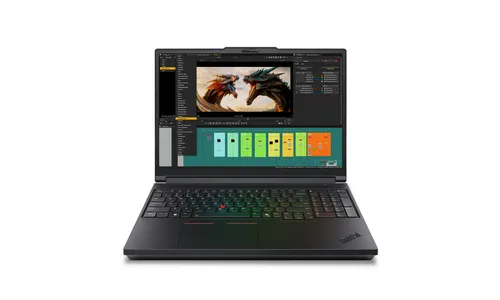
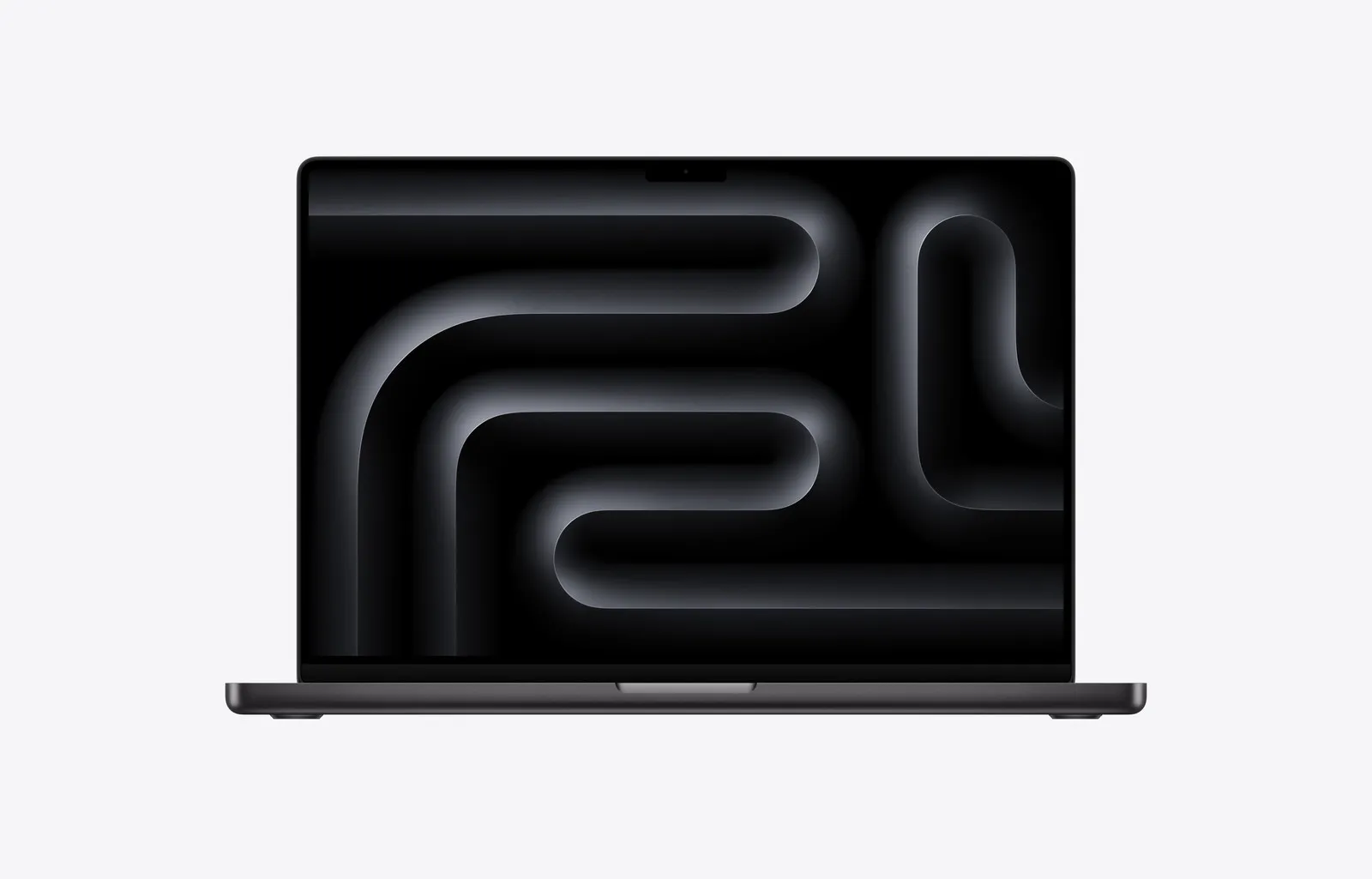
Laptops Apple
MacBook Pro 16 inch M5 Max, 18-core CPU, 40-core GPU, Space Black, Standard display glass, 48 GB memory, 2 TB storage
Relevance for this use: 93/100
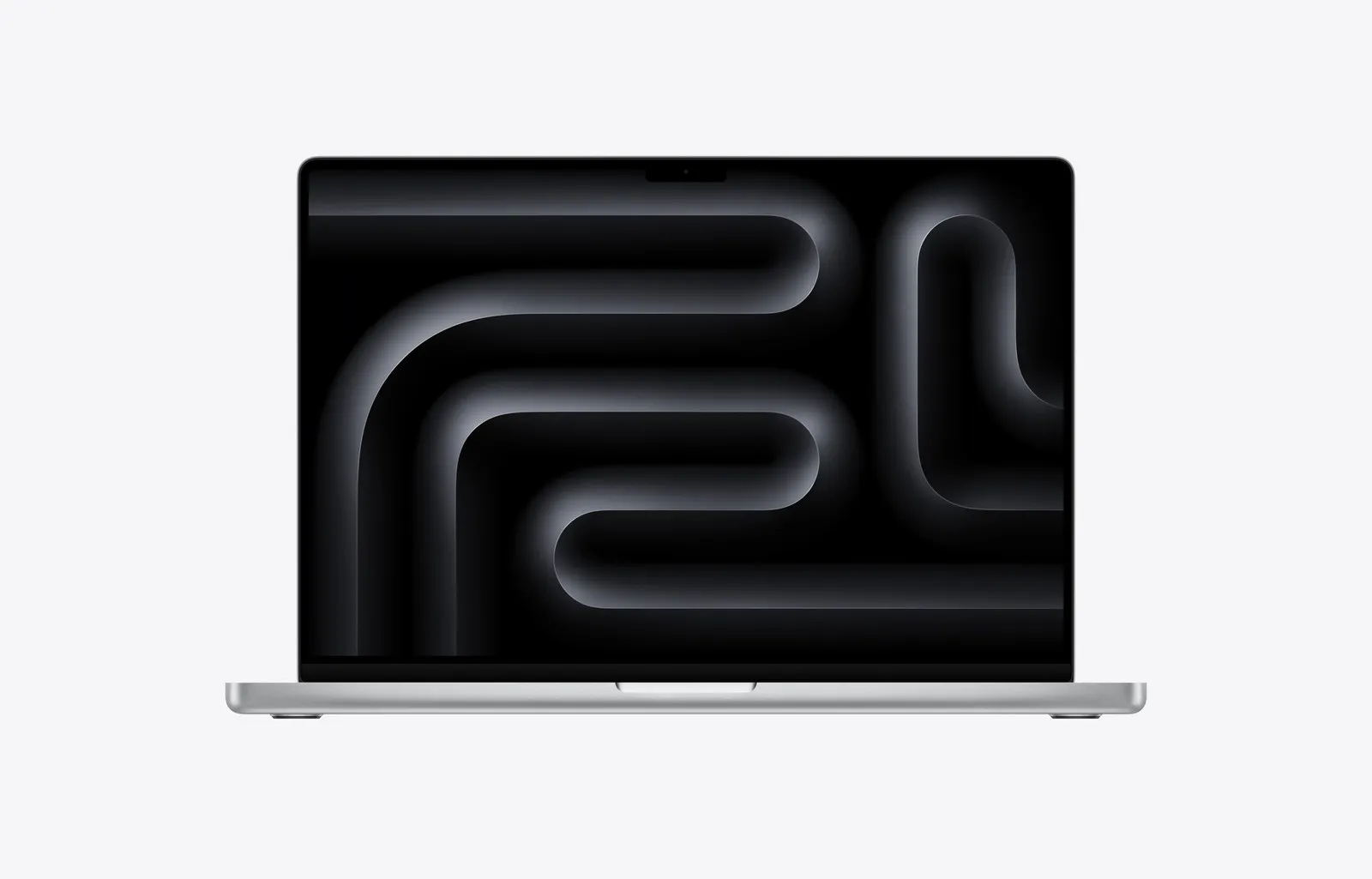
Laptops Apple
MacBook Pro 16 inch M5 Max, 18 core CPU, 40 core GPU, Silver, Standard glass, 48 GB memory, 2 TB storage
Relevance for this use: 93/100
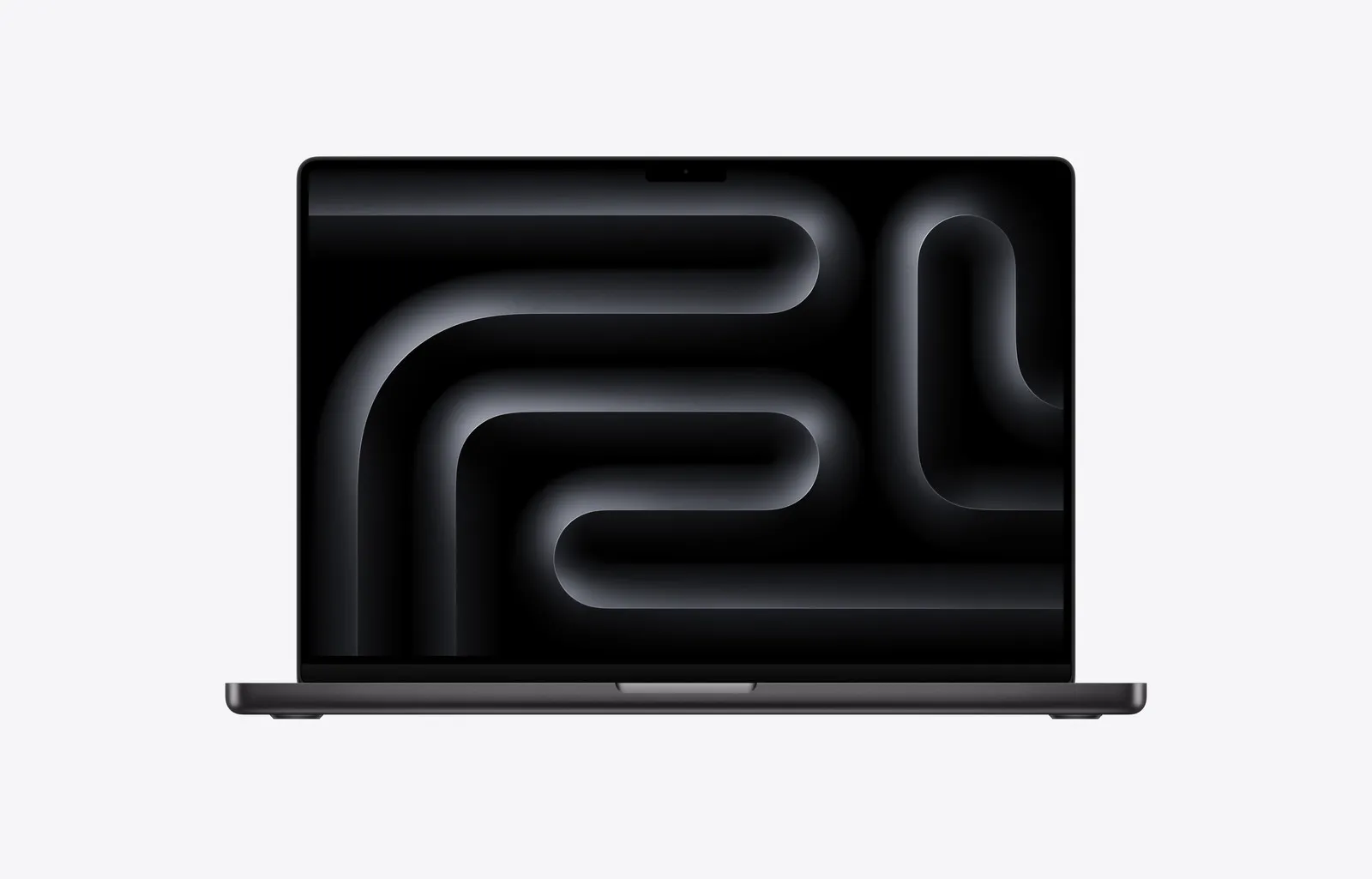
Laptops Apple
MacBook Pro 16 inch M5 Max, 18-core CPU, 32-core GPU, Space Black, Standard display glass, 36 GB memory, 2 TB storage
Relevance for this use: 92/100
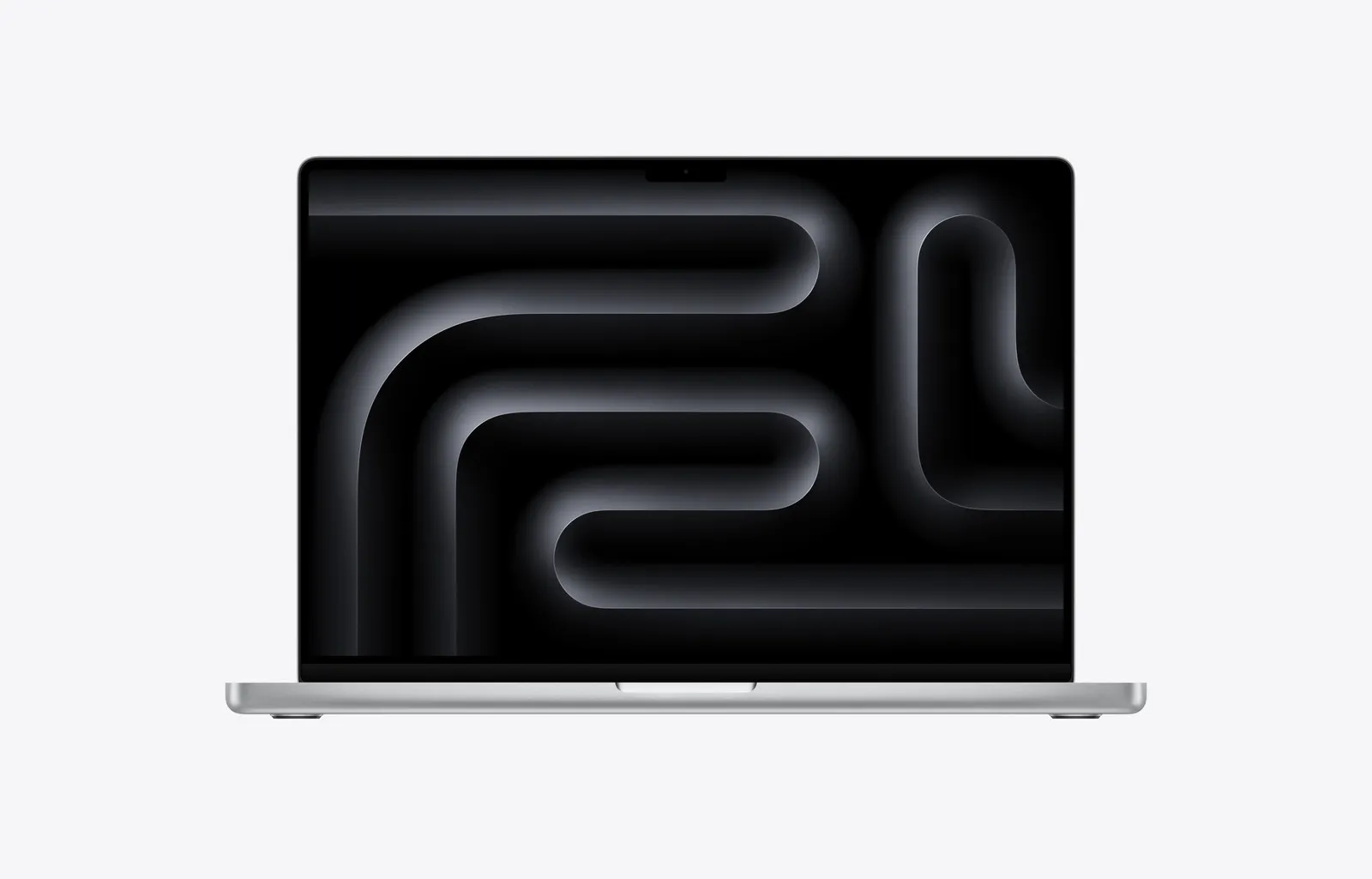
Laptops Apple
MacBook Pro 16 inch M5 Max, 18-core CPU, 32-core GPU, Silver, Standard display glass, 36 GB memory, 2 TB storage
Relevance for this use: 92/100
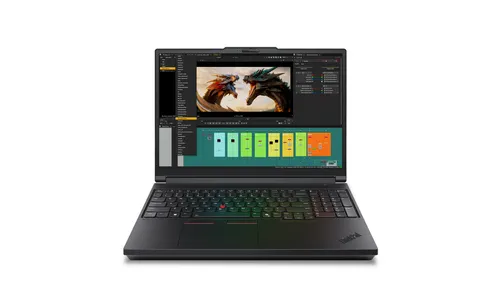
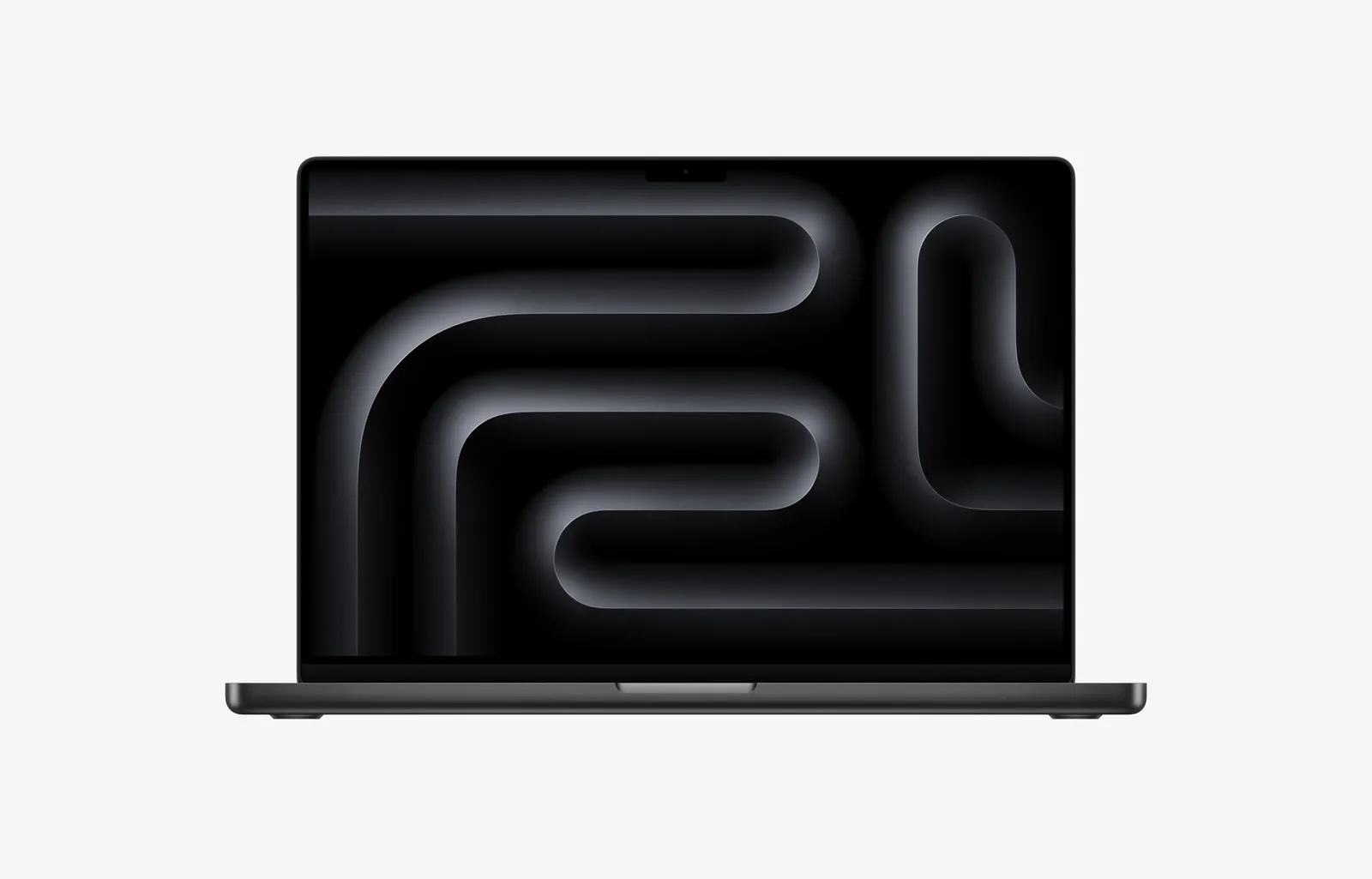
Laptops Apple
MacBook Pro 16 inch M5 Pro, 18-core CPU, 20-core GPU, Space Black, Standard display glass, 24 GB memory, 1 TB storage
Relevance for this use: 91/100
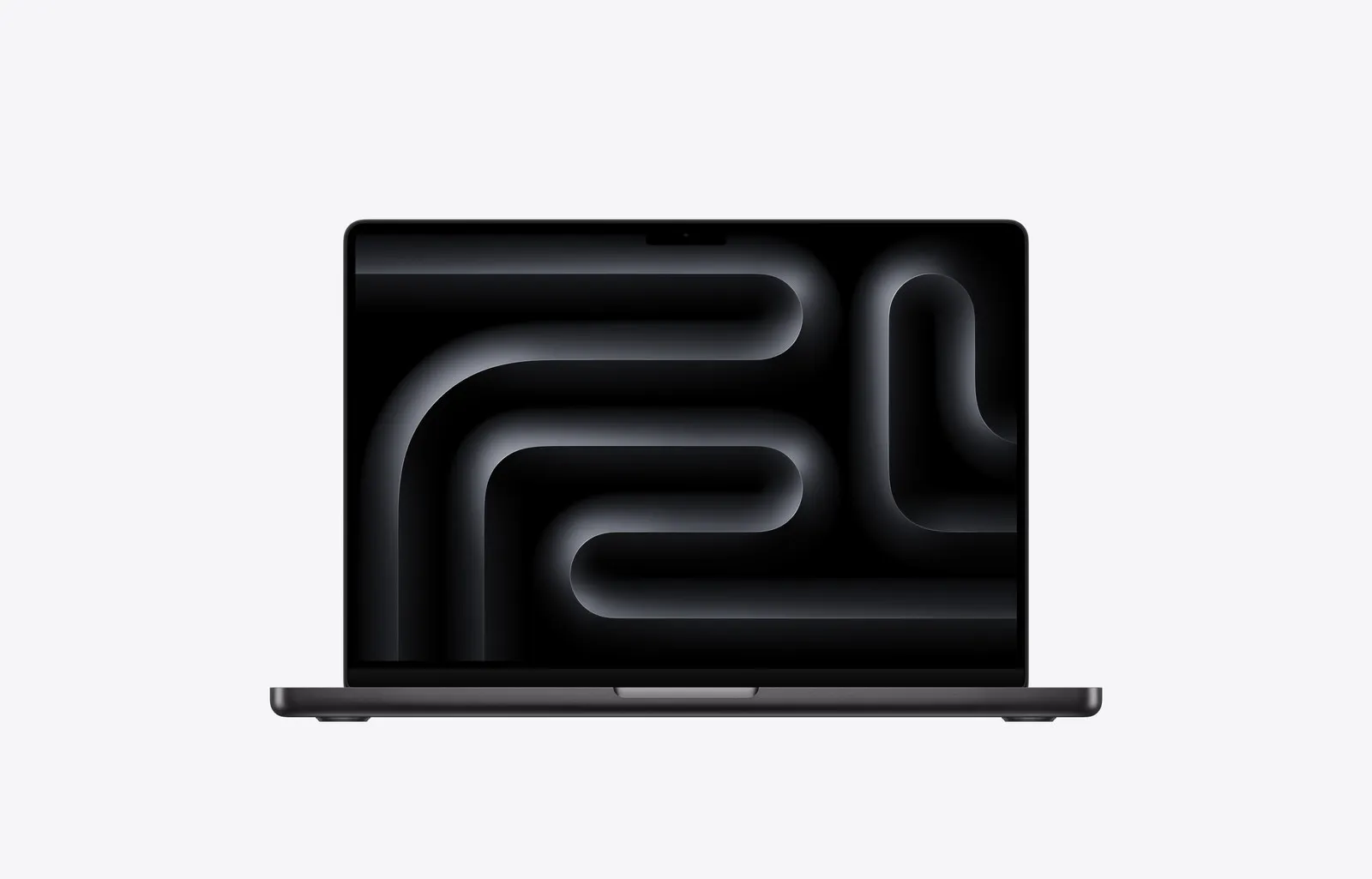
Laptops Apple
MacBook Pro 14 inch M5 Max, 18-core CPU, 32-core GPU, Space Black, Standard display glass, 36 GB memory, 2 TB storage
Relevance for this use: 87/100
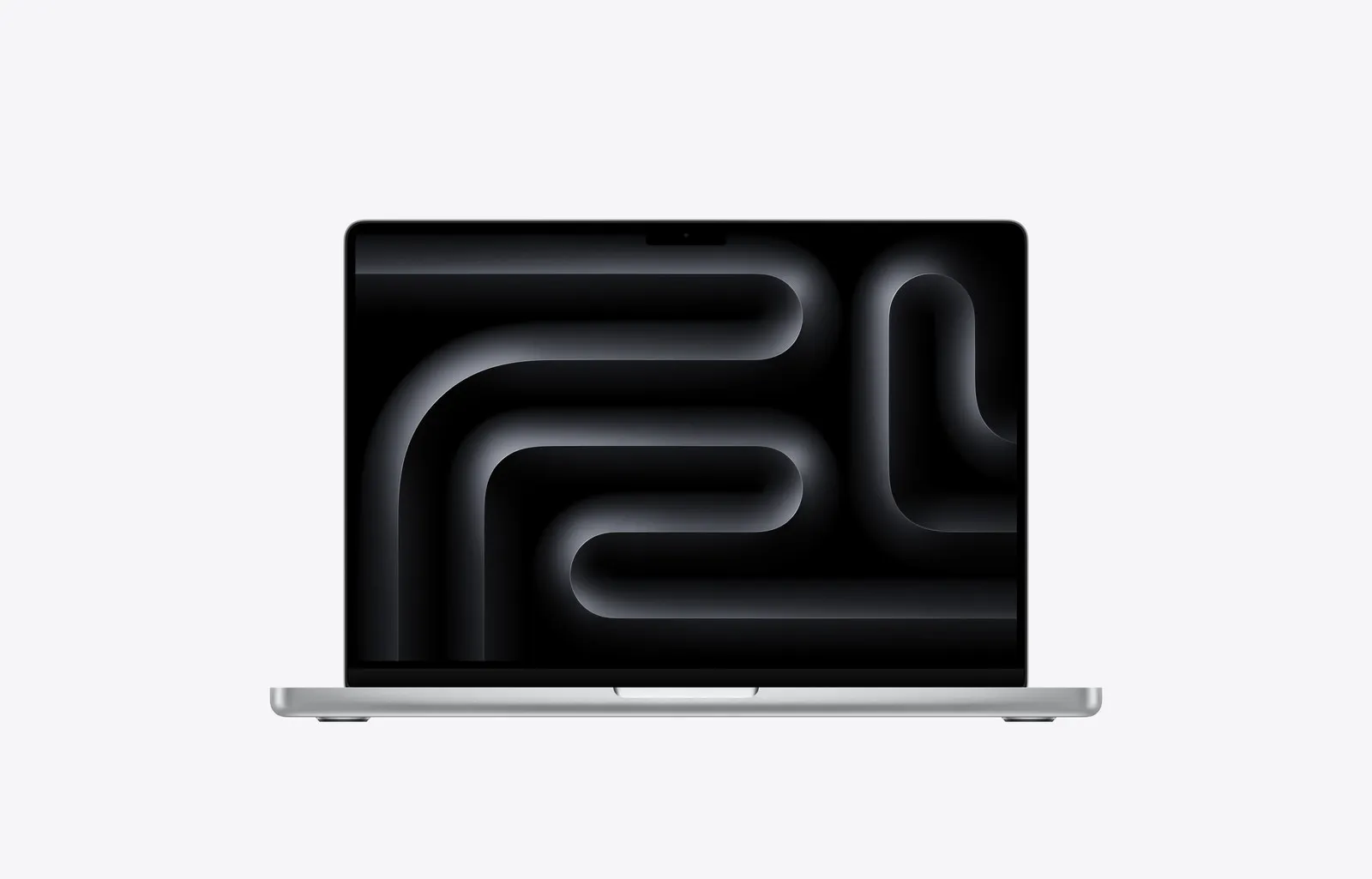
Laptops Apple
MacBook Pro 14 inch M5 Pro, 15 core CPU, 16 core GPU, Silver, Standard display glass, 24 GB memory, 1 TB storage
Relevance for this use: 84/100
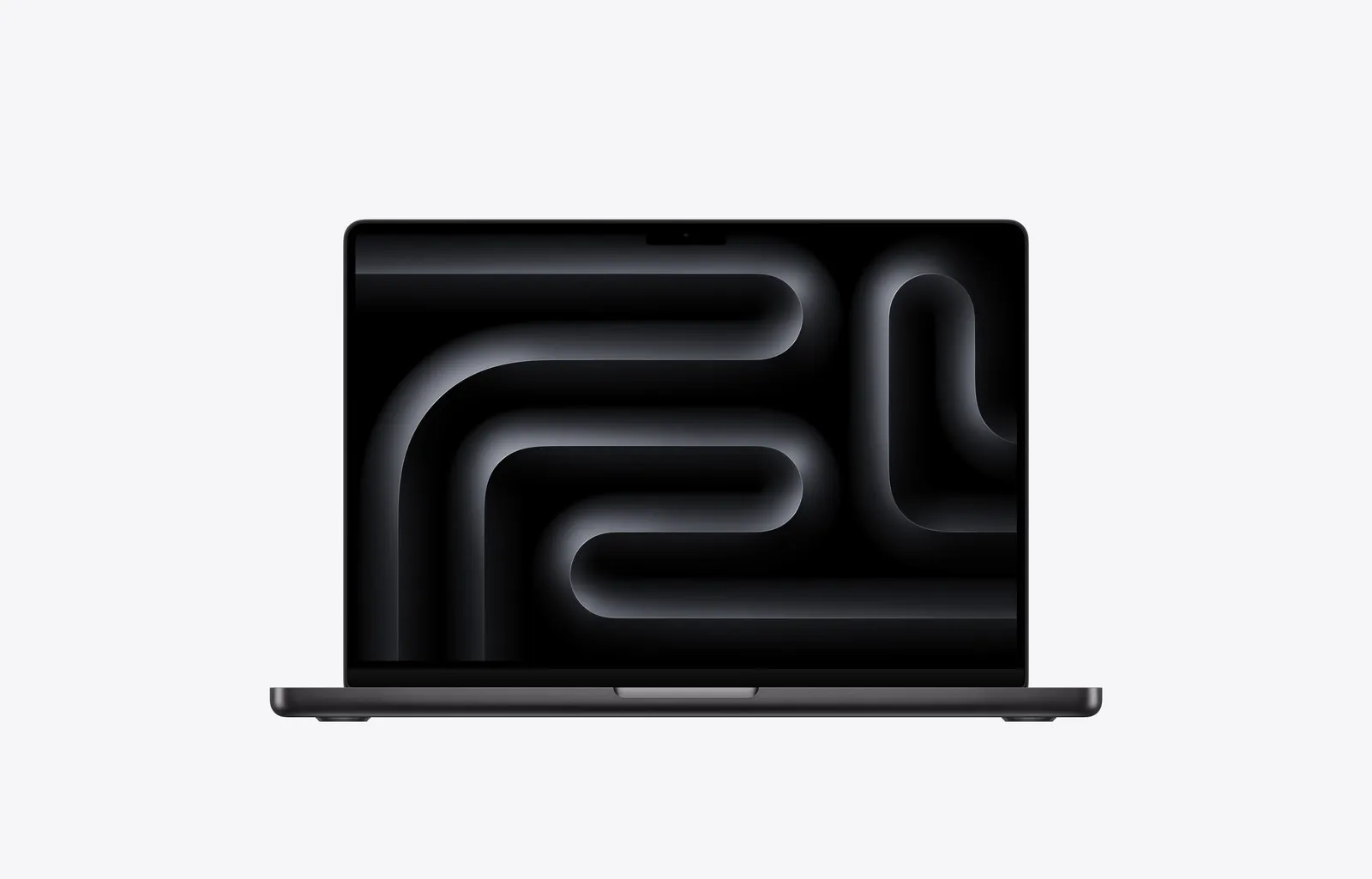
Laptops Apple
MacBook Pro 14 inch M5 Pro, 15 core CPU, 16 core GPU, Space Black, Standard display glass, 24 GB memory, 1 TB storage
Relevance for this use: 84/100
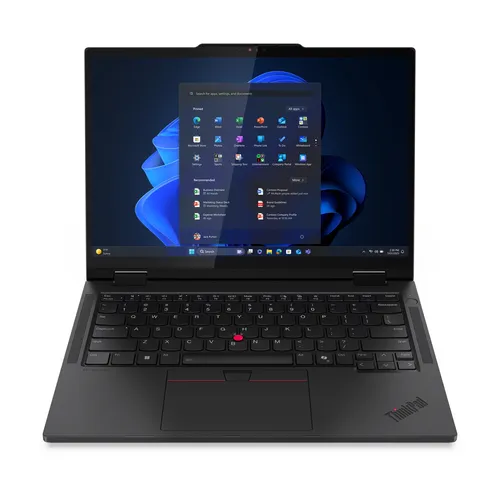
Laptops Lenovo
Lenovo ThinkPad T14s 2-in-1 Gen 1 Intel Core Ultra 7 255U Hybrid (2-in-1) 35.6 cm (14") Touchscreen WUXGA 32 GB LPDDR5x-SDRAM 1 TB SSD Wi-Fi 7 (802.11be) Windows 11 Pro Black German
Relevance for this use: 78/100
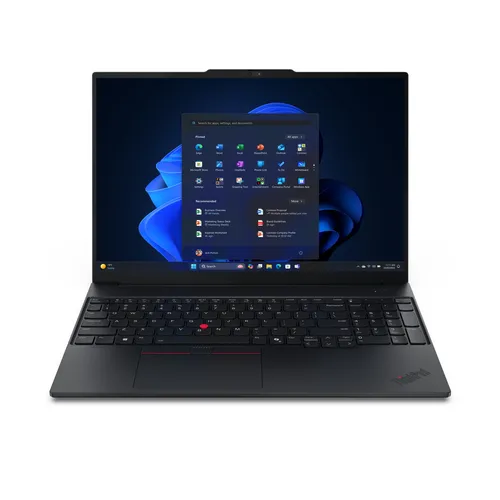
Laptops Lenovo
Lenovo ThinkPad E16 Gen 3 (Intel) Copilot+ PC Intel Core Ultra 5 226V Laptop 40.6 cm (16") WUXGA 16 GB LPDDR5x-SDRAM 512 GB SSD Wi-Fi 6E (802.11ax) Windows 11 Pro Black Italian
Relevance for this use: 71/100
Our selection criteria for this use
A product only enters this list if it meets every one of these points. Its relevance is rated for this specific use, independently of its overall score in the category.
- The selection favours laptops whose battery capacity exceeds the market’s median benchmark.
- It favours screens whose brightness stays near or above the median to remain readable outdoors.
- It excludes configurations whose storage or memory far exceed the needs of everyday mobile use.
- It compares prices at matching specifications, without favouring any particular range.
Other situations in this category
Laptop for creative work and editing
Video, photo or audio editing: this page raises speed, memory and storage weight to pick a laptop that handles heavy files without slowing down.
Read
Simple laptop for occasional use
Emails, browsing, the occasional online form: this page favours price and decent battery life for a simple laptop, without overpaying for power.
Read