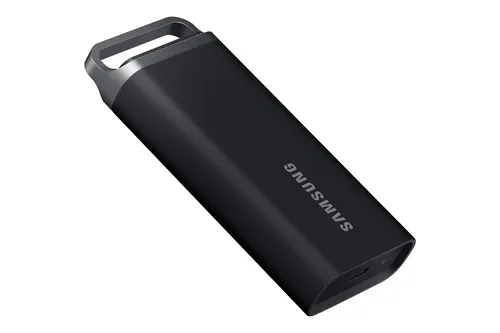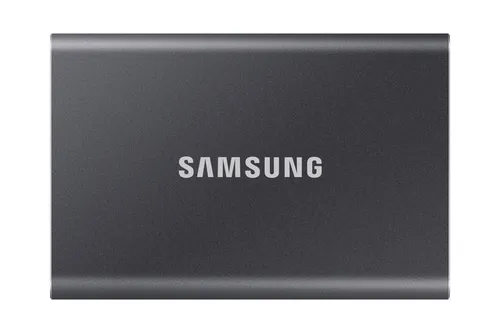
External SSDs Samsung
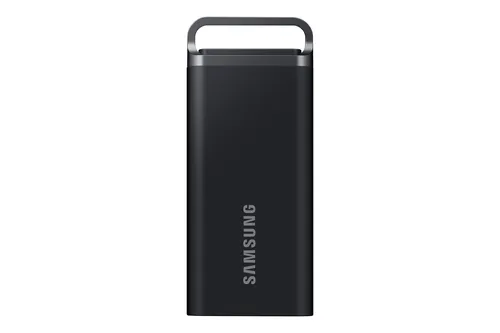
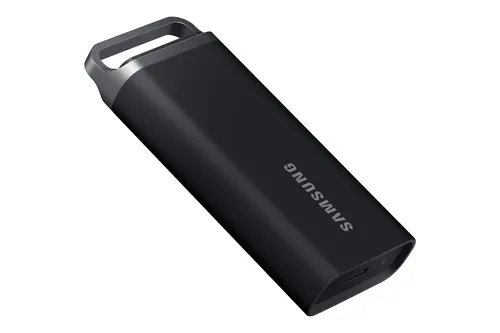
Samsung MU-PC4T0T 4 TB USB Type-C 3.2 Gen 2 (3.1 Gen 2) Grey, Titanium
Relevance for this use: 73/100
Editing videos from a laptop requires fast and spacious external storage. Source files occupy several hundred gigabytes, and editing software constantly solicits the drive to read sequences, apply effects and export finalised projects.
Slowdowns harm creativity: each second gained opening a project or rendering a preview improves working comfort. Capacity matters as much as performance, as a project can mobilise dozens of hours of raw footage.
Price takes second place to efficiency: a high-performing SSD pays back its cost in time saved and ease of use, especially when working far from your fixed workstation.
The same criteria as on the category page, but not the same weight: here is what goes up and what goes down.
Price matters less than usual for a daily work tool. Investing in a model capable of meeting video editing demands guarantees rapid return on investment. Savings made on an entry-level drive are lost in repeated waiting and frustrations. Prioritise performance over price to preserve your productivity.
Capacity becomes the priority criterion for storing complete video projects. A single shoot easily generates several hundred gigabytes, and keeping multiple editing versions multiplies requirements. Aim for the top of the range, close to the eight thousand gigabytes recorded on the best models, to avoid juggling between drives. The median at two thousand gigabytes remains tight for short projects.
Read speed determines workflow fluidity on the timeline. The closer it approaches three thousand eight hundred megabytes per second of the best level, the less the software struggles to display multiple tracks simultaneously. The median at one thousand and fifty megabytes per second limits the number of exploitable video streams. Investing in high performance avoids stuttering during preview.
Write speed matters at every export and project save. Reaching three thousand seven hundred megabytes per second of the upper level considerably shortens waiting times at end of day. The median at one thousand megabytes per second remains acceptable for light projects, but becomes frustrating on long exports. Prioritising this criterion directly improves your production pace.
The features pushed in this category that make no difference in this context.
Compact design at expense of cooling
Ultra-thin casings can throttle performance during prolonged heat. Video editing intensively solicits the drive for hours: a design favouring thermal dissipation better preserves throughput over duration than reduced format.
Old connectors incompatible with high throughput
An outdated interface limits transfers even if internal SSD can go faster. Check that your computer has recent connectors capable of fully exploiting announced performance, otherwise you pay for inaccessible speed.
Orders of magnitude, not displayed prices: a price only appears on Kalyneo once it has been collected from a merchant, with its collection date.
Under €80
Under eighty euros, capacity and throughput remain insufficient for regular video editing: reserve this budget for other uses.
€80 to €200
Between eighty and two hundred euros, certain models offer acceptable compromise for short projects, but quickly hit capacity limits.
Over €200
Above two hundred euros, you access generous capacities and sustained speeds that make mobile editing truly efficient.
Ranked by relevance for this specific case, not by their overall score.
External SSDs Samsung
Relevance for this use: 73/100
External SSDs Kingston Technology
Relevance for this use: 70/100
External SSDs Kingston Technology
Relevance for this use: 65/100
External SSDs Samsung
Relevance for this use: 62/100
External SSDs Samsung
Relevance for this use: 57/100
External SSDs Samsung
Relevance for this use: 54/100
A product only enters this list if it meets every one of these points. Its relevance is rated for this specific use, independently of its overall score in the category.