USB hub for students and small budgets
In university residence or studio flat, the laptop rarely has enough ports to simultaneously connect USB stick, hard drive, mouse and keyboard. A USB hub multiplies connections without requiring significant budget or taking up precious desk space.
For daily use focused on storage and input devices, high-resolution video functions and multiple HDMI outputs matter little. The essential lies in the ability to plug in several USB devices at once, with stable wired network connection if needed.
The choice therefore falls on compact models offering numerous fast USB ports at affordable price, leaving aside external display capabilities that increase cost without meeting the real needs of this situation.
What matters in this specific case
The same criteria as on the category page, but not the same weight: here is what goes up and what goes down.
-
Price
Matters more coefficient 1.8Price becomes the central criterion for a student equipping their workspace. The most affordable models suffice amply when needs are limited to USB connectivity and possible network connection. Comparing prices allows identifying solutions offering the best ratio between number of ports and investment, without paying for superfluous functions.
-
USB 3.2 ports
Matters more coefficient 1.9The number of USB three point two Gen one Type A ports matters enormously in this situation, as it directly determines how many devices can remain plugged in permanently. Benchmarks show variation from one to four ports on recent listings. Aiming for at least the median of two ports ensures simultaneously connecting mouse, keyboard, USB stick and external hard drive without constantly unplugging.
-
Video resolution
Matters less coefficient 0.6Maximum supported video resolution matters little in a context where the main screen remains that of the laptop. Models vary between different high definition types, but this capability does not justify extra cost when usage focuses on peripherals. The most modest values suffice, so this criterion takes a back seat.
-
HDMI outputs
Matters less coefficient 0.5The number of HDMI outputs constitutes the least determining criterion for a student working on their laptop screen. Benchmarks indicate one to two outputs on market listings, but in this situation a single output often remains unused. No point paying for multiple display capabilities that will never serve in a small accommodation.
-
Ethernet ports
Matters more coefficient 1.2Ethernet ports retain moderate usefulness for ensuring stable network connection during video calls or large downloads. Benchmarks show one to two ports available depending on models. A single Ethernet port suffices largely in this configuration, allowing choice to be directed towards simple hubs rather than complex stations.
What is not worth paying for
The features pushed in this category that make no difference in this context.
-
Several simultaneous video outputs
Stations allowing control of two or three external screens considerably increase price without bringing value in small accommodation where the laptop screen suffices. This capability concerns professional multi-screen configurations, not daily student use where space is as lacking as budget.
-
Ultra high definition resolutions
Support for very high resolutions raises docking station cost without real benefit for those working on a single laptop screen. Content consulted in digital library or document writing does not require these capabilities, which remain the preserve of professional graphic creation.
-
Laptop power supply
Some high-end stations integrate a computer charging function via the connection cable. This convenience represents significant extra cost when the original charger works perfectly. In a tight budget, this function comes after multiplying standard USB ports.
Price ranges for this use
Orders of magnitude, not displayed prices: a price only appears on Kalyneo once it has been collected from a merchant, with its collection date.
Less than €30
Models under thirty euros generally offer two to three fast USB ports, sufficient for connecting common peripherals without elaborate video functions.
€30 to €100
Between thirty and one hundred euros, hubs offer more USB ports and often integrate an Ethernet port, covering all daily needs of a student.
More than €100
Beyond one hundred euros, stations add video and power capabilities that exceed real needs of usage focused on USB connectivity.
The products selected for this use
Ranked by relevance for this specific case, not by their overall score.
Docking stations and USB hubs HP
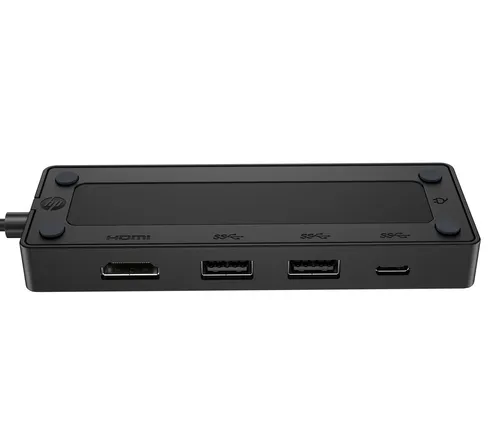
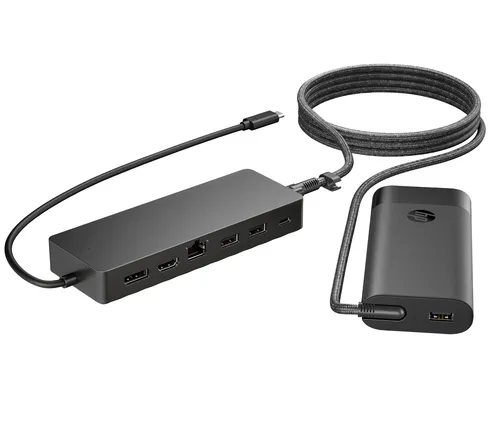
HP Universal USB-C Hub and Laptop Charger Combo
Relevance for this use: 70/100
Docking stations and USB hubs Lenovo
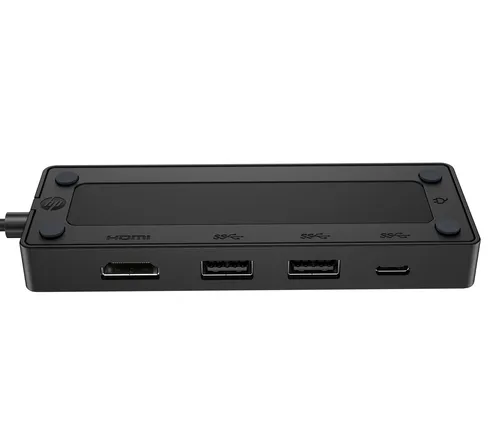
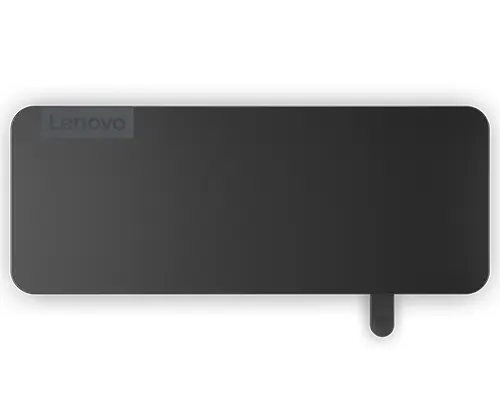
Lenovo 4X11N40212 laptop dock/port replicator Wired USB 3.2 Gen 1 (3.1 Gen 1) Type-C Black
Relevance for this use: 70/100
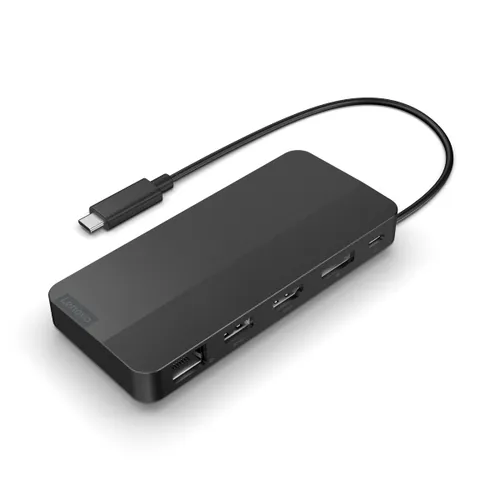
Docking stations and USB hubs Lenovo
Lenovo 40B90100EU laptop dock/port replicator Wired USB 3.2 Gen 1 (3.1 Gen 1) Type-C Black
Relevance for this use: 59/100
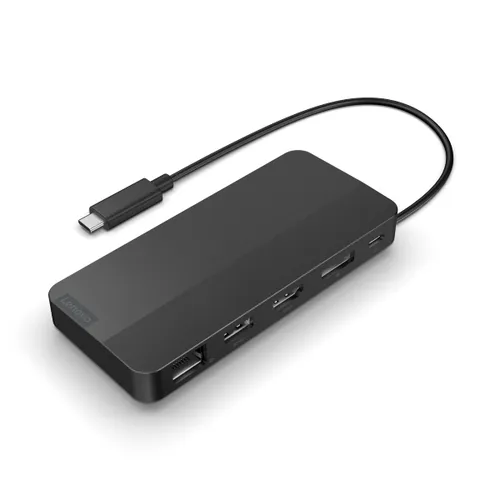
Docking stations and USB hubs Lenovo
Lenovo 40B90000WW laptop dock/port replicator Wired USB 3.2 Gen 1 (3.1 Gen 1) Type-C Black
Relevance for this use: 59/100
Our selection criteria for this use
A product only enters this list if it meets every one of these points. Its relevance is rated for this specific use, independently of its overall score in the category.
- The hub offers at least two USB three point two Gen one Type A ports
- The model favours USB connectivity rather than multiple video outputs
- The price remains consistent with usage focused on common peripherals
- Compactness allows installation on a student desk